


This is an account-assisted recharge service. Select your package, provide the requested player information, and complete payment. Then follow the instructions associated with your Topuplist order to arrange login assistance. A User ID alone is not sufficient to complete the recharge.

Aniimo Login Top-up
Fast
24/7
Secure
-6%
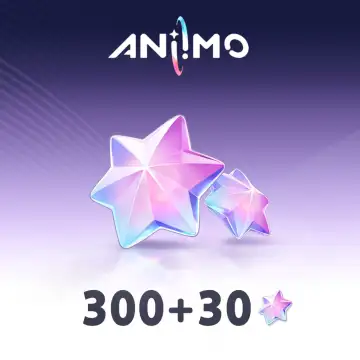
300+30 Lumin Crystals
$4.71$4.99
-4%
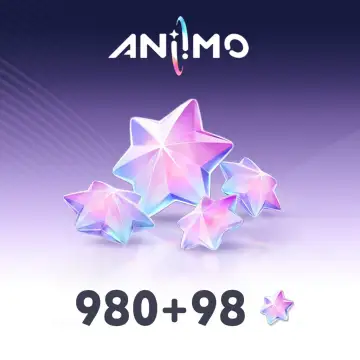
980+98 Lumin Crystals
$14.45$14.99
-3%
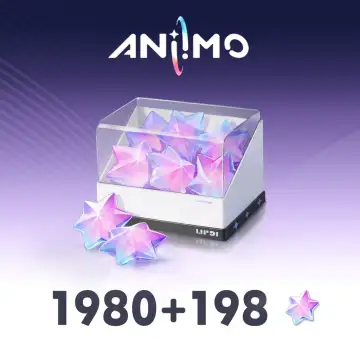
1980+198 Lumin Crystals
$29.10$29.99
-9%
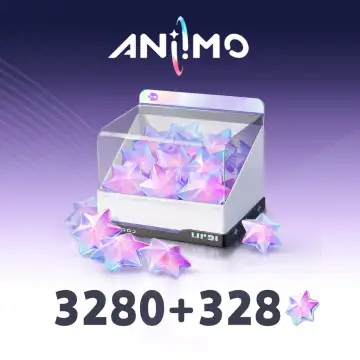
3280+328 Lumin Crystals
$45.80$49.99
-7%
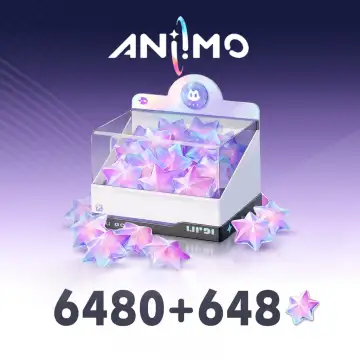
6480+648 Lumin Crystals
$93.09$99.99
-4%
Monthly Pass
$4.82$4.99

Advanced Companion Handbook
$10.17

Keepsake Companion Handbook
$21.40
-4%
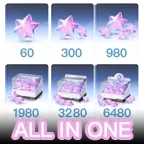
All-In-One
$193.56$200.99
Description
Aniimo Login Top-up
Purchase Aniimo Lumin Crystals and eligible in-game passes through Topuplist with account login assistance. Choose the package you need, submit your player information, and follow the order instructions to arrange the recharge.
What Can You Purchase?
This page offers Lumin Crystal packages, Monthly Pass, Advanced Companion Handbook, Keepsake Companion Handbook, and the All-In-One bundle when available. Lumin Crystals are an in-game currency; their uses and exchange options depend on the current Aniimo shop. Pass and handbook rewards, claim requirements, and validity follow the terms shown in the game.
Check the selected package before paying. Bonus amounts, purchase limits, and eligibility may depend on your account and the current game rules. For the All-In-One option, review its individual package description rather than assuming it includes every pass or handbook.
How to Top Up Aniimo on Topuplist
Select your Lumin Crystal package, pass, handbook, or bundle.
Enter the requested player information and confirm that it belongs to the correct Aniimo account.
Review the package and order total, then complete payment using an available checkout method.
Follow the instructions in your order or contact Topuplist support to arrange the required login assistance. A User ID alone does not complete this service.
Once the order is marked complete, sign in to the correct game account and check the purchased currency or entitlement.
Prepare Your Account Before Ordering
Confirm your account region, game version, and login method are supported before paying. Keep access to your linked account and any verification method needed to authorize sign-in. If you are unsure about compatibility, ask Topuplist support first. Do not enter passwords or verification codes in the User ID field or public messages; follow the dedicated instructions associated with your order.
Delivery and Reward Checks
Processing begins after payment confirmation and the required account assistance. Completion time can vary with account verification, game availability, and the order queue. Follow support instructions about using the account while the recharge is in progress.
After completion, check the relevant currency balance, pass screen, or handbook page in Aniimo. Daily pass rewards or progression rewards may need to be claimed in the game; buying an entitlement does not automatically complete its claim or progression requirements.
Why Use Topuplist for Aniimo Top-ups?
Compare available Lumin Crystal packages and passes on one product page.
Review the selected package and checkout total before payment.
Track order progress in your Topuplist account.
Contact support with your order number for help with account assistance or delivery questions.
FAQ
Aniimo Login Top-up
No reviews yet
Reviews for this product will appear here once customers share their experience.

Aniimo Login Top-up 300+30 Lumin Crystals
Login top-up Total$4.71



Why Choose Topuplist?

Fast Delivery
Enjoy quick and efficient top-ups with a smooth process and minimal waiting for your purchase.

Secure Payment
Your payment and account information are protected with secure and trusted payment measures.

24/7 Support
Our support team is available 24/7 to assist you with questions whenever you need help.