

MLBB Promo Diamonds vs Diamonds: What Can You Actually Buy?
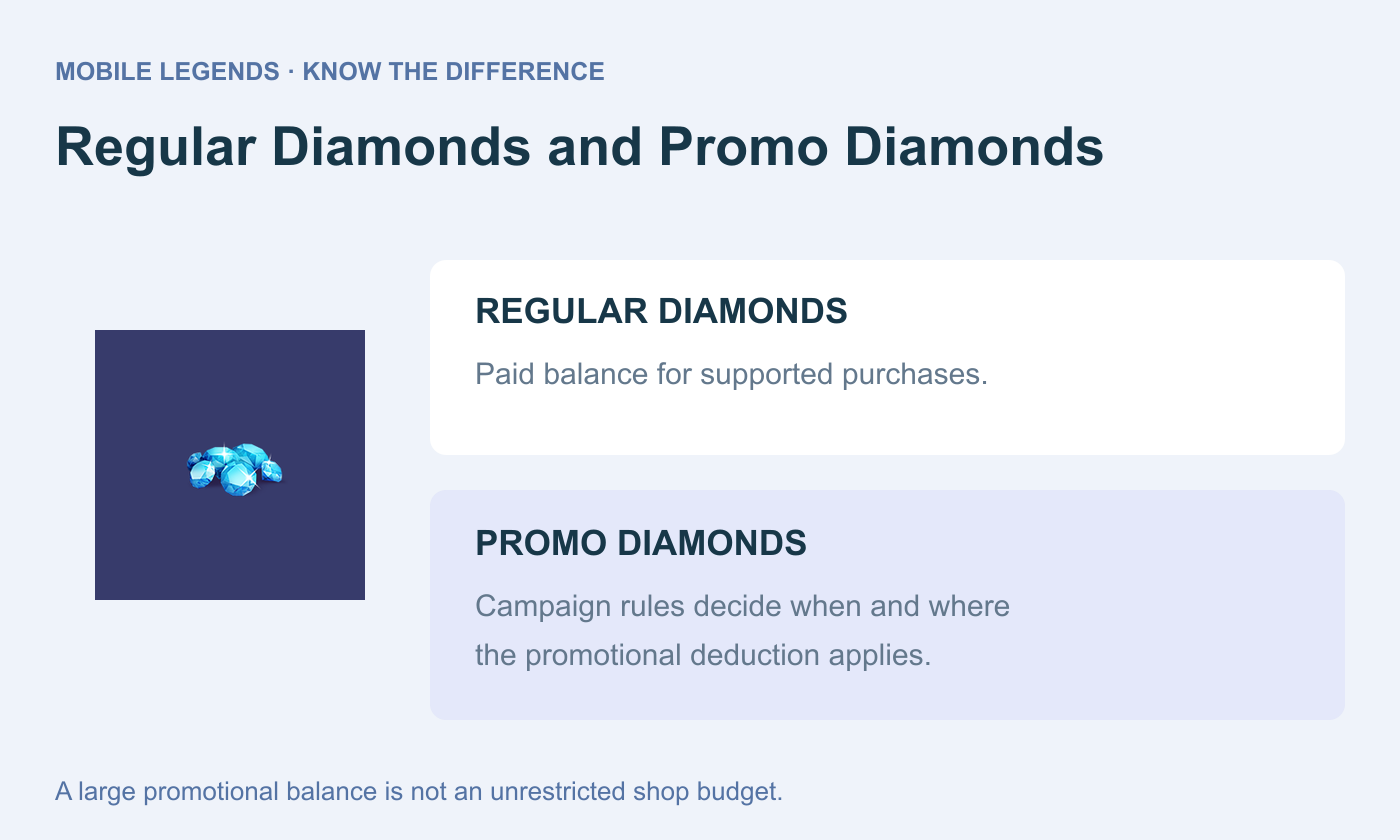
MLBB Promo Diamonds can reduce the regular Diamonds needed for an eligible purchase, but they should not be treated as a second unrestricted Diamond wallet. The promotion decides when you can spend them and which offers accept them. A large event balance is useful only if it applies to something you actually want to buy.
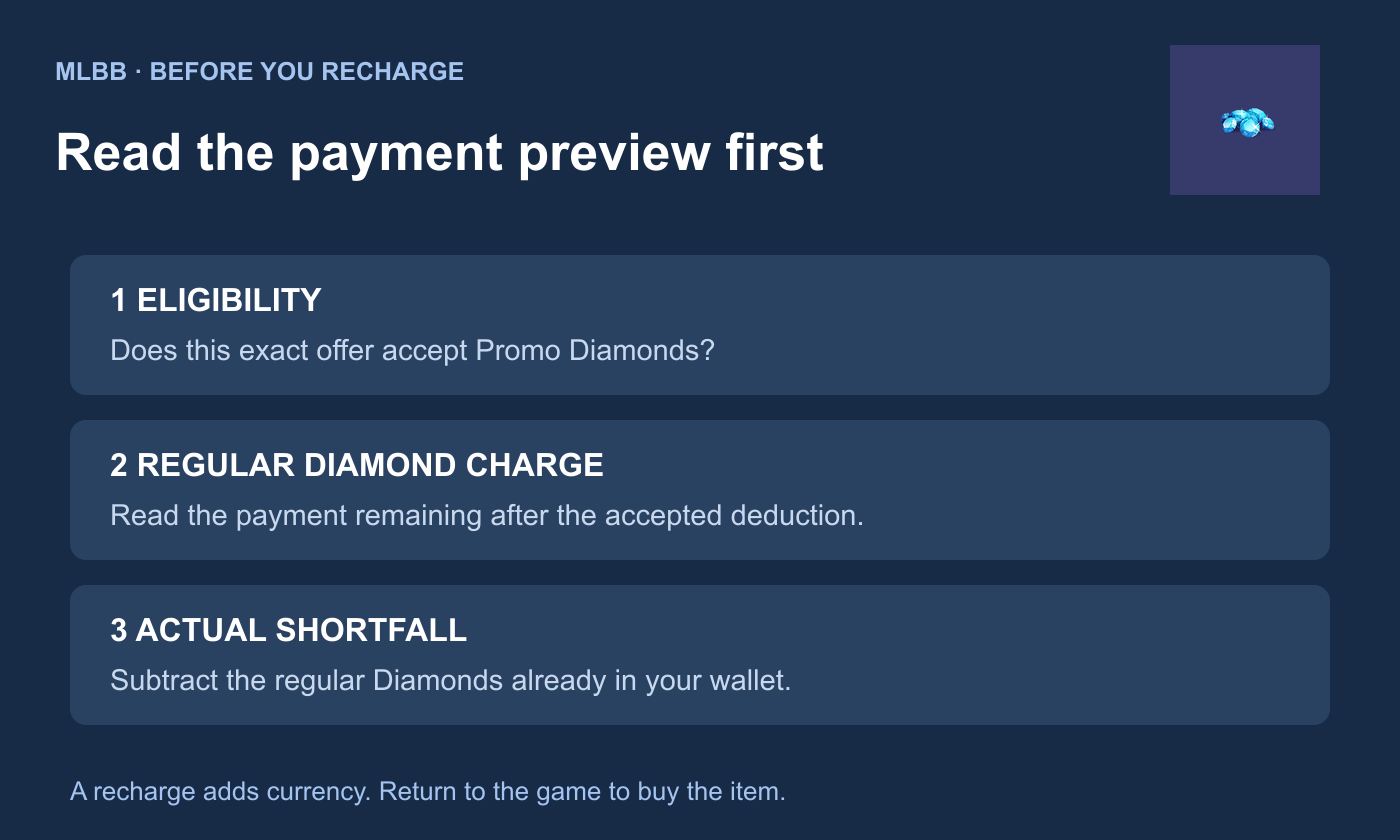
If you are planning a skin purchase, check the item’s payment preview before recharging. It tells you whether Promo Diamonds apply and how many regular Diamonds are still required. That is a better starting point than assuming the promotional balance covers the entire shop or that a past campaign’s rules still apply.
What Are Promo Diamonds in Mobile Legends?
Promo Diamonds are rewards associated with particular promotional campaigns. Their purpose is to help pay for purchases the campaign allows. Standard Diamonds, by comparison, are the game’s paid spending currency for eligible shop items and other supported offers. The similar names do not make the two balances identical.
The distinction between earning and spending is important. In its coverage of the 2024 ALLSTAR campaign, ONE Esports reported a task period for earning Promo Diamonds and a later mega-sale period for using them. That is a historical example of the system, not the schedule for a current promotion.
Whenever a new campaign appears, read its rules inside the game. Identify the collection deadline, spending window and expiry separately. A reward entering your inventory does not necessarily mean the shop has started accepting it, and an earlier task deadline does not automatically identify the final spending deadline.
 Mobile Legends: Bang Bang


What Can You Buy With Promo Diamonds?
Start with the item, not the category name. Open the skin or other offer you want and inspect its purchase screen during the campaign’s spending window. Look for the Promo Diamond deduction, the amount applied and the remaining regular Diamond payment. If there is no supported deduction, do not assume that collecting more Promo Diamonds will make that offer eligible.
Purchase you are considering | What to verify |
|---|---|
A directly sold skin | Whether its checkout accepts Promo Diamonds during the current promotion |
A draw or limited event offer | That event’s own rules; ordinary shop eligibility does not establish draw eligibility |
A gift or purchase for someone else | The gifting checkout and campaign restrictions |
A regular Diamond recharge | The paid currency being delivered; Promo Diamonds are a separate campaign reward |
Draw events deserve their own check. ONE Esports’ report on the 2024 Unite for 11/11 event described a specific period when Promo Diamonds could be used in its draw. That establishes what that event offered, not a standing rule that every draw accepts them. Use the current draw’s payment screen to decide whether it fits your balance.
Why Might You Still Need Regular Diamonds?
The usable promotional deduction may be smaller than the item’s price. It can be limited by your Promo Diamond balance, the item’s eligibility or the campaign’s payment conditions. The number you need to fund is the regular Diamond amount shown after the accepted deduction, taking your existing regular balance into account.
For example, if a payment preview shows that you still need 200 regular Diamonds and your wallet contains 50, the shortfall is 150. This is an illustration, not a quote for a particular skin. Choosing a pack should begin with that shortfall rather than the skin’s original price or the total Promo Diamonds in your inventory.
You can compare the regular Diamond products on Topuplist’s Mobile Legends page once you know the shortfall. Match the account region and the required User ID and Zone ID with the selected listing. Buying regular Diamonds does not itself award an event’s Promo Diamonds or complete its separate task requirements.
If the campaign also has recharge rewards, read those rules independently. A successful top-up and an eligible event task are different checks. The campaign can specify its own timing and qualifying purchases; the general Diamond balance cannot prove that a particular reward has been earned.
How to Make the Purchase Without Wasting the Promotion
Open the campaign rules and confirm that its spending period is active.
Choose the exact item you want, then check whether its purchase screen accepts Promo Diamonds.
Read the promotional deduction and remaining regular Diamond charge before confirming.
Subtract your existing regular Diamond balance and buy only a suitable amount for the shortfall.
Return to the item, recheck the quote and complete the purchase before the applicable deadline.
A recharge and a skin purchase remain separate transactions. After the regular Diamonds arrive, you still need to return to the game and buy the item. Keep that distinction in mind near a deadline: completing payment for a recharge is not the same as completing the promotional purchase.
Frequently Asked Questions
Can I keep Promo Diamonds for the next campaign?
Do not assume they carry over. Read the expiry on the reward and the current campaign rules. Promo Diamonds are tied to a promotion, so a normal Diamond balance is not a reliable model for their validity.
Why can I see Promo Diamonds but not spend them?
Check the spending window first, then the item’s eligibility and payment requirements. A collection period, an unsupported item or an unmet payment condition can produce different problems, so inspect the actual message instead of immediately recharging.
Where should I check a new Promo Diamond event?
Use the event page and item description in your game account, together with announcements reached through the official Mobile Legends channels. An older guide can explain the idea, but it cannot establish the current dates, eligible skins or required payment.