

BIGO LIVE VIP: How Diamond Payments and Auto-Renewal Work
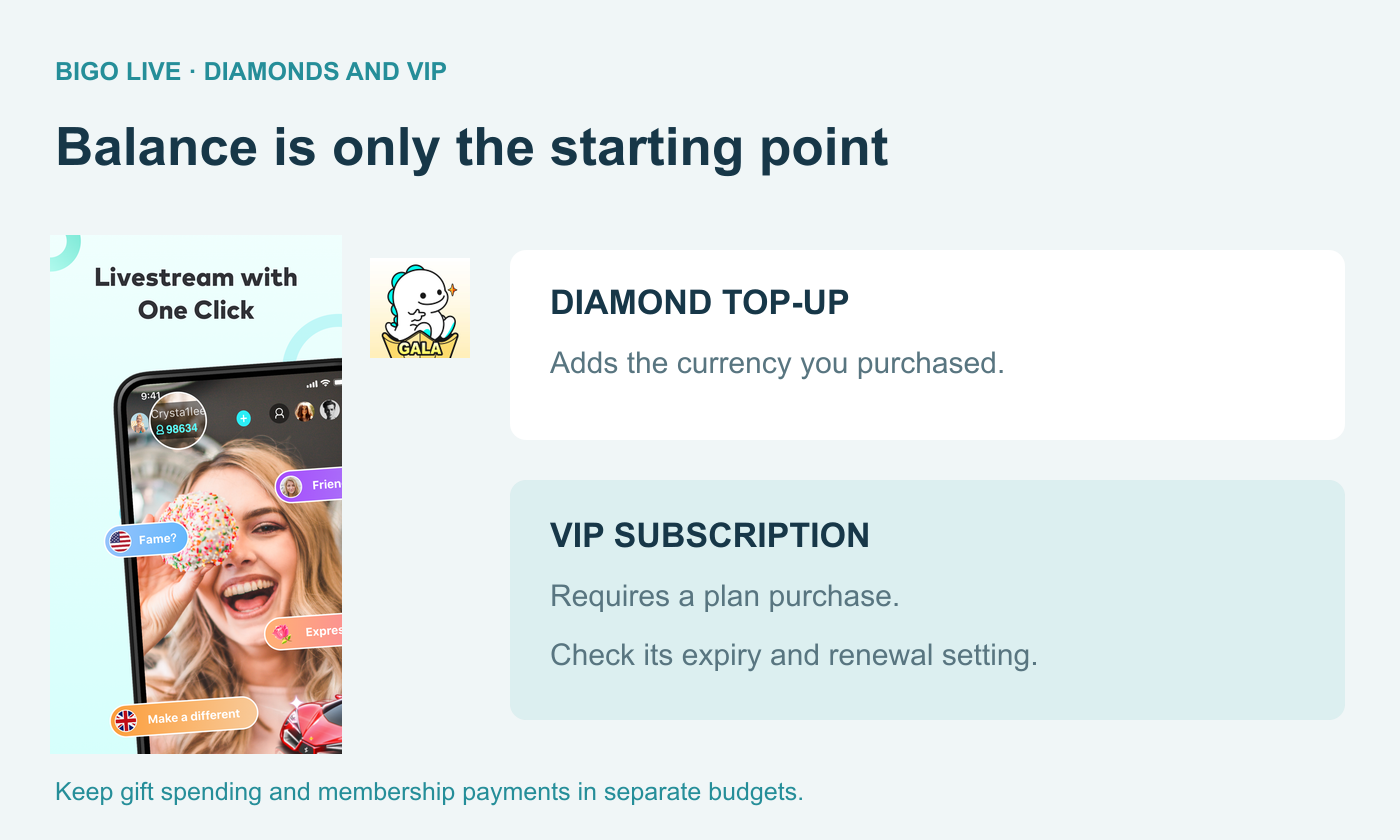
BIGO LIVE Diamonds are not only relevant when you send gifts. BIGO’s published VIP terms also describe using in-app Diamonds to subscribe to VIP plans. That means the balance you keep for live-room gifts may also be used for membership payments if you choose a Diamond-funded plan.
Before buying more Diamonds, check whether you want a single VIP period or an automatically renewing subscription. A top-up adds balance; the VIP purchase and its renewal settings decide how that balance is used. Understanding those separate actions helps you avoid budgeting the same Diamonds for both membership and gifts.
How Do You Pay for BIGO LIVE VIP?
The official BIGOLIVE VIP Service Terms direct users to the VIP page through “Check My VIP.” They state that earned or purchased in-app Diamonds are used to subscribe to the relevant plans. Open the actual offer to see the Diamond charge, service period and benefits available to your account.
Having enough Diamonds does not, by itself, activate a new membership. You must select and complete the VIP purchase. Conversely, buying a Diamond recharge does not tell you whether an existing VIP subscription will renew. Read the membership status and renewal setting separately from the wallet balance.
If you need to fund a planned Diamond payment, you can review Topuplist’s BIGO LIVE Diamond options. Match the recipient and the selected product to your account. Treat that order as a currency purchase, then return to BIGO LIVE to complete or verify the VIP transaction itself.
 Bigo Live




What Are You Buying With a VIP Plan?
The terms distinguish general User Level from VIP Membership Level. User Level reflects engagement with the platform. VIP Membership Level applies to paid VIP users and is linked to their User Level range. They are related systems, but having a general user level should not be read as proof that a paid membership is active.
VIP privileges depend on the specific plan. BIGO’s terms give examples such as exclusive effects, rewards, enhanced access and priority support, while directing users to the VIP page for the actual package. Do not combine attractive benefits from several different tiers into a single assumed offer.
Before confirming, identify the features you will use during the paid period. A viewer interested mainly in gifts should compare the membership’s actual benefits with the Diamonds it consumes. The membership fee and the gifts you send remain separate uses of your balance unless the offer explicitly includes gift allowances.
How the 30-Day Renewal Period Works
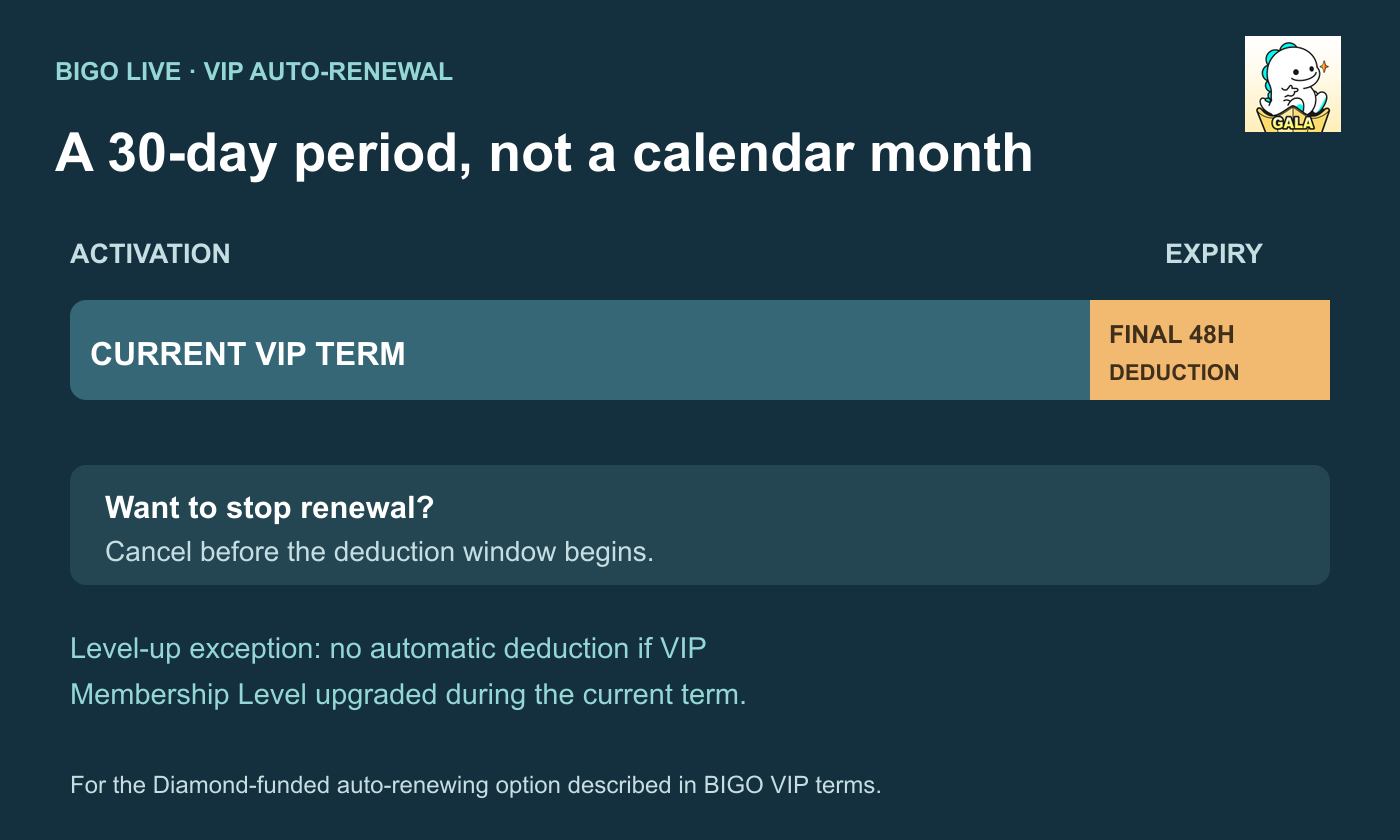
For the auto-renewing monthly option described in the published terms, “each month” means a 30-day period starting from activation. It does not mean the first to the last day of a calendar month. Check the activation and expiry shown on your VIP page instead of using a calendar-month reminder.
When auto-renewal is enabled and the VIP Membership Level has not upgraded during the current term, the terms describe deducting a one-month VIP fee within the final 48 hours of the period. The cancellation instruction requires action before that deduction period. Waiting until the visible expiry date may therefore be too late to prevent the scheduled charge.
Account situation | What the published terms describe |
|---|---|
Auto-renewal enabled; no VIP Membership Level upgrade | A one-month fee is deducted in the final 48 hours of the 30-day period. |
VIP Membership Level upgraded during the term | No automatic deduction is processed, even if auto-renewal is enabled. |
You want to stop the next automatic payment | Cancel before the deduction period and verify the resulting status. |
The upgrade exception is easy to miss: the terms say that no automatic deduction is processed when VIP Membership Level has upgraded during the current service term. Do not interpret that as a free extra month. Check the plan, remaining service and any purchase needed for continued access on the VIP page.
Where to Cancel BIGO LIVE VIP Auto-Renewal
Open the ME page in BIGO LIVE.
Enter My VIP and open the membership controls.
Choose Subscriptions and select the option to cancel the monthly VIP subscription.
Check the resulting renewal status and keep the confirmation for your records.
This follows the route in BIGO’s published VIP terms. Interface labels may differ by app version, so use the subscription-management control associated with the plan you bought. If your purchase confirmation identifies another billing provider, also check that provider’s subscription controls rather than assuming every plan is managed identically.
The terms state that Diamonds used for VIP subscriptions are non-refundable to the extent permitted by applicable law. Turning off future renewal and requesting a refund for a completed payment are different actions. If the deduction is already recorded, use BIGO’s in-app customer support with the membership details and payment record.
Keep Your VIP and Gift Budgets Separate
Decide how many Diamonds you need for membership before allocating the rest to gifts. If you intend to keep auto-renewal, account for the next membership deduction in that budget. If you intend to stop, cancel early and verify the setting; simply spending the remaining balance is not a clear cancellation method.
After a recharge, verify the Diamond balance. After a VIP purchase, verify membership activation and expiry. After cancellation, verify renewal status. Each screen answers a different question, and checking the matching one is more useful than relying on a single successful payment message.