

BIGO LIVE Diamonds Top Up: Buy the Gifts You Want for Better Value
A BIGO LIVE gift is more than an animation on a screen. It lets you respond to a performance, celebrate a moment in a live room, or support a broadcaster you regularly watch. Diamonds are the balance viewers use to buy virtual gifts, so choosing a recharge method starts with what you want to send and how much it costs inside the app.
You can compare an in-app purchase with the recharge options available through BIGO’s website and an ID-based recharge listing. The useful comparison is the final amount you pay for Diamonds credited to the right account. A large advertised quantity, a different billing currency, or a temporary offer can make two purchases look more similar than they actually are.
What Do Diamonds Do on BIGO LIVE?
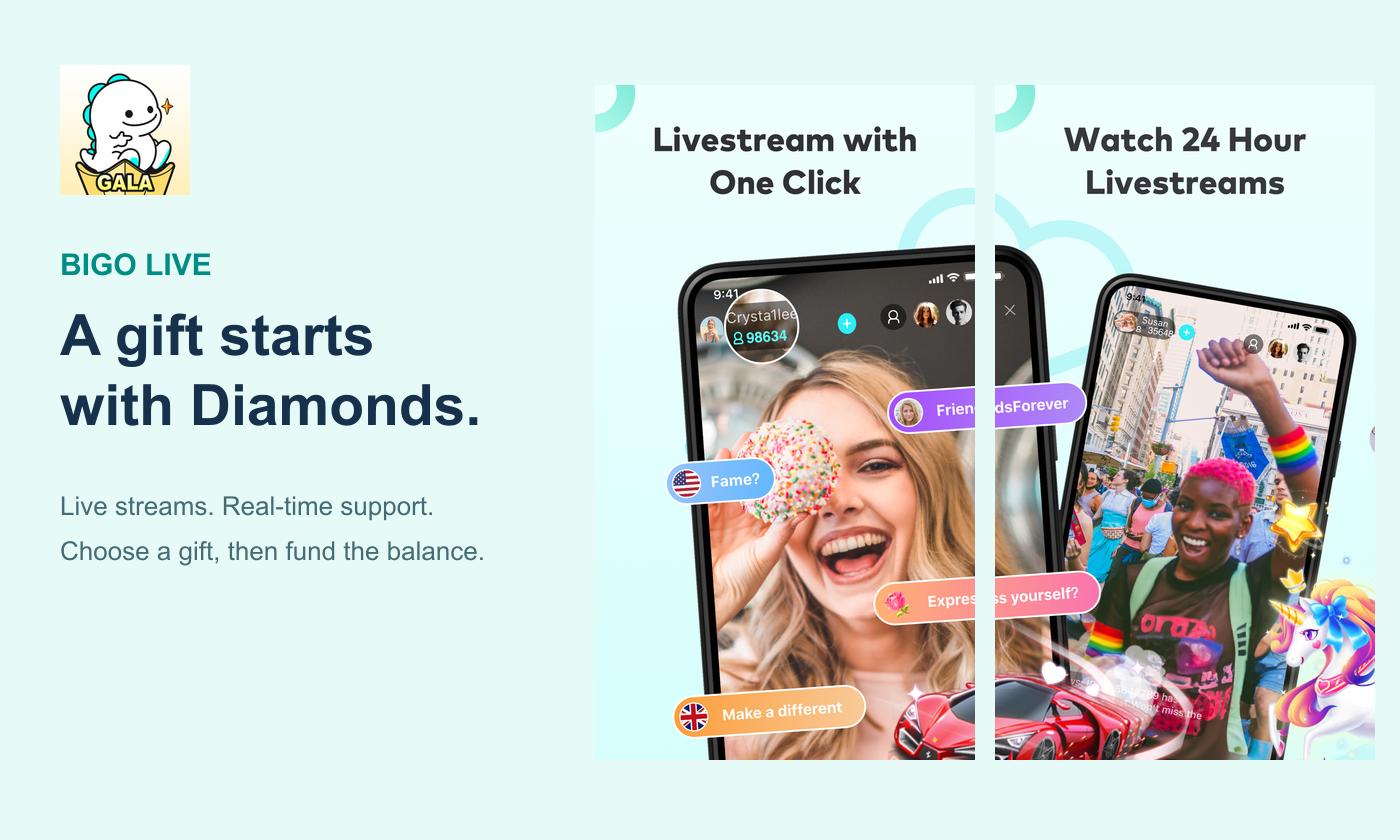
BIGO LIVE combines live broadcasting, video chat, voice rooms, and game streams. Its official App Store listing describes watching creators, joining conversations, broadcasting, and receiving gifts. For a viewer, buying Diamonds is an optional way to take part in the gifting side of that experience; it is not the same as paying an admission fee for every stream.
The gift panel connects the currency to an actual purchase. Open the live room you intend to support, look at the available gifts, and read the Diamond amount attached to the one you want. Gifts can differ in appearance and cost. Use that current panel as the shopping reference instead of an old screenshot or a gift list from another live-streaming app.
Your existing balance matters as much as the gift price. If you already have enough Diamonds, there is no extra purchase to make. If you want several gifts, add their displayed costs and subtract your available Diamonds. This gives you the shortfall to cover, rather than encouraging you to buy a large balance without a specific use.
Diamonds and Beans belong to different sides of gifting
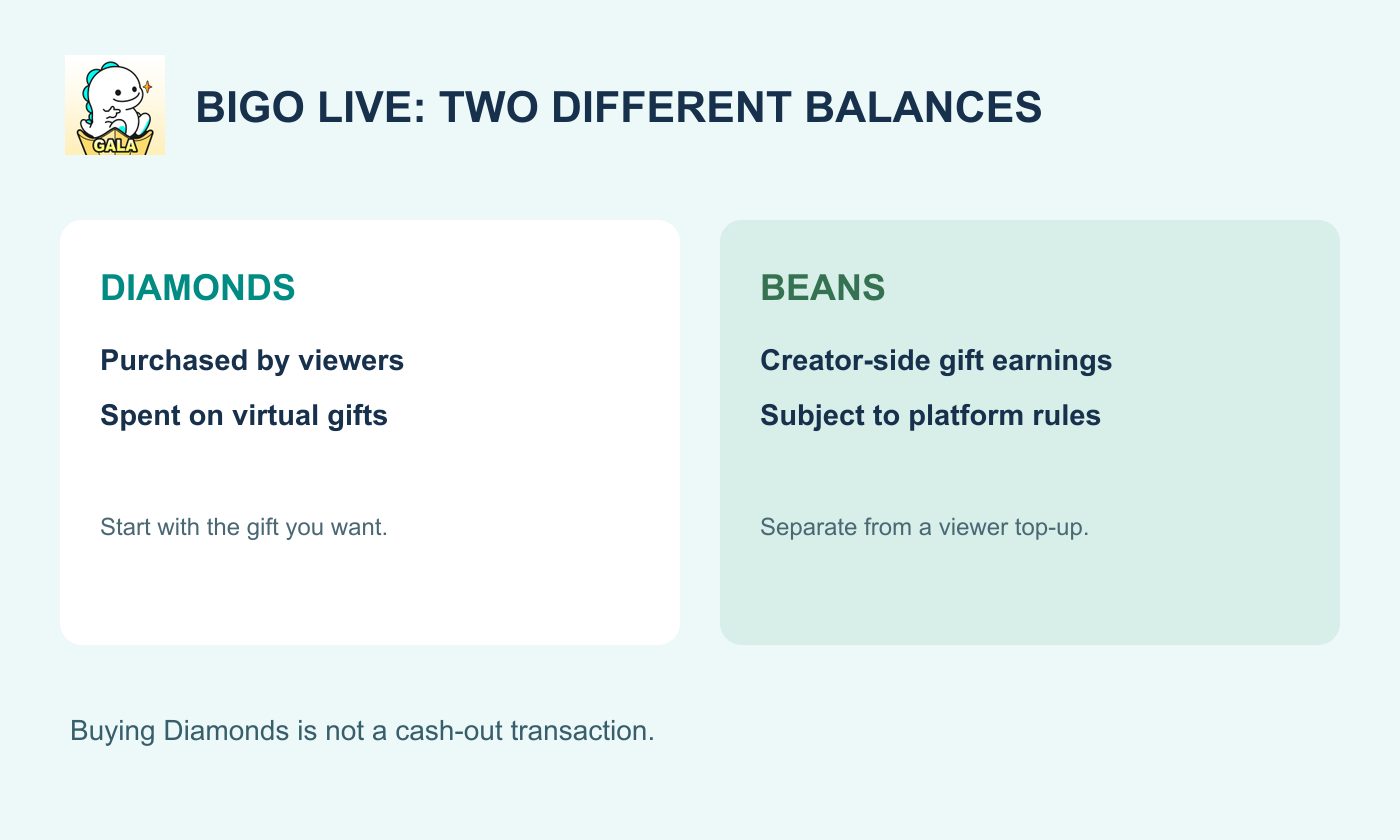
Diamonds are the viewer’s spending balance. Beans are associated with the broadcaster’s gift earnings. Sending a gift and receiving creator earnings are therefore different actions, even though both are part of the same interaction. Buying Diamonds does not purchase a broadcaster’s withdrawable balance, and the number of Diamonds spent should not be treated as the amount of money a creator receives.
This distinction is especially useful if you both watch and broadcast. A viewer top-up belongs to your gifting budget; any creator earnings follow the platform’s separate earnings rules. Keep those decisions separate when comparing purchase prices. A cash-out calculation for Beans cannot tell you whether a Diamond purchase is good value for the gifts you plan to send.
 Bigo Live




Three Ways to Approach a BIGO LIVE Recharge
Buy inside the app when you want a direct account connection
The in-app route keeps the purchase close to the account and gift panel you are using. Open your profile or wallet area, find the Diamond recharge entry, and review the purchase options offered to that account. Interface labels can vary between clients, so follow the actual Diamond balance and recharge control rather than looking for a fixed menu name.
Before approving payment, read the app-store or payment-provider confirmation. Check the quantity, charge, and account you are using. A local-currency price can be easier to understand than a foreign-currency quote, but convenience alone does not establish the lowest cost. Keep the final confirmation available if you intend to compare it with a website offer before purchasing.
Use the website recharge entry for a separate checkout comparison
BIGO’s website includes a Recharge entry. Start from the platform’s own site or a recharge link provided inside the app, then follow the account and regional options shown there. Do not assume a similarly named payment domain is official solely because it includes the words BIGO or recharge. The starting link matters when choosing a payment destination.
A website checkout can offer a different combination of billing currencies and payment methods from your phone’s app store. Compare what it actually offers in your region. If a preferred payment method is not available after you select your location and order, a logo shown elsewhere on the website is not enough to establish support for that purchase.
Choose an ID-based top-up when the listing matches your account
The BIGO LIVE recharge listing on Topuplist uses a BIGO LIVE User ID for direct delivery. You choose the Diamond product, enter the recipient information requested by the order form, and review the order before paying. This is a different workflow from approving a purchase through your phone’s app-store account.
Open your BIGO LIVE profile to copy the User ID belonging to the account you want to fund. Your display name and profile picture can help you recognize the account, but they should not replace the identifier requested by the form. If a recipient confirmation appears, compare it with the intended profile before continuing.
For an ID-based order, account identification and payment authorization remain separate. Enter the recipient ID in the order form and authorize payment through the checkout provider. There is no reason to send a bank password or an unrelated account’s login details as a substitute for the BIGO LIVE identifier. Read the seller’s current delivery and cancellation terms before committing.
How to Compare Diamond Prices Fairly
Keep a Diamond purchase separate from a membership subscription. BIGO’s App Store listing links to distinct VIP service terms, so an offer described as VIP should be read for its own benefits and billing conditions. A Diamond quantity does not by itself establish membership access, and a membership price cannot be compared with a Diamond recharge as though both deliver the same product.
A useful price comparison holds the product constant: the same currency, delivered to the same type of BIGO LIVE account, with the same eligibility conditions. Compare the final payment rather than a headline percentage. A discount that requires a new customer, a particular payment method, or a separate promotion is useful only when your order meets those conditions.
What to compare | Why it changes the decision |
|---|---|
Diamonds actually credited | Separate the purchased amount from any conditional bonus. |
Final payment currency | A foreign quote may involve conversion or card fees. |
Recipient and delivery method | The offer must support the account you intend to fund. |
Offer conditions | A promotion for another region or account type is not your effective price. |
For different quantities, calculate the cost per credited Diamond: divide the total charge by the usable quantity you will receive. Use one payment currency for both offers. If currency conversion is necessary, use the amount your payment provider will actually charge rather than a search engine’s indicative exchange rate. Otherwise, a small apparent saving can disappear at checkout.
A bonus should be counted only when it is confirmed for your order. Separate guaranteed Diamonds from rewards that require another action or depend on an event. If the offer does not explain whether a bonus goes into the same spendable balance, do not count it as extra gifting power until the terms make that clear.
There is also a difference between a lower unit cost and a lower total spend. Buying more Diamonds may reduce the cost per unit, yet still take you beyond the amount you intended to spend. For an occasional viewer, covering a planned gift can be more useful than keeping a large unused balance. Regular viewers can compare a broader budget while keeping the same spending limit.
Plan the Gift Before You Buy the Balance
For a single gift, the decision is straightforward: check the current gift cost, subtract your available balance, and choose a purchase that covers the difference. For several broadcasts, set a total Diamond budget across the sessions. Deciding in advance helps prevent the convenience of a stored balance from becoming a reason to send more than you originally wanted.
If you are buying Diamonds for someone else’s account, confirm the intended recipient before placing the order. Funding a friend’s wallet gives that person spending balance; it does not automatically send a particular gift to a broadcaster. If your goal is to support a creator yourself, fund the account from which you will actually send the gift.
A live event can make a purchase feel urgent, but the Diamond delivery and the event reward are separate matters. Read the event page for any spending window, eligible gifts, or participation requirements. A successful top-up alone does not establish that you have completed the action needed for an event reward.
After Payment: Confirm the Diamonds Before Sending
Return to the intended BIGO LIVE account and inspect its Diamond balance. Compare it with the balance recorded before purchase, allowing for any gifts you have sent in between. Keep the payment receipt and seller order number together; one identifies the charge, while the other identifies the recharge request and recipient.
If payment has been taken but the balance is missing, check the original order status before making another purchase. Send the original provider the order number and recipient information it needs to investigate. A pending delivery is not proof that the payment failed, and repeating the purchase may leave you with more Diamonds than you intended once both orders complete.
BIGO LIVE Diamond Recharge FAQ
Do I need Diamonds to watch BIGO LIVE?
You can watch streams and explore the app without buying a gifting balance. Diamonds are relevant when you choose a paid gift or another feature that specifically requests them. The requirements of the selected feature determine whether a purchase is needed.
Will a Diamond top-up increase my Beans balance?
A Diamond top-up adds the viewer spending currency you purchased. Beans are associated with creator earnings, so do not use the Beans balance to check whether a viewer recharge arrived. Check Diamonds on the recipient account instead.
Is the website always cheaper than the app?
No single answer applies to every region and payment route. Compare the same credited Diamond quantity against the final payable amount, including conversion and any applicable fees. Count promotional extras only when the offer confirms that you qualify.
Which account detail should I use for an ID recharge?
Use the BIGO LIVE User ID requested by the order form and copy it from the intended account’s profile. Check any recipient preview before payment. A nickname alone is not a reliable substitute for the account identifier the seller requires.
Start with a gift you actually want to send, then compare the cost of funding that purchase. With the right recipient, a clear Diamond quantity, and a final checkout price, choosing a BIGO LIVE top-up becomes a practical buying decision rather than a guess based on the largest advertised balance.