

VALORANT Skin Refunds: Why the Practice Range Counts as Use
Taking a new VALORANT skin into the Practice Range can make it non-refundable. Riot counts content as used once you reach a match’s loading screen with it equipped, including practice and custom games. You do not need to finish a competitive match for the rule to apply.
The familiar 14-day limit is only part of the test. An eligible weapon skin must also be unused and at its base level. Before trying a skin in-game or spending Radianite on it, decide whether you are keeping it: those actions can change the answer even on the day of purchase.
VALORANT skin refund eligibility: the checks that matter
Riot’s refund instructions limit weapon-skin refunds to unused, base-level skins purchased within the last 14 days. A recent purchase is therefore a starting point, not an automatic approval. Check the item’s condition and purchase type together.
Your situation | What it means under Riot’s standard policy |
|---|---|
Unused, base-level skin bought within 14 days | Can qualify for the weapon-skin refund route |
Equipped skin taken to a practice or custom-game loading screen | Counts as used; used weapon skins are non-refundable |
Upgraded weapon skin | Non-refundable, even if you have not played with it |
Weapon-skin bundle | Bundles are non-refundable |
Purchase outside the 14-day window | Outside the standard eligibility window |
 VALORANT


A short practice session still counts
The dividing line is the loading screen, not how long you played or whether you fired a shot. If you equipped the skin and loaded into practice, saying that you only wanted to hear its firing sound does not make the content unused under the published definition. The same applies to a custom game.
If you are undecided, inspect the available store previews before committing. Do not treat buying a skin, testing it in the Range and returning it as a trial system. Unequipping it afterward does not change the fact that you already took it into a game.
Start the request on the account that made the purchase
For a skin that still meets the conditions, use the refund page rather than searching for an exception in the store. Riot’s process lets you sign in and view purchases eligible for refunds.
Open the official VALORANT refund page and sign in to the account that bought the skin.
Review the purchases shown as eligible and select the relevant refund option. Check the exact item so you do not confuse a separate purchase with a bundle.
If the refund control does not work, use the page’s Submit a Ticket route. Describe the purchase and the problem instead of assuming that a failed button overrides the eligibility rules.
If you no longer want the item, avoid using or upgrading it while you check. A support request is not a reservation of refund eligibility, and the published purchase window still matters.
Upgrades and bundles close different doors
Upgrading is a separate reason for refusal. Riot excludes upgraded skins, weapon-skin levels and variants, and Radianite Points from refunds. A skin can therefore fail the refund test without ever entering a match. Keep the base-skin decision separate from the decision to unlock additional cosmetic features.
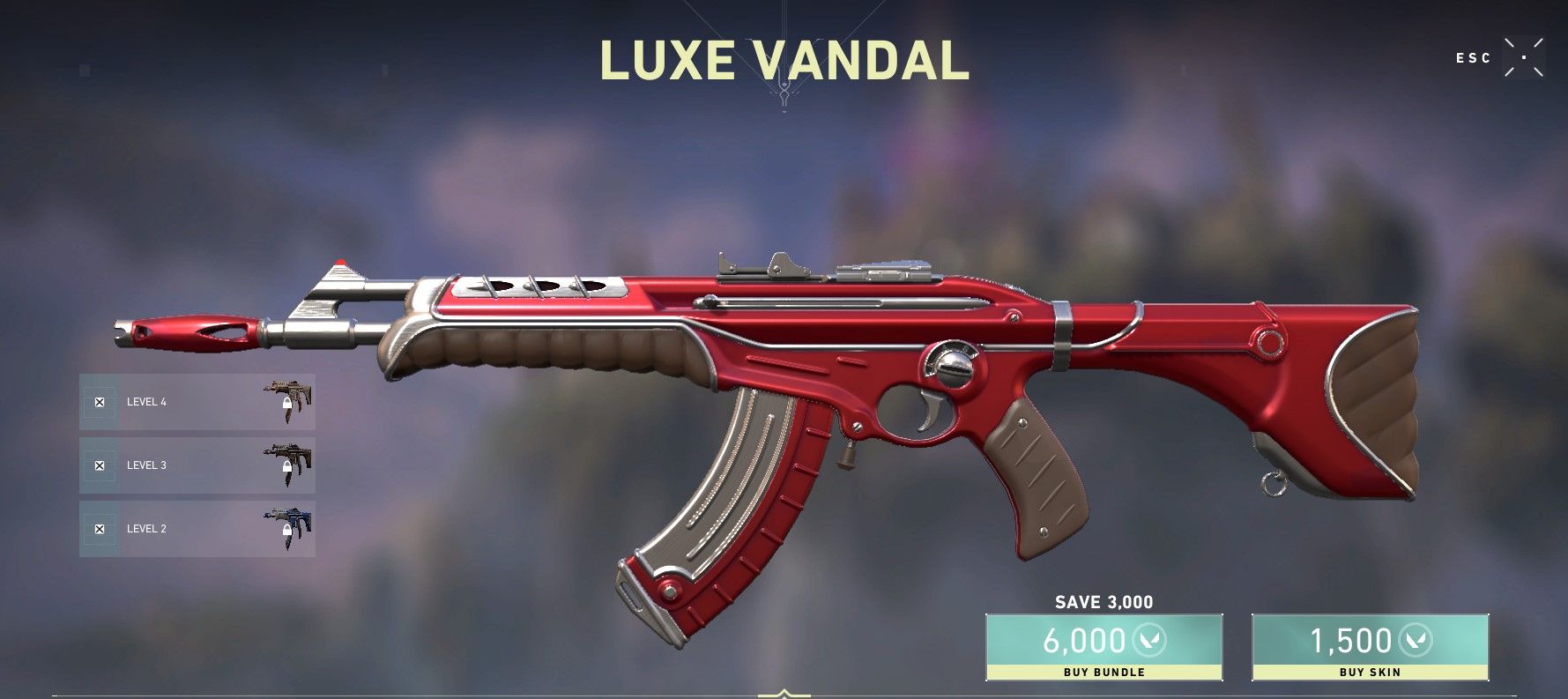
The bundle refund rules add another restriction: if you buy an individual item first, it can still qualify while unused, not upgraded and before you buy the full bundle. Once you complete the bundle purchase, those individual items can no longer be refunded. Buying an item labelled “Free in Bundle” separately also does not reduce the bundle’s cost.

Read the purchase confirmation in your own client before switching from a single item to a full collection. The important distinction is the transaction you are completing; historical store images do not establish a current offer or price.
A pending gift can block refunds for other purchases
An item can look otherwise eligible while an account-level restriction blocks the request. Riot’s refund policy says a sent gift that has not been received blocks all refunds. The policy tells the sender to have the recipient claim it to unlock refunds for other content.
Check that possibility if a recent, untouched skin is not available to refund. Clearing a pending gift does not make a used skin, an upgraded skin or a bundle refundable; it removes a different blocker.
A skin refund is different from a cash refund for VP
If you want money back for an unused VP purchase, Riot directs you to submit a ticket. Its instructions give a 14-day transaction window as long as the VP was not spent. Do not assume that refunding a skin automatically reverses the earlier payment used to obtain VP.
Riot’s global refund policy also separates purchases made through third-party marketplaces, including PlayStation and Xbox, from refunds Riot can issue itself. The original payment route matters. A skin’s in-game eligibility does not establish a cash-refund promise from a separate marketplace or seller.
Resolve the refund first, then check the actual account balance before buying a replacement skin. If you still need VP, compare VALORANT Points options only after calculating the remaining gap and checking the applicable product region. A pending refund should not be counted as money already available to spend.