


VALORANT Points vs Radianite vs Kingdom Credits: What Each Currency Actually Buys
VALORANT has three currencies that appear near the store and collection systems, but they are not substitutes. VALORANT Points buy premium content, Radianite Points upgrade eligible weapon skins already owned, and Kingdom Credits are earned through play for selected progression and accessory uses. Buying VP will not automatically solve an RP or Kingdom Credit shortage, so identify the currency required by the target item first.
VALORANT Points Pay for Premium Store Content
VALORANT Points, usually shortened to VP, are the paid currency. Riot's official VP support article describes them as purchasable with real money. They are used for premium store offers, skin bundles and other eligible paid content displayed by the client.
VP prices and bundle sizes depend on the account region and payment channel. Store offers also rotate. A screenshot from another region cannot establish the package, tax treatment or offer currently available to a different account. The safe calculation starts inside the live client: note the exact VP cost of the item, subtract the existing balance, then select only enough additional VP to cover the gap.
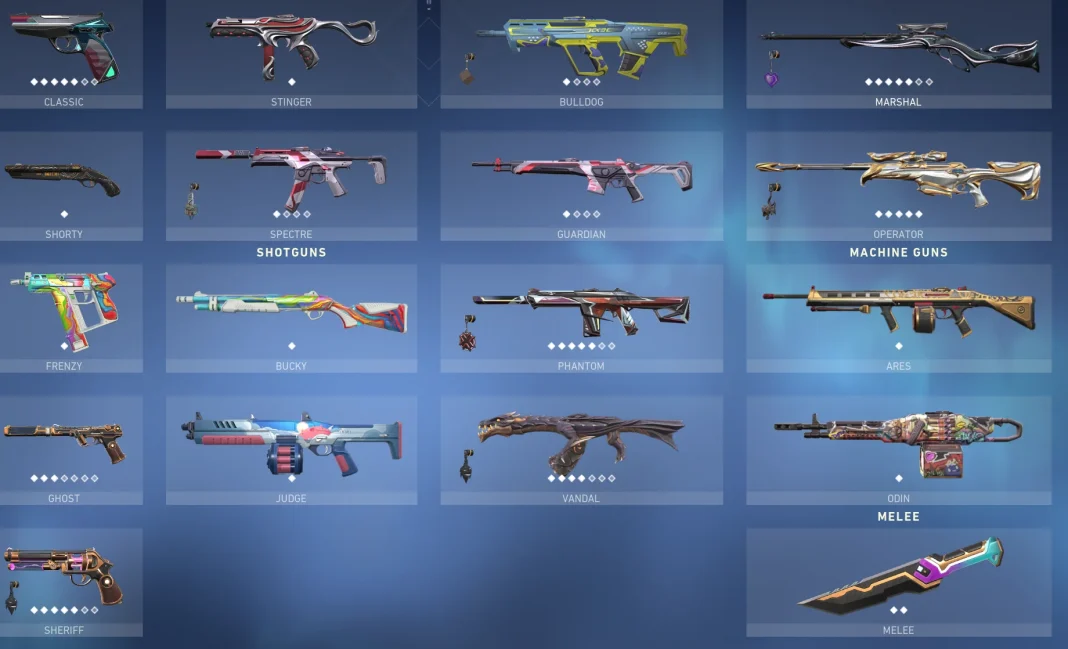
Buying VP does not buy a competitive advantage in gun statistics. Weapon skins change presentation and may include unlockable visual or audio effects, but the underlying weapon's gameplay performance remains governed by the same game balance.
Radianite Upgrades Skins You Already Own
Radianite Points, or RP, are used to unlock eligible upgrade levels and variants on supported weapon skins. The key phrase is “already own.” RP normally cannot replace the VP required to purchase the base premium skin. A player who sees a finisher or color variant in a preview needs to budget for both stages: acquire the skin through the appropriate offer, then spend RP on the available upgrade path.
Riot's official Radianite Points page explains that RP can evolve weapon skins with new effects and may be obtained through the store and progression systems such as the Battlepass. Exact upgrade costs vary by skin line and level, so the collection page for the owned skin is the correct source.
Kingdom Credits Come From Playing
Kingdom Credits are an earnable currency rather than a premium top-up balance. They are awarded through normal play and progression, then spent in systems such as Agent recruitment and the Accessories Store when the relevant item is eligible. They are not converted from VP and cannot be cashed out into VP.
The official Kingdom Credits FAQ is the authoritative place to check the current earning cap, Agent Store rules and eligible accessory categories. Because Riot can update progression systems, players should read the live client description before delaying a purchase or trying to hold more than the displayed cap.
This distinction matters for planning. If the target is an Agent or an eligible former Battlepass accessory, playing and earning Kingdom Credits is the relevant route. Adding VP does not accelerate that balance unless Riot explicitly presents a separate paid route for the exact content.
One Table for the Three-Currency Decision
Currency | Primary source | Main use | Cannot replace |
|---|---|---|---|
VALORANT Points (VP) | Paid purchase or eligible code | Premium store items and bundles | RP upgrade cost or earned KC balance |
Radianite Points (RP) | Store and progression rewards | Eligible skin levels and variants | The base skin's VP purchase |
Kingdom Credits (KC) | Gameplay and progression | Eligible Agents and Accessories Store items | Premium VP store offers |
Read the complete item path before spending. A premium weapon skin may show a base VP price, several RP upgrade levels and multiple variants. The displayed final version is not necessarily included in the initial VP purchase. In contrast, an accessory shown in the Kingdom Credit store requires the earned currency indicated there, not a VP recharge.
For bundles, check whether individual items can be purchased separately and whether a bundle discount actually benefits the account. Do not value a player card, spray or buddy at full price if those extras would never be used. The useful comparison is the cost of wanted items versus the bundle total.
 VALORANT

How to Buy VP Without Creating the Wrong Balance
Open the client and confirm the account region, current VP balance and exact store price first. Then view the live recharge options in the recharge product module above. Product type matters: some routes deliver currency to a compatible account, while others provide a regional code that must be redeemed. Follow the instructions attached to the selected product rather than assuming every listing works the same way.
Confirm the Riot account and shard or region.
Record the exact VP shortfall for the desired offer.
Choose a compatible product and review its delivery method.
Check the final amount and currency before payment.
Keep the order record until VP appears or the code redeems successfully.
Regional compatibility is essential for codes. Do not use a VPN or change account details to force an incompatible product. If delivery is delayed, avoid buying the same package twice; compare the order status, receipt and current client balance first.
Frequently Asked Questions
Can VP be used to upgrade a weapon skin?
The base skin is commonly bought with VP, while eligible visual levels and variants use Radianite Points. Check the exact upgrade path on the owned skin.
Can Kingdom Credits be converted into VALORANT Points?
No. Kingdom Credits are earned through play and have their own eligible uses; they are not an exchange route into paid VP.
Does buying a bundle include every upgraded skin effect?
Not necessarily. A bundle can include the base skins while upgraded effects and variants still require RP. Inspect each skin's upgrade screen.
Where can players review current VALORANT recharge options?
After checking the account region and VP shortfall, use the recharge product module in this article to compare compatible options. Follow the live product's delivery and region instructions.
