

PUBG MOBILE UC Packs: How to Compare Prices and Bonus UC
A PUBG MOBILE UC pack can show a base amount, extra UC and a discount badge at the same time. That makes a bigger number look attractive, but it can also make two offers difficult to compare. Is the bonus already included in the total? Does a separate promotion apply to your account? And how much will you actually pay?
For a useful UC price comparison, start with the amount the order will deliver and the final checkout cost. Then match that pack to the item you want in the game. A lower cost per UC can be worthwhile, but it does not automatically make a larger purchase the right one.
What Do Base UC and Bonus UC Mean?
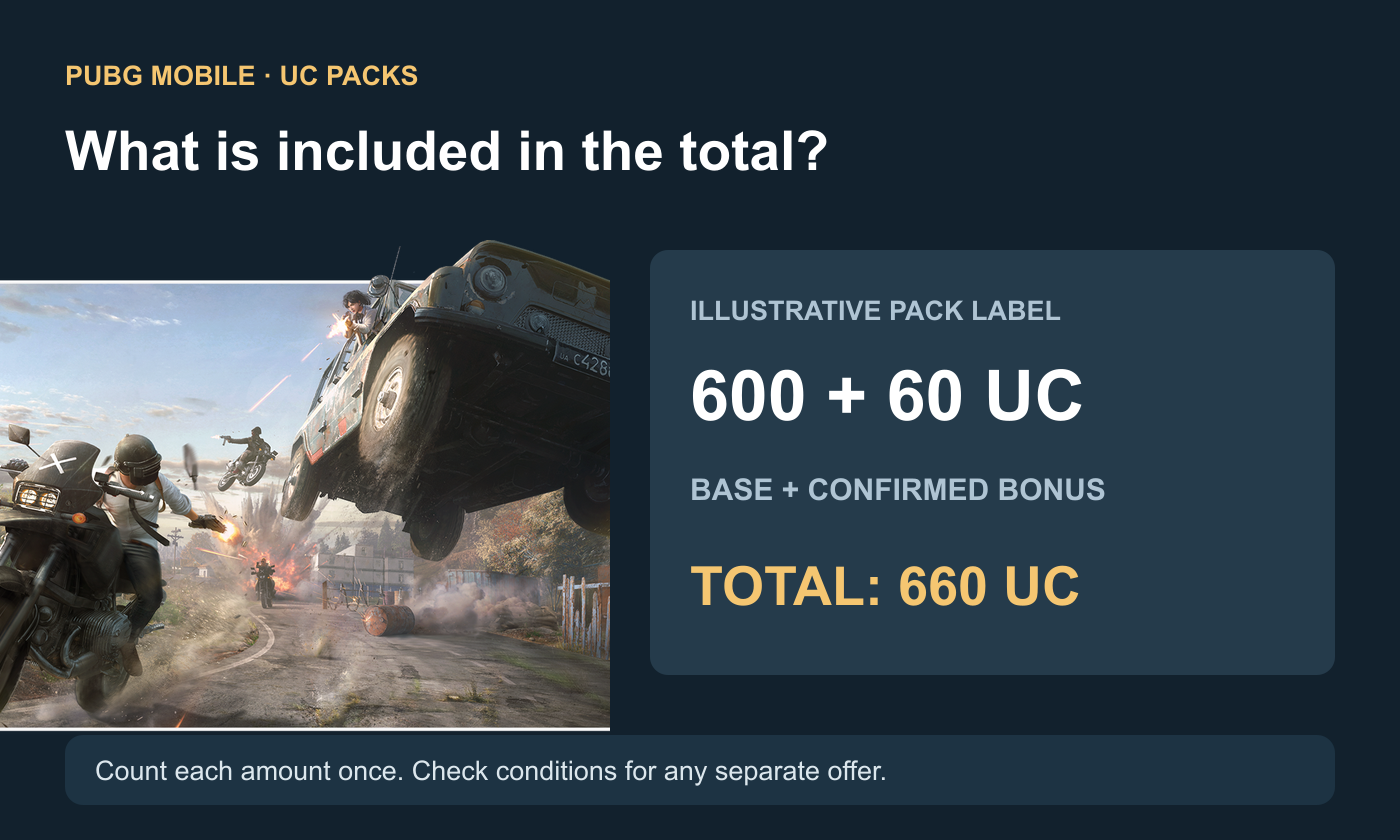
Base UC is the main currency quantity listed for the pack. Bonus UC is an additional amount offered under the terms shown for that purchase. When a listing separates those figures, add them once to find the stated total. When the headline already says “total UC,” check the breakdown before adding anything else.
For example, a hypothetical label of 600 + 60 UC means 660 UC if the extra amount is included in that order. It does not mean 660 UC plus another 60. These figures illustrate how to read a label; they are not a current package quote.
A separate coupon, member offer or event reward needs its own eligibility check. A banner alone does not establish that you can stack it with the selected pack. Look for the applicable account, purchase route, validity period and any required claim before treating it as part of the purchase.
 PUBG MOBILE




How to Compare UC Pack Prices Fairly
Use the same currency and the same game product on both sides. PUBG MOBILE UC should not be compared with PC PUBG currency or a package for another regional edition. If your payment provider converts currencies, use the amount you will be charged after conversion rather than comparing the original price labels.
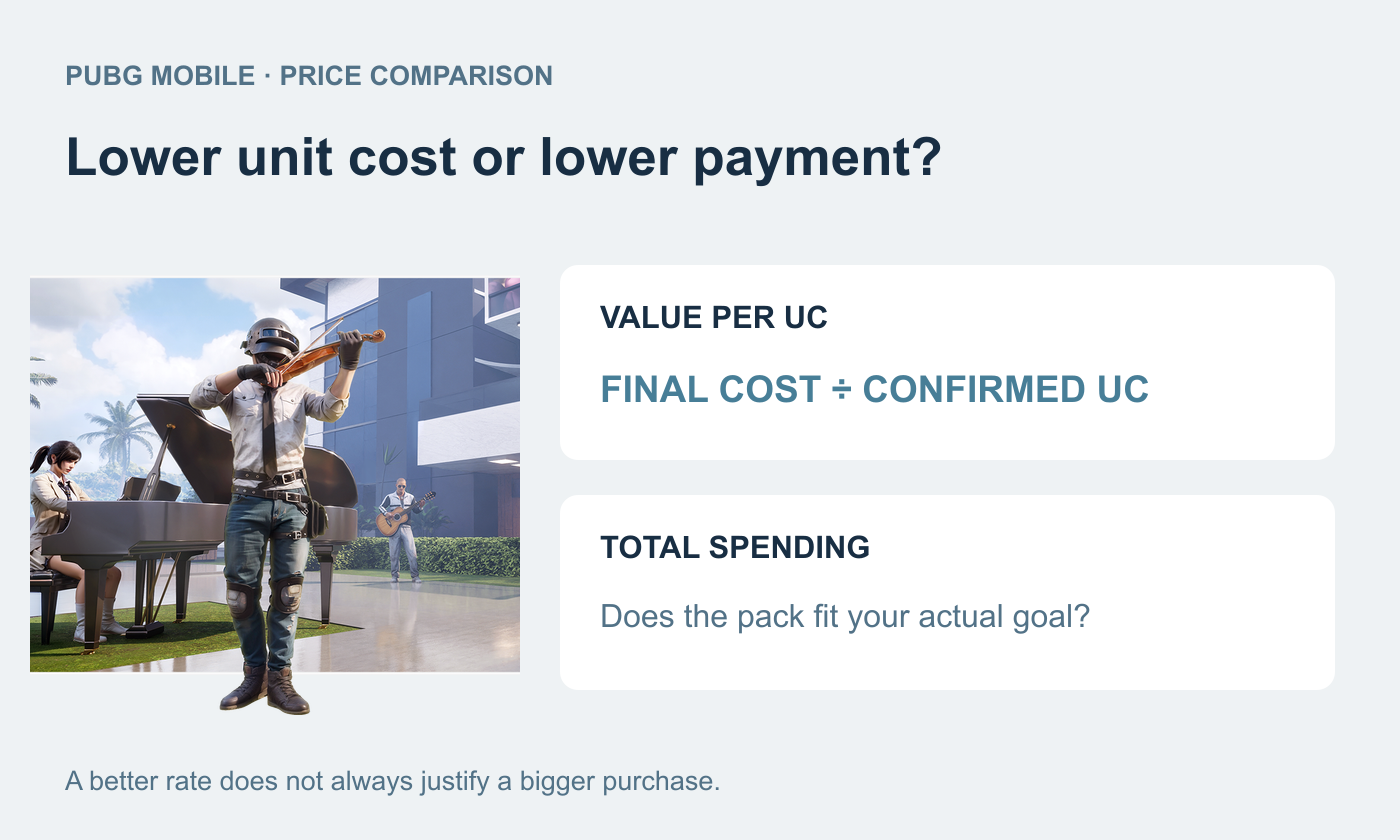
The calculation is simple: final amount paid ÷ confirmed UC delivered = cost per UC. Include unavoidable checkout charges in the amount paid. Keep a separately claimed item or an uncertain event reward outside the UC total; an outfit is not extra currency.
Illustrative offer | Confirmed UC | Final cost | Cost per UC |
|---|---|---|---|
Pack A | 660 | $10.00 | About $0.0152 |
Pack B | 720 | $10.50 | About $0.0146 |
These are made-up prices for the calculation, not live store offers. Pack B has a lower unit cost, while Pack A costs less in total. If both cover your purchase and you do not need the extra balance, the smaller payment can still suit your budget better. Compare value and total spending together.
Where Should You Check UC Prices?
The game’s UC purchase screen shows the offers available through that app and billing setup. For a web reference, open Midasbuy and choose the appropriate PUBG MOBILE country or region. Compare the selected package and checkout conditions rather than carrying a promotional rate from one country into another.
You can also check the package details on Topuplist’s PUBG MOBILE UC page. Compare the listed delivery amount, supported version and final payable total with the alternatives you can actually use. Payment availability and an advertised discount should be assessed for your own checkout, not assumed from someone else’s screenshot.
Choose the Pack for Your Next Purchase
Open the intended offer in PUBG MOBILE before topping up. Confirm that it is priced in UC, then subtract the UC already in your account from the amount required. That gives you the shortfall to cover. Comparing available packs against that shortfall is more useful than starting with whichever pack has the largest bonus.
For a fixed-price purchase, the target is straightforward. For a random draw, buying a pack funds attempts; it does not establish the cost of the item you hope to win. Only use a guaranteed acquisition cost if the current event rules actually provide one, and set a spending limit independently of the advertised UC bonus.
Before paying, compare the receiving Player ID with your own profile and confirm the game edition supported by the listing. Save the order’s pack description and receipt. They give you a clear record of what was purchased if the delivered balance differs from the confirmed order total.
Common Questions About UC Pack Bonuses
Does bonus UC always count toward a recharge event?
Do not assume so. Check how that specific event defines qualifying purchases and credited amounts. The UC delivered by an order and the progress credited by an event are separate figures unless the event rules explicitly connect them.
Is the biggest UC pack always the best deal?
Calculate its cost per UC first, then check the total payment against your budget. A pack can offer better unit value while leaving you with more unused balance than you wanted.
Should I add every bonus shown on the page?
Only add amounts that the selected order confirms you will receive. Check whether a displayed total already includes the bonus and whether any additional offer requires separate eligibility or a claim.
The right UC pack is the one whose confirmed delivery covers your goal at a payment you are comfortable making. Read the breakdown, compare the checkout total and keep conditional rewards separate. That makes a UC offer easier to judge than its biggest promotional number.