

PUBG MOBILE UC Top Up: In-Game Store or Website?
PUBG MOBILE UC pays for eligible outfits, weapon finishes, Royale Pass purchases, and other offers displayed in the game. If you have already chosen something to buy, the next decision is where to get the UC: inside PUBG MOBILE, through its official web purchase route, or from a separate top-up website.
Those routes can differ in payment methods, checkout prices, account information, and promotions. A useful comparison starts with the same game version and receiving account, then looks at the UC actually credited for the final amount paid. A low headline price is only one part of that decision.
What Does a UC Top-Up Add to Your Account?
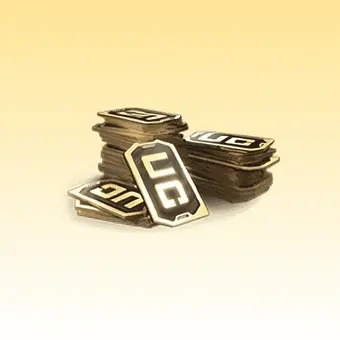
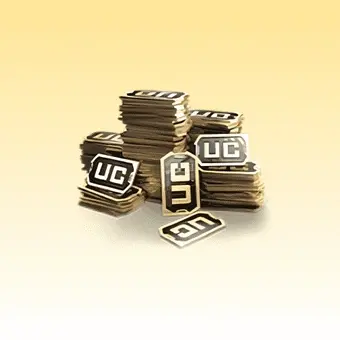
A UC top-up adds the purchased game currency. It does not automatically buy the outfit, pass, or event item you had in mind. After receiving the balance, you still need to open the relevant offer and complete that purchase. This matters when a promotion advertises both a currency amount and a separate item: read what is included in the order itself.
UC is also different from the other currencies and tokens you may see in PUBG MOBILE. An item priced in a particular event token is not necessarily purchasable with UC. Check the actual price symbol before deciding how much currency you need, especially when an event has its own exchange shop or reward track.
The version matters too. This comparison concerns the global PUBG MOBILE product. BATTLEGROUNDS MOBILE INDIA, regional Korean or Vietnamese products, and PUBG: BATTLEGROUNDS on PC are not interchangeable recharge listings. A familiar character image or the PUBG name does not establish that a payment will reach your version of the game.
Three Ways to Buy PUBG MOBILE UC
Purchase route | How the account is selected | What to compare |
|---|---|---|
In-game store | The account currently signed into PUBG MOBILE | The store payment total and the displayed UC offer |
Midasbuy | The account or Player ID selected in the supported web flow | Country availability, payment options, and promotion conditions |
Independent top-up website | The recipient information required by that product | Game version, final payment, UC credited, and seller terms |
Buying inside the game
The in-game store is the most direct place to see the offers associated with the account you are playing. Start from the UC purchase entry in PUBG MOBILE, choose an offer, and read the payment confirmation. Where the transaction uses your mobile app store, the store account and its supported payment methods determine how you pay.
This route is convenient when you already have a working store payment method and want to remain in the game. It also reduces manual recipient entry because you begin from the logged-in account. Still, check that account before buying: switching between personal accounts or letting someone else play on the device can make the active profile easy to overlook.
 PUBG MOBILE


Using the official web purchase route
The Purchase link on the official PUBG MOBILE website directs visitors to Midasbuy. Following that link is a practical way to reach the supported web route rather than relying on a sponsored search result or a similarly named domain. Then select the country and game option that apply to your account.
On Midasbuy’s PUBG MOBILE purchase page, follow the account-identification flow and inspect the available payment methods. A website can support different methods in different markets; a method advertised for one country should not be assumed to work for another. The checkout available to your eligible account is the relevant offer.
Comparing an independent recharge website
A separate seller may offer an alternative checkout or a payment method you prefer. For example, Topuplist’s PUBG MOBILE UC page is a product listing to compare alongside the in-game and official web offers. Open the listing for the correct game, read the recipient requirements, and check the final payment before deciding.
Treat the seller’s product description and order terms as part of the purchase. Do not infer official authorization from a game logo, and do not assume an outside order qualifies for every Midasbuy promotion. A listing can be suitable for adding UC while following different rules for discounts, payment support, or order assistance.
How to Compare UC Prices Fairly
Work backward from the purchase you intend to make. If an outfit is sold for a stated UC price, subtract the usable UC already in your account to find the shortfall. If you want a pass, inspect the exact pass option rather than assuming every upgrade has the same price. This puts the buying decision around a real target instead of around the biggest balance you can afford.
A draw-based offer needs a different budget from a directly sold item. The cost of one attempt is not a quoted price for the featured reward. Read the reward rules and any stated guarantee before deciding what to spend. If there is no rule guaranteeing your target within your chosen budget, do not describe that budget as enough to buy it. A cheaper UC source changes the cost of attempts, not the outcome rules of the draw.
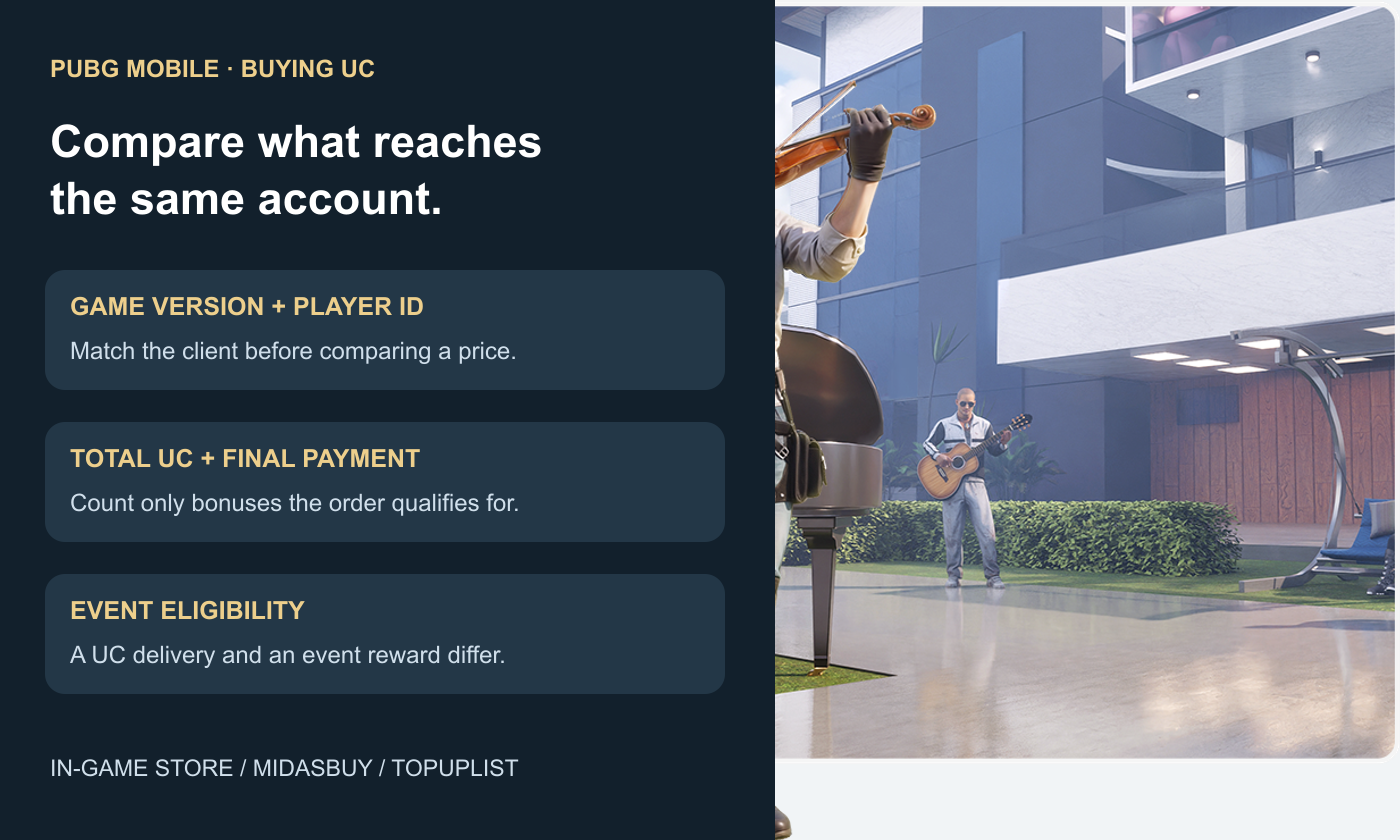
Begin with the amount that reaches the account, not the largest number on an advertising banner. A checkout may show purchased UC, bonus UC, and a separate event reward. Count a bonus only when the offer explicitly includes it and your order meets its conditions. A chance to win an extra reward is not a guaranteed part of the credited balance.
Next compare the final payment in the same currency. Taxes, checkout fees, or your payment provider’s currency conversion can change the amount actually charged. If two channels use different billing currencies, use the amount your payment method will charge rather than an exchange-rate estimate that excludes fees.
For offers of different sizes, divide the final payment by the guaranteed UC credited. That produces a comparable cost per UC. It does not mean the larger purchase is automatically better for you: if the smaller option covers the item you want, buying a much larger balance can increase your total spending even when the unit cost is lower.
Separate first-purchase, returning-user, and recurring offers when they are present. A benefit already used by your account should not be counted again, and an offer with a particular payment-method condition should not be applied to another method. Read the terms attached to the actual offer instead of assuming one channel’s advertised bonus is permanent.
Buying UC on a Website: From Player ID to Balance
Open the profile of the PUBG MOBILE account that should receive the UC and copy its numeric Player ID. The nickname is useful for recognizing a profile, but it is not a substitute for an ID field. If you play more than one version or account, collect the identifier from the exact client you are topping up.
Select the matching PUBG MOBILE product and supported country or region on the website.
Enter the requested recipient details, using the copied Player ID where required. If an account preview appears, compare it with your profile.
Choose the UC offer and read the complete payment total, including any conditions attached to a bonus.
Pay through the website’s normal checkout and save the order reference or receipt.
Return to the receiving account and compare its UC balance with the balance before purchase.
For an ID-based direct top-up, use the identifier requested by the product rather than sending a seller your game password. Enter payment details only in the payment flow you selected. A request to move the order into a private chat or provide a login code is a different process from filling a normal recipient-ID field.
If the payment is recorded but the balance is not what you expected, check the order status and recipient details before buying again. Keep the receipt, Player ID, and a clear description of the missing amount for the channel that took payment. Buying a second order immediately can leave two transactions to investigate without resolving the first one.
Do Website Purchases Count Toward Recharge Events?
That depends on the event. Receiving UC and qualifying for an event reward are separate questions. A campaign can specify a purchase channel, payment method, account condition, eligible period, or qualifying amount. The fact that your account receives UC does not prove that the same transaction satisfies a particular reward track.
When an event reward is your main reason to buy, open that event’s rules first. Look for the eligible channel and what the counter measures: the purchase amount, a stated UC amount, or another condition. Do not replace that wording with assumptions about whether bonus currency should count. Check whether rewards must also be claimed manually after the qualifying purchase.
A discount can still be useful without an extra event reward, but compare it on that basis. If one channel offers a lower payment and another has an eligible reward you genuinely want, those are different benefits. Avoid assigning a cash value to a random reward as if it were a guaranteed discount on the UC order.
PUBG MOBILE UC Purchase FAQ
Is Midasbuy a route linked by PUBG MOBILE?
Yes. The official PUBG MOBILE homepage’s Purchase link leads to Midasbuy. Use the applicable game and country flow after following it.
Is website UC always cheaper than the in-game store?
No. Compare the offers available to your account, guaranteed UC, and the final payment. Promotions and payment costs can change the result.
Can I use a BGMI or PUBG PC listing for PUBG MOBILE?
No. Choose the product matching the exact game and client. A listing for another PUBG-related game is not an interchangeable way to buy global PUBG MOBILE UC.
Does buying UC automatically activate a Royale Pass?
A UC top-up adds currency. Buying the eligible pass is a separate in-game purchase unless the product explicitly sells that pass itself.
Which Buying Route Fits You?
Keep the receipt with the seller or store that actually collected payment. It identifies the transaction more reliably than a screenshot of an advertisement from a different channel.
Use the in-game store when its payment method and offer suit you. Compare Midasbuy when you want the web route linked by PUBG MOBILE, and assess a separate seller by its actual product, recipient requirements, and order terms. Once the version and account match, compare the guaranteed UC against the final payment. That is more useful than choosing from an advertised discount alone.