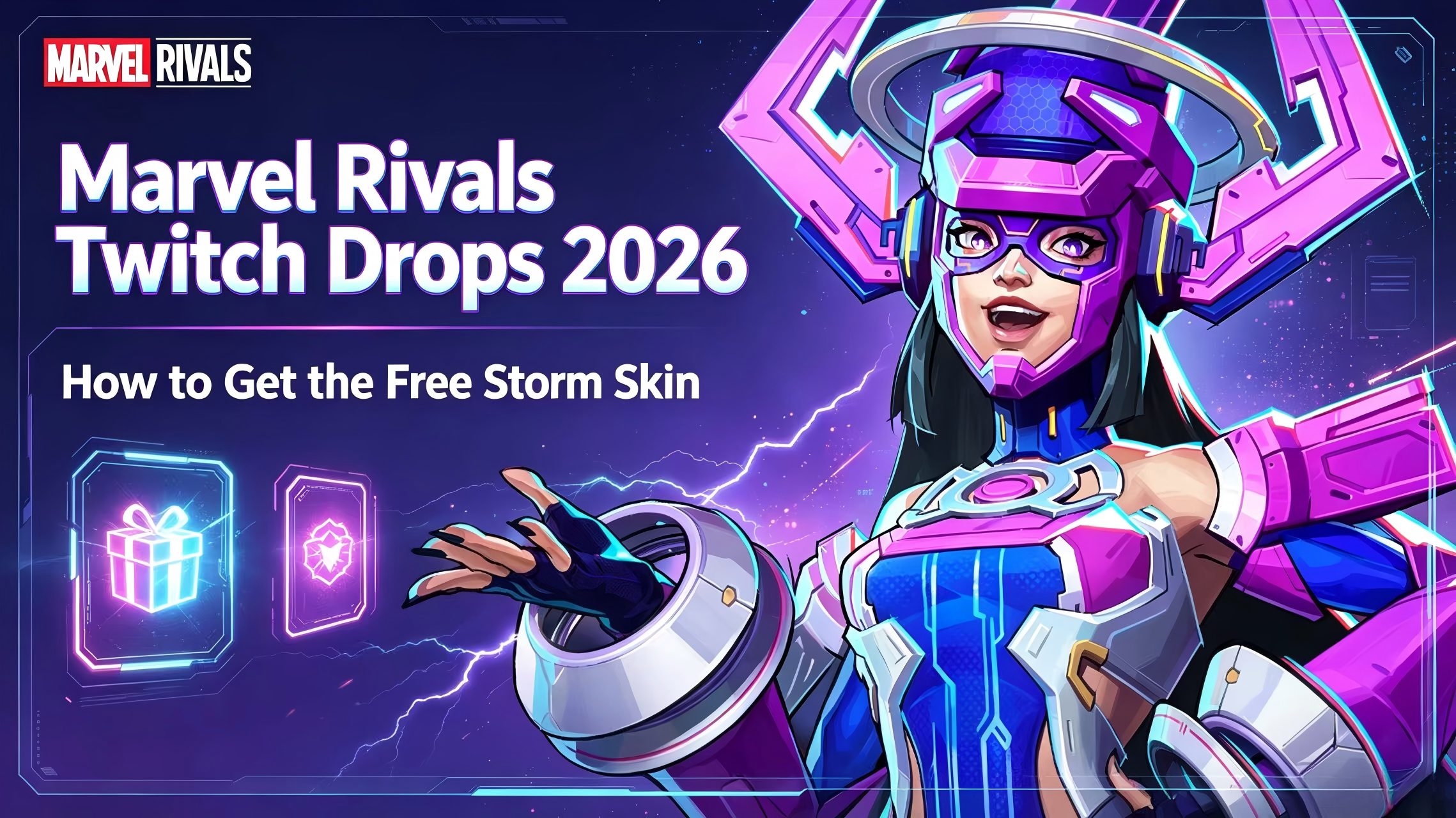
Marvel Rivals Twitch Drops 2026: How to Get the Free Storm Skin
Top Up Marvel Rivals Lattice on Topuplist
Storm’s Will of Galacta Twitch Drop is completely free and does not require Lattice, Units, Twitch subscriptions, or a store purchase.
For Battle Passes, store costumes, event passes, and other premium content, you can visit the Topuplist Marvel Rivals top-up page to check the currently available Lattice packages.
Carefully verify your Marvel Rivals account information before completing any purchase. Prices, discounts, payment methods, and availability may vary by region.
Marvel Rivals players can currently unlock a complete Storm costume for free through the Season 8.5 Twitch Drops campaign.
The main reward is Storm – Will of Galacta, accompanied by a matching Spray, Nameplate, and the Reading on the Wind Emote. To earn the costume, players must link their Marvel Rivals and Twitch accounts and accumulate four hours of watch time on eligible Marvel Rivals streams.
The campaign began on June 12, 2026, at 12:00 UTC and ends on July 10, 2026, at 09:00 UTC. NetEase confirmed the event period and Storm reward in the official Season 8.5 patch notes.
How to Get the Free Storm Skin in Marvel Rivals
To unlock Storm’s Will of Galacta costume:
Log in to your Marvel Rivals account on the official Twitch Drops page.
Select the platform connected to your Marvel Rivals character.
Link the correct Twitch account.
Watch a Marvel Rivals stream displaying the DropsEnabled tag.
Accumulate four total hours of eligible watch time.
Claim the reward from your Twitch Drops Inventory.
Open Marvel Rivals and collect the costume from your in-game mailbox.
You can access account linking through the official Marvel Rivals Twitch Drops page and monitor completed rewards in your Twitch Drops Inventory. The official page confirms that eligible broadcasts must be listed under the Marvel Rivals category and display the DropsEnabled tag.
All Storm Twitch Drop Rewards
The four-hour requirement represents the total campaign watch time needed to reach the final reward. Players do not need to watch an additional four hours after unlocking the two-hour Emote milestone.
Your progress does not need to be completed in one continuous session. You may divide the required watch time across different days and eligible channels, but only one active channel can count at a time.
When Do the Storm Twitch Drops End?
The Storm Twitch Drops schedule is:
Start: June 12, 2026, at 12:00 UTC
End: July 10, 2026, at 09:00 UTC
Players must accumulate the required watch time before the campaign ends. Watching Marvel Rivals streams after the deadline will not continue progress toward this particular reward track.
Do not confuse this campaign with the previous Rogue – Will of Galacta Twitch Drops. The Rogue campaign ran from May 15 to June 12, while Storm’s campaign began after the Rogue event concluded.
Because account linking and reward synchronization can occasionally be delayed, completing the four-hour requirement before the final day is safer than waiting until shortly before the deadline.
Step 1: Log In to the Correct Marvel Rivals Account
Open the Marvel Rivals Twitch Drops page and select Log In to Your Account.
The official linking page supports:
Steam
Epic Games
Xbox
PlayStation
NetEase Game
Use the platform account connected to the Marvel Rivals character that should receive the rewards. For example, a player using the Steam version should not accidentally log in through an unrelated Epic Games account.
After logging in, verify the displayed role name or character information before linking Twitch. The supported platform options are shown directly on the official Drops page.
Step 2: Link Your Twitch Account
Select Link Your Twitch Account and authorize the connection.
Make sure that the Twitch account being linked is the same one you will use to watch eligible streams. If your browser is already logged in to a different Twitch account, sign out or confirm the account name before authorizing the connection.
Each Twitch account can claim a specific Drop reward only once. Reconnecting that Twitch account to a different Marvel Rivals character will not generate a second copy of the same reward.
Before beginning the four-hour watch requirement, return to the account-linking page and make sure the connection is shown as successful.
Step 3: Find an Eligible Drops Enabled Stream
Go to the Marvel Rivals category on Twitch.
Choose a broadcast displaying the DropsEnabled tag. Twitch may also show a message in the stream chat confirming that Drops are active.
You do not have to watch only the official Marvel Rivals Twitch channel. Community streamers can also count if their broadcasts are participating in the campaign and display the correct Drops tag.
A stream may stop counting if:
The streamer changes to another game category
Drops are disabled
The broadcast ends
The video is paused
Twitch no longer considers your session active
After watching for several minutes, open your Twitch Drops Inventory and verify that the campaign percentage has started increasing.
Step 4: Watch for Four Total Hours
Storm’s complete costume unlocks after four hours of eligible watch time.
The earlier rewards are earned along the way:
30 minutes for the Spray
1 hour for the Nameplate
2 hours for the Emote
4 hours for the Costume
You may switch between eligible Marvel Rivals creators without intentionally resetting completed progress. However, watching several channels simultaneously will not multiply or accelerate your watch time.
The official Marvel Rivals FAQ states that only one active channel can contribute to a Drop at a time.
Step 5: Claim the Rewards on Twitch
Reaching the required percentage does not always mean the item has already been transferred to the game.
To claim a completed reward:
Click your profile icon on Twitch.
Select Drops & Rewards.
Open the Inventory section.
Find the Marvel Rivals campaign.
Click Claim Now on each completed reward.
Claim each milestone promptly and continue checking the Inventory while completing the campaign.
The official Marvel Rivals Drops instructions direct players to redeem completed rewards through Twitch Drops Inventory before they expire.
Step 6: Collect the Storm Skin in Marvel Rivals
After claiming the costume on Twitch:
Launch or restart Marvel Rivals.
Open the in-game mailbox.
Find the message containing the Twitch Drop.
Claim the attached reward.
Open the Heroes menu.
Select Storm.
Open her Costumes or Cosmetics menu.
Equip Will of Galacta.
Twitch showing the reward as claimed does not mean it has automatically been equipped. It must first be delivered to the linked game account and collected through the in-game mailbox.
Marvel Rivals states that Twitch Drop emails expire after 30 days, so collect the attachment as soon as it arrives.
Is the Storm Will of Galacta Skin Really Free?
Yes. Storm’s Will of Galacta costume is free.
You do not need:
Marvel Rivals Lattice
Units
A Battle Pass
Twitch Prime
A paid Twitch subscription
A gifted subscription
A store bundle purchase
The only requirements are a valid Marvel Rivals account, a Twitch account, successful account linking, four hours of eligible watch time, and manual reward claiming.
Twitch Drops should not be confused with separate promotions that require purchasing or gifting subscriptions. The Season 8.5 Storm campaign is based on watch time.
Which Twitch Streams Count?
A qualifying stream must meet the campaign requirements.
It Must Be Under the Marvel Rivals Category
The stream should be categorized as Marvel Rivals on Twitch. Watching the same gameplay through YouTube, TikTok, another streaming platform, or an embedded video will not necessarily count toward this Twitch campaign.
It Must Display DropsEnabled
Look for the DropsEnabled tag before committing several hours to a stream.
The official Marvel Rivals FAQ also states that Twitch Chat should display a notification when the broadcaster has enabled Drops.
Official and Community Channels Can Count
You are not limited to one official channel. Any eligible Marvel Rivals creator participating in the campaign can contribute to your progress.
Only One Channel Counts at a Time
Opening two, three, or more eligible broadcasts will not complete the four-hour requirement faster. Twitch will only count one active channel toward the campaign at a time.
Can You Watch in the Background or With the Stream Muted?
Twitch needs to recognize the stream as active for watch time to progress.
Muting the audio does not necessarily have the same effect as pausing the video, but browser behavior can vary. Background tabs may also be suspended by memory-saving or battery-saving features.
For the most reliable progress:
Keep the stream actively playing.
Do not pause the video.
Prevent the device from entering sleep mode.
Avoid browser tab-suspension features.
Check Twitch Drops Inventory periodically.
Do not assume an unattended background tab is still counting.
The safest approach is to confirm that the campaign percentage continues to increase before leaving the stream open for an extended period.
How to Check Your Storm Twitch Drop Progress
Follow these steps:
Log in to Twitch.
Click your profile picture.
Select Drops & Rewards.
Open Inventory.
Find the Marvel Rivals Season 8.5 campaign.
Check the percentage shown under the next reward.
Progress may not refresh every second. Reloading the Inventory page can display a more recent percentage.
The official Marvel Rivals page recommends using Twitch Drops Inventory to check campaign progress. If it is not processing correctly, players are directed to Twitch Support or the Twitch Viewer FAQ.
Why Is My Marvel Rivals Twitch Drop Not Progressing?
The Stream Does Not Have Drops Enabled
Not every Marvel Rivals broadcast automatically participates.
Leave the stream and choose one that clearly displays the DropsEnabled tag. Check your Inventory after several minutes to confirm that it is working.
You Linked the Wrong Twitch Account
Compare the Twitch username shown in your browser with the account connected on the Marvel Rivals Drops page.
If they do not match, correct the link before completing more watch time.
You Selected the Wrong Game Platform
A player may have separate accounts or characters through Steam, Epic Games, PlayStation, Xbox, or NetEase.
Confirm that the platform displayed during account linking corresponds to the character on which you want the costume.
The Stream Is Paused
A paused video is not active watch time. Resume playback and make sure the stream is still live.
Your Browser Suspended the Tab
Some browsers automatically suspend inactive tabs to reduce memory or battery usage. Disable the feature temporarily or keep the Twitch tab active.
The Campaign Has Ended
The Storm campaign ends on July 10, 2026, at 09:00 UTC. Progress cannot continue after the official campaign window closes.
Twitch Progress Is Delayed
Refresh the Drops Inventory, sign out and back in, or try another eligible channel.
If the campaign still does not progress, the official Marvel Rivals page recommends contacting Twitch Support. Persistent game-delivery issues can be reported through Marvel Rivals Support on the official Discord.
I Claimed the Storm Skin but It Is Not in My Game
Restart Marvel Rivals
If the game was already running when you claimed the Drop, close and reopen it. This may trigger a new account and mailbox synchronization.
Check the In-Game Mailbox
The costume is delivered through in-game mail. It will not necessarily appear directly in Storm’s wardrobe before the mail attachment is claimed.
Verify the Connected Character
Return to the official Twitch Drops page and check:
Platform
Account
Role name
Linked Twitch username
A successfully claimed reward cannot simply be duplicated by reconnecting the same Twitch account to another character.
Allow Time for Delivery
Reward delivery may not always be instantaneous. Wait for synchronization, restart the game, and check the mailbox again.
Contact Support
Prepare the following evidence:
Screenshot of the Twitch Inventory showing Claimed
Screenshot of the Marvel Rivals account-linking page
Platform name
Character or role name
Approximate claim time
Description of the missing reward
This information will make it easier for support to investigate the account connection.
Can Console Players Get the Storm Twitch Drop?
Yes. The official Marvel Rivals Drops page supports Xbox and PlayStation account connections, alongside Steam, Epic Games, and NetEase Game.
PlayStation
Select PlayStation on the Marvel Rivals linking page and sign in with the PSN account attached to your Marvel Rivals character.
After claiming the Drop on Twitch, open the mailbox in the PlayStation version of the game.
Xbox
Choose Xbox and sign in with the Microsoft account connected to your Marvel Rivals progress.
Make sure it is the correct Xbox account before accumulating watch time.
Steam
Steam players should select Steam on the linking page and verify the displayed Marvel Rivals role.
Epic Games
Epic Games players should use their Epic login rather than connecting an unrelated Steam profile.
Can You Get the Storm Skin on Multiple Accounts?
One Twitch account can claim each specific Drop only once.
Unlinking that Twitch account and connecting it to another Marvel Rivals character will not issue another copy of Storm’s costume.
A completely separate game account would generally need its own eligible Twitch account, account connection, watch progress, and reward claim. Do not assume that the costume will automatically transfer across unrelated Marvel Rivals accounts.
Can You Get the Storm Skin After July 10?
The current Twitch campaign ends on July 10, 2026, at 09:00 UTC.
After that time:
New watch progress cannot be earned for this campaign.
Incomplete progress will not unlock the costume.
Players who already claimed it on Twitch should check their in-game mailbox.
Unclaimed in-game mail should be collected before its 30-day expiration.
NetEase has not announced whether Storm – Will of Galacta will return through another Twitch campaign, event, or store release.
The costume may return in the future, but a rerun should not be treated as guaranteed.
Tips for Completing the Four-Hour Requirement
Link Your Accounts First
Do not assume that watch time completed before account linking will always be credited correctly. Complete the official connection process before beginning.
Test the Campaign
Watch an eligible stream for several minutes and verify that your Inventory percentage increases.
Use a Stable Stream
Choose a creator likely to remain live for a sufficient period. If the broadcast ends, move to another eligible channel.
Divide the Watch Time
You do not need to complete all four hours in one sitting. Spread the requirement across several sessions before July 10.
Claim Rewards Promptly
Check the Drops Inventory after reaching each milestone and claim completed items.
Avoid the Final-Day Rush
Finishing early gives you time to resolve incorrect account links, delayed progress, or missing in-game mail.
Collect the In-Game Mail
The process is not complete until the attached reward has been collected from Marvel Rivals.
Common Marvel Rivals Twitch Drops Mistakes
Watching Before Linking Accounts
Complete the official linking process before depending on Twitch progress.
Using the Wrong Twitch Profile
Players sometimes watch on a secondary Twitch account while their Marvel Rivals character is linked to another one.
Watching a Non-Eligible Stream
A Marvel Rivals stream does not count unless it participates in the campaign and displays DropsEnabled.
Ignoring Category Changes
If a creator changes to another game, Marvel Rivals Drop progress may stop.
Opening Several Streams
Multiple channels do not provide multiple watch-time credit.
Forgetting to Click Claim
A completed progress bar is not always the final step. Open Twitch Inventory and claim the item.
Forgetting the In-Game Mailbox
After Twitch claiming, collect the reward in Marvel Rivals before the mail expires.
Linking the Wrong Platform
Carefully distinguish between Steam, Epic Games, Xbox, PlayStation, and NetEase accounts.
Waiting Until July 10
The campaign ends at 09:00 UTC, not at midnight in every local time zone.
Marvel Rivals Storm Twitch Drops FAQ
How Do You Get the Free Storm Skin?
Link your Marvel Rivals and Twitch accounts, watch an eligible DropsEnabled Marvel Rivals stream for four total hours, claim the costume through Twitch Drops Inventory, and collect it from your in-game mailbox.
How Long Do You Need to Watch Twitch?
You need four total hours of eligible watch time to unlock Storm’s Will of Galacta costume.
Do You Need to Watch for Four Continuous Hours?
No. The watch requirement can be completed across multiple eligible sessions during the campaign period.
What Are All the Storm Twitch Drop Rewards?
The campaign contains:
Will of Galacta Spray
Will of Galacta Nameplate
Reading on the Wind Emote
Will of Galacta Costume
When Do the Storm Twitch Drops End?
They end on July 10, 2026, at 09:00 UTC.
Which Streams Count?
Streams under the Marvel Rivals Twitch category that display the DropsEnabled tag count toward the campaign.
Do You Need Twitch Prime?
No. Twitch Prime is not required.
Do You Need to Subscribe to a Streamer?
No. The Storm campaign is based on eligible watch time rather than paid subscriptions.
Can You Watch Multiple Streams to Finish Faster?
No. Only one active channel can contribute to the Drop at a time.
Can PlayStation and Xbox Players Get the Skin?
Yes. Both PlayStation and Xbox are supported on the official account-linking page.
Where Does the Costume Appear?
After being claimed through Twitch, it is delivered to the linked Marvel Rivals account through the in-game mailbox.
How Long Does the In-Game Mail Last?
Marvel Rivals states that Twitch Drop emails expire after 30 days.
Can You Claim the Costume Twice?
A Twitch account can claim a specific Drop only once. Reconnecting it to another game character will not generate another reward.
Will the Storm Skin Return?
No future return date has been announced.
Final Claim Checklist
Before the campaign ends, confirm that:
You logged in to the correct Marvel Rivals platform account.
The correct role or character is displayed.
Your intended Twitch account is linked.
The stream displays DropsEnabled.
Twitch Inventory shows increasing progress.
You completed four total hours.
All finished rewards were claimed on Twitch.
You checked the Marvel Rivals mailbox.
You collected the attachment before the mail expired.
Will of Galacta appears in Storm’s costume menu.
Final Verdict
Storm – Will of Galacta is one of the easiest free full costumes available during Marvel Rivals Season 8.5.
The skin does not require Lattice, Units, a Battle Pass, or a Twitch subscription. Players only need to connect the correct accounts, watch eligible streams for four hours, and complete both the Twitch and in-game claiming steps.
The most common problems are not the watch-time requirement itself. They are watching a stream without Drops enabled, linking the wrong account, forgetting to click Claim, or failing to collect the reward from the in-game mailbox.
Complete the campaign before July 10, 2026, at 09:00 UTC, verify your progress early, and claim the in-game mail promptly to secure Storm’s free Will of Galacta costume.