
Genshin Impact Top Up: Genesis Crystals for Wishes or Outfits?
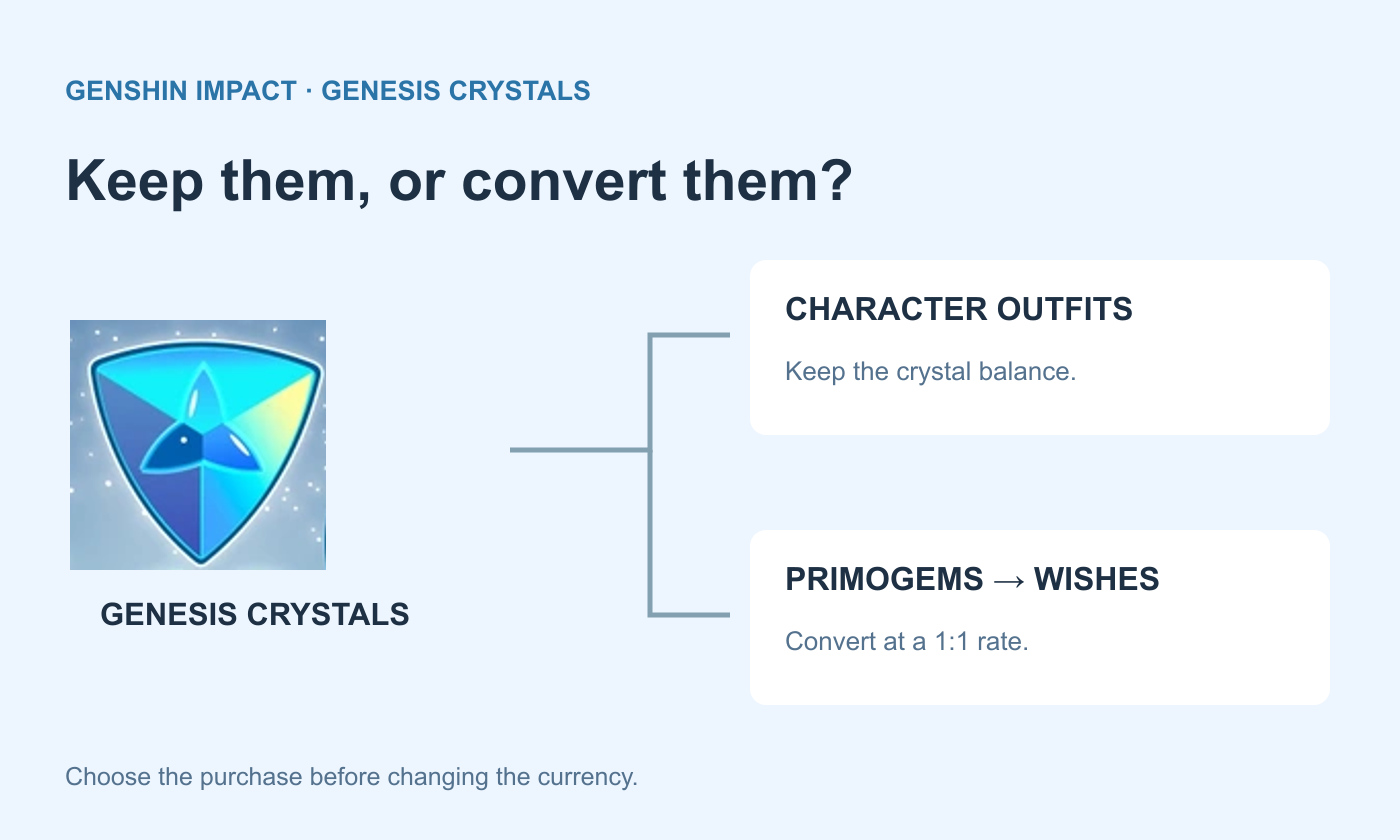
Genesis Crystals can help you buy a character outfit or fund more Wishes in Genshin Impact, but those purchases take different routes through the shop. For an outfit priced in crystals, you need to keep that currency. For Wishes, crystals first become Primogems. Knowing your goal makes choosing a top-up much easier.
This guide covers what you are buying, where to buy it and how to send the purchase to the correct character. It also explains why a crystal pack, a first-purchase bonus and Blessing of the Welkin Moon should not be treated as the same offer.
What Are Genesis Crystals Used For?
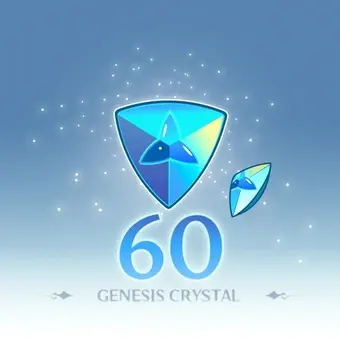
Genesis Crystals are Genshin Impact’s paid currency. You can exchange them for Primogems at a 1:1 rate or spend them on eligible crystal-priced content, including character outfits. Buying crystals does not automatically choose an outfit, convert the balance or make Wishes for you.
The distinction matters when you are saving for a skin. Look at its currency icon and current price inside the Character Outfits shop before converting any balance. Primogems and Genesis Crystals are separate balances; an outfit that asks for crystals is not paid for simply because you have enough Primogems.
 Genshin Impact

Buying for Wishes: Start With the Primogem Shortfall
If your goal is Wishes, first count the resources you already have: the relevant Fates, your Primogems and any crystals you are willing to convert. Then decide how much additional currency you actually want. The cost of one more purchase is easier to assess when it is tied to a clear spending limit.
A crystal order supplies currency, not a particular character or weapon. The banner’s own rules decide the Wish outcome. Keep the buying decision separate from the result you hope to obtain, especially if you are comparing a small top-up with a much larger pack.
In-Game Shop, HoYoverse Website or Topuplist?
Purchase route | How you identify the recipient | What to compare |
|---|---|---|
In-game purchase | The character currently signed in. | The product, checkout total and displayed bonus. |
HoYoverse Top-Up Center | Sign in and select the intended game account. | The selected game area, account and offer details. |
Topuplist direct top-up | Enter the recipient UID and server. | The named product, account information and final charge. |
The official HoYoverse Top-Up Center lists crystal packs and other Genshin purchases. Select the Teyvat section when you are shopping for the Genesis Crystal products discussed here. Read the actual offer rather than assuming that a promotion shown on another page applies to your order.
You can also buy through Topuplist’s Genshin Impact page, which uses UID and server information for direct top-ups. Compare the same product and the final payment amount across routes. A price difference alone does not prove that bonus eligibility or promotional rewards are identical.
How to Top Up the Correct Genshin Character
Open the character you want to recharge and copy the UID shown on the game screen or profile.
Select the same server in the order form.
Choose Genesis Crystals or the separately named product you actually want.
Review the recipient details and final payment total, then complete checkout.
Return to that character and inspect the corresponding currency balance or product entitlement.
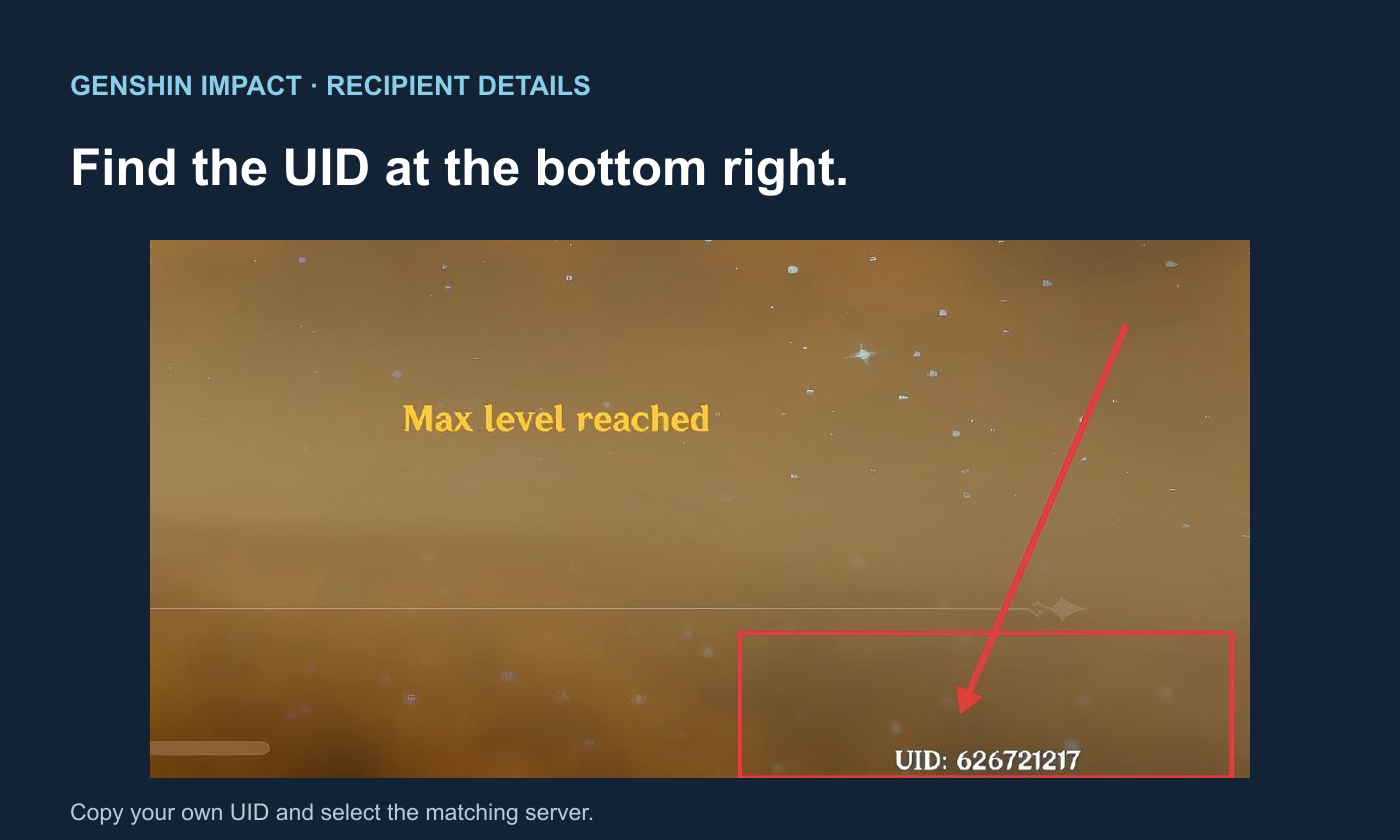
For a friend, ask them to copy the UID from the character they currently use and confirm the server. Their email address, account nickname or HoYoverse login is not a substitute for the fields in a UID top-up form. They can check the result themselves without sharing their password.
First-Purchase Bonuses and Welkin Moon Are Different Benefits
A first-purchase bonus is an eligibility condition on a particular pack, not a reward that every seller can grant again. Inspect the selected pack’s current in-game bonus status. Do not combine a seller’s regular displayed amount with an assumed first-purchase amount and count both unless the order explicitly supports that calculation.
Blessing of the Welkin Moon is a separate product with benefits distributed over time. It can suit regular players saving for later, but its future login rewards are not an immediate crystal balance. For an outfit you want to buy now, compare the crystals available now; for a longer-term Wish budget, consider the benefits you will actually collect.
Questions About Genesis Crystal Purchases
Will buying crystals automatically unlock an outfit?
No. A crystal pack adds currency. You still choose and purchase the eligible outfit in the game shop, using its listed currency and price.
What if the order says paid but I cannot see the balance?
Check the order status, submitted UID, server and selected product. If they do not explain the result, contact the seller with the order number and receipt. Keep the original transaction open for investigation instead of making another payment as a delivery test.