



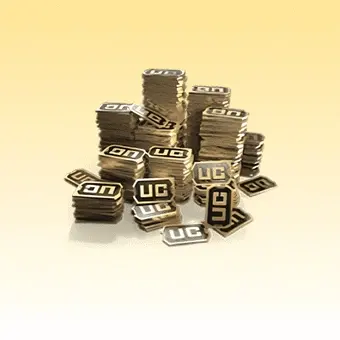
L’UC est la monnaie premium de PUBG MOBILE. Elle peut être utilisée pour acheter des apparences, des tenues, des éléments cosmétiques pour les véhicules, des emotes, des packs de voix et des lots, ainsi que pour débloquer ou améliorer le Royale Pass.

PUBG MOBILE
Ne prend pas en charge les serveurs PUBG Corée/Japon/Taïwan/Vietnam !
Rapide
24/7
Sécurisé
-12%

3000+850 UC
$44.26$49.99
-12%
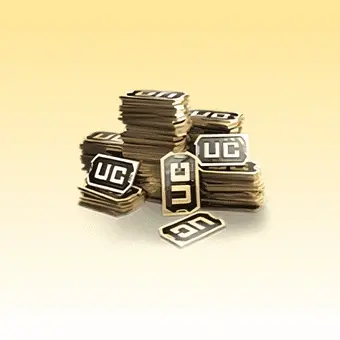
1500+300 UC
$22.13$24.99
Offre du jour
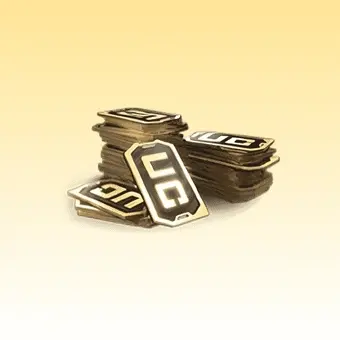
600+60 UC
$8.48$9.99
-16%

300+25 UC
$4.24$4.99
-15%

60 UC
$0.85$0.99
-12%
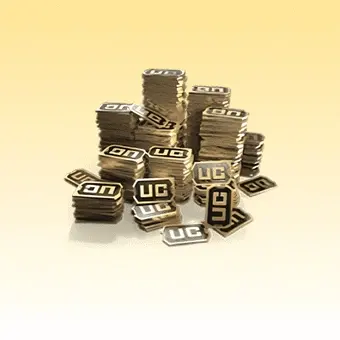
6000+2100 UC
$88.51$99.99
-9%
12000+4200 UC
$182.31$199.99
-9%
18000+6300 UC
$273.99$299.99
Description
Recharge PUBG MOBILE
Recharger PUBG MOBILE sur Topuplist et achetez UC rapidement, en toute sécurité et en toute commodité. Que vous souhaitiez acheter des skins de personnage, des skins d'armes, des skins de véhicules, des éléments cosmétiques pour véhicules, ou débloquer le Royale Pass et d'autres contenus personnalisés en jeu, Topuplist offre une expérience de recharge PUBG MOBILE plus fluide et plus pratique.
Topuplist s'engage à fournir aux joueurs du monde entier un service de recharge efficace, sécurisé et convivial. Il vous suffit de saisir votre UID PUBG MOBILE correct pour finaliser votre commande et obtenir plus de UC facilement, afin d'améliorer votre expérience sur le champ de bataille.
Informations sur la recharge PUBG MOBILE
Pour garantir que votre commande soit traitée sans problème et livrée correctement, veuillez saisir avec précision les informations suivantes avant de passer au paiement :
UID PUBG MOBILE
Pack UC sélectionné et quantité
Remarque :
Veuillez vérifier attentivement votre UID. Des informations incorrectes peuvent entraîner des retards, un échec de la livraison ou le crédit de UC sur le mauvais compte.
Comment recharger PUBG MOBILE sur Topuplist
Suivez ces étapes simples pour recharger PUBG MOBILE sur Topuplist :
Visitez le site Web de Topuplist et choisissez votre langue et votre devise préférées.
Connectez-vous à votre compte Topuplist, ou créez-en un si vous n'en avez pas encore.
Accédez à la page produit PUBG MOBILE et sélectionnez le pack UC souhaité.
Saisissez votre UID PUBG MOBILE.
Confirmez que les informations de votre commande sont correctes, puis cliquez sur Acheter maintenant.
Choisissez votre mode de paiement préféré et finalisez le paiement.
Une fois le paiement effectué avec succès, connectez-vous au jeu et vérifiez si vos UC ont bien été crédités.
Comment trouver votre UID PUBG MOBILE
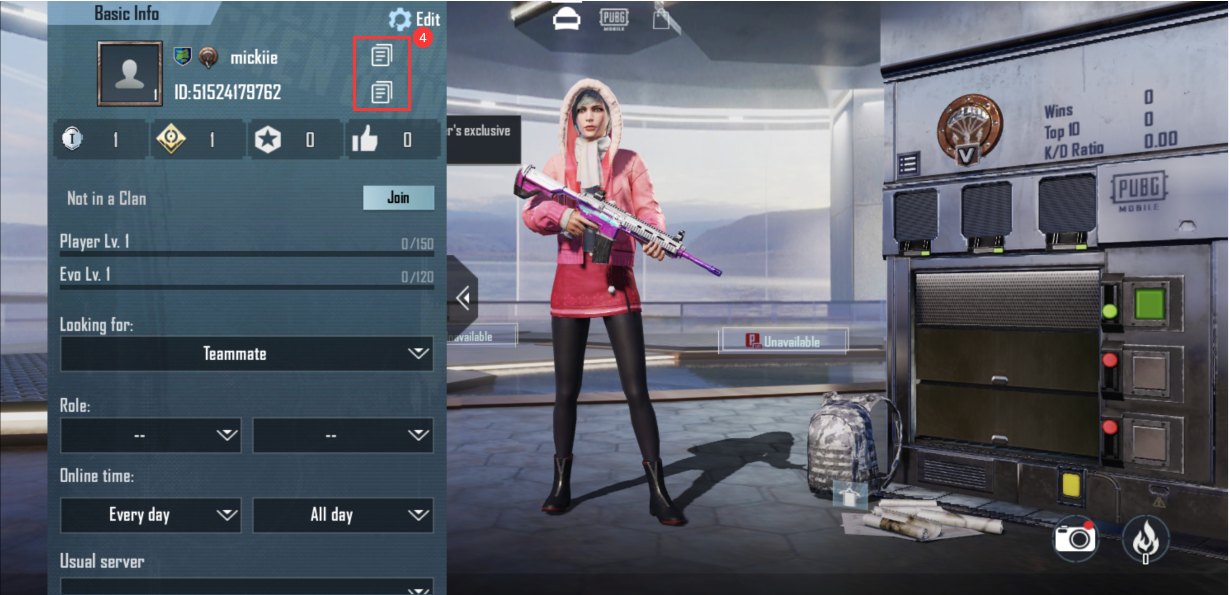
Si vous ne savez pas où trouver votre UID PUBG MOBILE, suivez ces étapes :
Connectez-vous à votre compte PUBG MOBILE.
Appuyez sur votre avatar de profil ou sur l'icône du profil du joueur.
Sur votre page de profil, vous pourrez voir votre ID de joueur / UID.
Remarque :
Avant de soumettre votre commande, veuillez vous assurer que l'UID saisi correspond au compte que vous souhaitez recharger.
Qu'est-ce que PUBG MOBILE ?
PUBG MOBILE est un jeu battle royale mobile centré sur un gameplay de survie tactique. Les joueurs entrent sur un champ de bataille, rassemblent des ressources, utilisent le terrain et les véhicules de manière stratégique, et affrontent d'autres joueurs pour être le dernier survivant.
En plus de son expérience battle royale classique, PUBG MOBILE propose régulièrement de nouvelles cartes, de nouveaux modes, des systèmes cosmétiques et du contenu saisonnier, offrant aux joueurs des expériences de jeu renouvelées au fil du temps.
Pour les joueurs qui souhaitent débloquer davantage de contenu cosmétique, personnaliser leur compte et accéder aux récompenses de saison, les UC sont l'une des ressources en jeu les plus importantes.
Qu'est-ce que les UC de PUBG MOBILE ?
Les UC sont la monnaie premium en jeu de PUBG MOBILE et s'obtiennent généralement par des achats avec de l'argent réel.
Les UC peuvent être utilisés pour un large éventail d'achats en jeu, notamment les suivants.
1. Objets cosmétiques
Les UC peuvent être utilisés pour acheter divers objets cosmétiques tels que :
Skins de personnage
Skins d'armes
Skins de véhicules
Tenues et accessoires d'apparence
Emotes, packs vocaux et autres contenus de personnalisation
2. Royale Pass et récompenses saisonnières
Les UC peuvent également être utilisés pour acheter ou améliorer le Royale Pass, permettant aux joueurs de débloquer davantage de récompenses liées au pass et de contenu saisonnier exclusif.
3. Caisses, packs et objets d'événements spéciaux
Dans PUBG MOBILE, les UC sont souvent utilisés pour acheter des packs spéciaux, des objets d'événements à durée limitée, le contenu des caisses et d'autres ressources premium qui aident les joueurs à personnaliser leur expérience et à accéder à du contenu exclusif.
Pour les joueurs qui souhaitent améliorer l'apparence de leur compte, collectionner des récompenses limitées et se démarquer sur le champ de bataille, les UC sont une ressource premium essentielle.
Comment obtenir des UC PUBG MOBILE
Les UC ne peuvent généralement pas être gagnés de manière constante via le gameplay gratuit normal. Vous pouvez obtenir des UC PUBG MOBILE via les canaux suivants :
Canaux officiels de recharge en jeu
Plateformes officielles partenaires de recharge
Plateformes de recharge tierces fiables telles que Topuplist
Si vous souhaitez un moyen plus rapide et plus pratique de finaliser votre achat, Topuplist propose un processus de commande plus clair et une expérience de recharge plus fluide.
Pourquoi choisir Topuplist pour recharger PUBG MOBILE ?
Si vous recherchez un moyen plus pratique de recharger PUBG MOBILE, Topuplist offre une expérience d'achat claire et efficace.
1. Processus d'achat simple
Il vous suffit de saisir votre UID et de choisir le bon pack UC pour passer votre commande rapidement. Le processus est simple et facile pour les nouveaux utilisateurs.
2. Prend en charge les options de recharge populaires
Topuplist prend en charge les besoins courants de recharge UC pour PUBG MOBILE, ce qui permet aux joueurs de recharger plus facilement leur monnaie en jeu.
3. Plusieurs modes de paiement
Les joueurs peuvent choisir parmi une variété de modes de paiement en fonction de leur région et de leurs préférences, ce qui rend le paiement plus pratique.
4. Expérience de recharge pratique
De la sélection d'un produit à la finalisation du paiement, le processus est clair et facile à suivre, aidant les joueurs à retourner au jeu aussi rapidement que possible.
5. Support client fiable
Si vous rencontrez des problèmes lors de la commande, du paiement ou de la livraison, vous pouvez contacter le support client pour obtenir de l'aide.
Foire aux questions
PUBG MOBILE
Avis
4.9
Basé sur 841 avis

ت***ث en
en
en23 sept. 2026
Acheté300+25 UC
Thank you all the best

I***hen
en23 août 2026
Acheté600+60 UC
Trusted , Reasonable and Fast Delivery 5🌟

A***4en
en21 août 2026
Acheté600+60 UC
Ook cun mantap

PUBG MOBILE 3000+850 UC
Charge directe Total$44.26

HOT



HOT

HOT


HOT
Pourquoi choisir Topuplist ?

Livraison rapide
Profitez de recharges rapides et efficaces, avec un processus fluide et un minimum d’attente.

Paiement sécurisé
Vos informations de paiement et de compte sont protégées par des mesures fiables et sécurisées.

Assistance 24/7
Notre équipe d’assistance est disponible 24h/24 et 7j/7 pour répondre à vos questions.