


Whiteout Survival Frost Stars: Packs and Recharge Rewards
Frost Stars give Whiteout Survival players another way to pay for eligible packs. You buy the currency first, then use it toward a chosen in-game purchase. That extra step is useful to understand when you are planning around an event, because funding the balance and buying the pack do not necessarily trigger the same rewards.
Before adding Stars, identify the pack you actually want and the development problem it solves. A stock of prepaid currency cannot finish a building, recruit a hero or improve equipment on its own; the value comes from the items you choose to buy with it.
What Are Frost Stars?
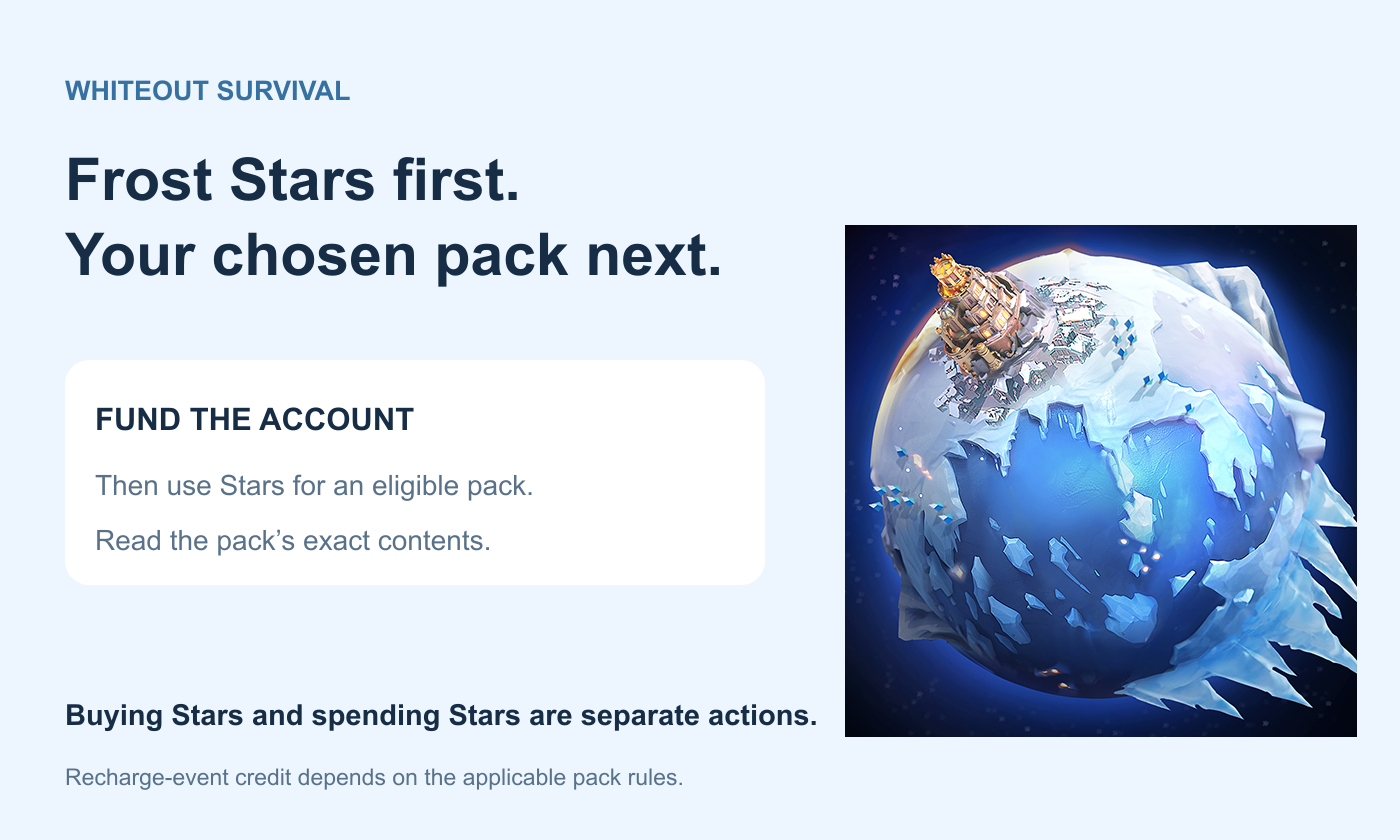
The Whiteout Survival Frost Star entry describes them as a currency used to purchase packs. The official store likewise identifies Frost Stars as currency obtained with real-money payment for in-game packs and offers. Think of them as a purchase balance, rather than another name for every resource inside a pack.
For example, a pack may contain resources, speedups or progression materials. Those are the contents you receive after buying that pack; they are not an automatic reward for holding Stars. Read the pack preview and the accepted payment option to see exactly what the transaction will deliver.
Buying Stars Is Different From Buying a Pack
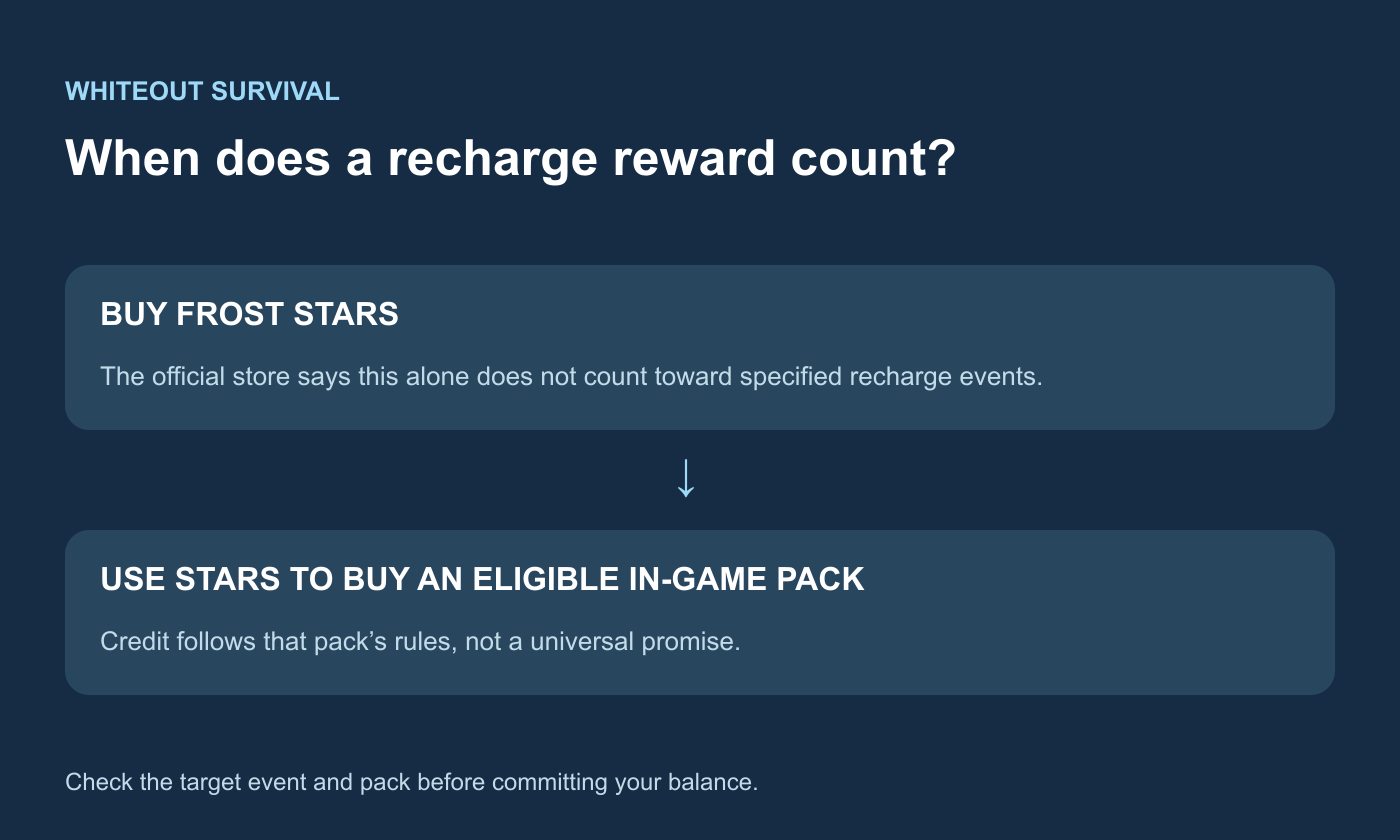
The important detail is in the official WOS store’s recharge instructions. Buying Frost Stars through that store does not itself count toward the specified in-game cumulative recharge and gem-pack purchase activities. Spending Stars on in-game packs is counted according to the corresponding pack’s rules.
 Whiteout Survival




This means that buying a large balance before an event ends is not enough to assume its milestones are complete. If a reward depends on an eligible pack purchase, you still need to make that purchase under the event’s rules. Check the target activity page after the pack transaction rather than treating the Stars receipt as proof of event progress.
How to Top Up Frost Stars and Use Them
Whiteout Survival offers an official web store reached through its recharge links. For an alternative product listing, Topuplist’s Whiteout Survival Frost Stars page identifies the currency being sold. Confirm the current product type and checkout requirements before paying; a Frost Stars purchase and a separately listed login-based pack service are different orders.
Open the intended game account and find the pack you want to buy.
Check whether it accepts Frost Stars and note the amount needed.
Select a supported recharge route and the correct recipient account.
Review the Star amount and final charge, then retain the order receipt.
Confirm delivery in the account, including in-game mail if the route uses it.
Purchase the intended eligible pack, then check both the received items and any related event progress.
Avoid relying on a nickname alone when a recharge asks for an account identifier. If you maintain characters in different states, confirm which character will receive the balance. A successful payment record does not tell you that you chose the correct character. The recipient check belongs before checkout.
Which Packs Are Worth Spending Stars On?
Begin with the resource that currently limits your progress. A pack full of general resources may look generous, but it can do little for a bottleneck caused by a specific upgrade material. Conversely, rare materials are poor value for you if the relevant system is not yet useful to your account.
Your immediate goal | What to inspect in a pack |
|---|---|
Finish a planned upgrade | The exact missing material, required quantity and any usable speedups. |
Improve a selected hero | Whether the contents apply to that hero and current progression stage. |
Reach a purchase-event milestone | Pack eligibility, event timing and the actual progress credited. |
Buy a cosmetic | The exact item included and whether you want it without assuming gameplay gains. |
Evaluate a mixed pack by the contents you expect to use. Do not assign full personal value to every extra simply because it appears in the bundle. Compare packs that address the same goal, then look at the total Star cost and how much purchased balance would remain afterward.
Comparing Web Recharge With Direct Pack Purchases
The meaningful comparison is the total cash cost of obtaining the same usable contents. For a Stars route, account for the cash needed to fund the pack, any fees displayed at checkout and remaining prepaid balance. For a direct pack purchase, read the exact contents and purchase conditions. Similar artwork or price tiers do not establish that two offers are identical.
The official store also notes that a bank may charge currency-conversion or cross-border fees. Review the total in your payment currency, especially when comparing routes quoted in different currencies. A headline bonus is only useful if it applies to your account and does not push the purchase beyond what you intended to spend.
Before You Buy for an Event
Read the event deadline and its displayed time zone, the eligible purchase description and any limit on the pack. Then decide whether you will actually complete the pack purchase while the activity is open. Funding Stars early can prepare a balance, but the event may require a later spending action.
Frost Stars are most useful when they support a purchase you have already chosen. Pick the pack, check the event treatment and fund the appropriate account. That keeps the currency purchase tied to a clear result instead of leaving an unused balance and an unfinished reward milestone.