


Telegram Stars vs Premium: Which Should You Buy?
Telegram Stars and Telegram Premium both involve paying inside Telegram, but they answer different needs. Stars are a balance you spend on supported digital purchases. Premium is a subscription that unlocks extra features for an account. Buying one does not automatically give you the other.
The choice becomes less obvious when you are sending a gift: Telegram also supports Premium gift subscriptions purchased with Stars. Here is how the balance, subscription and gifting options fit together, so you can choose the purchase that matches what you actually want to do.
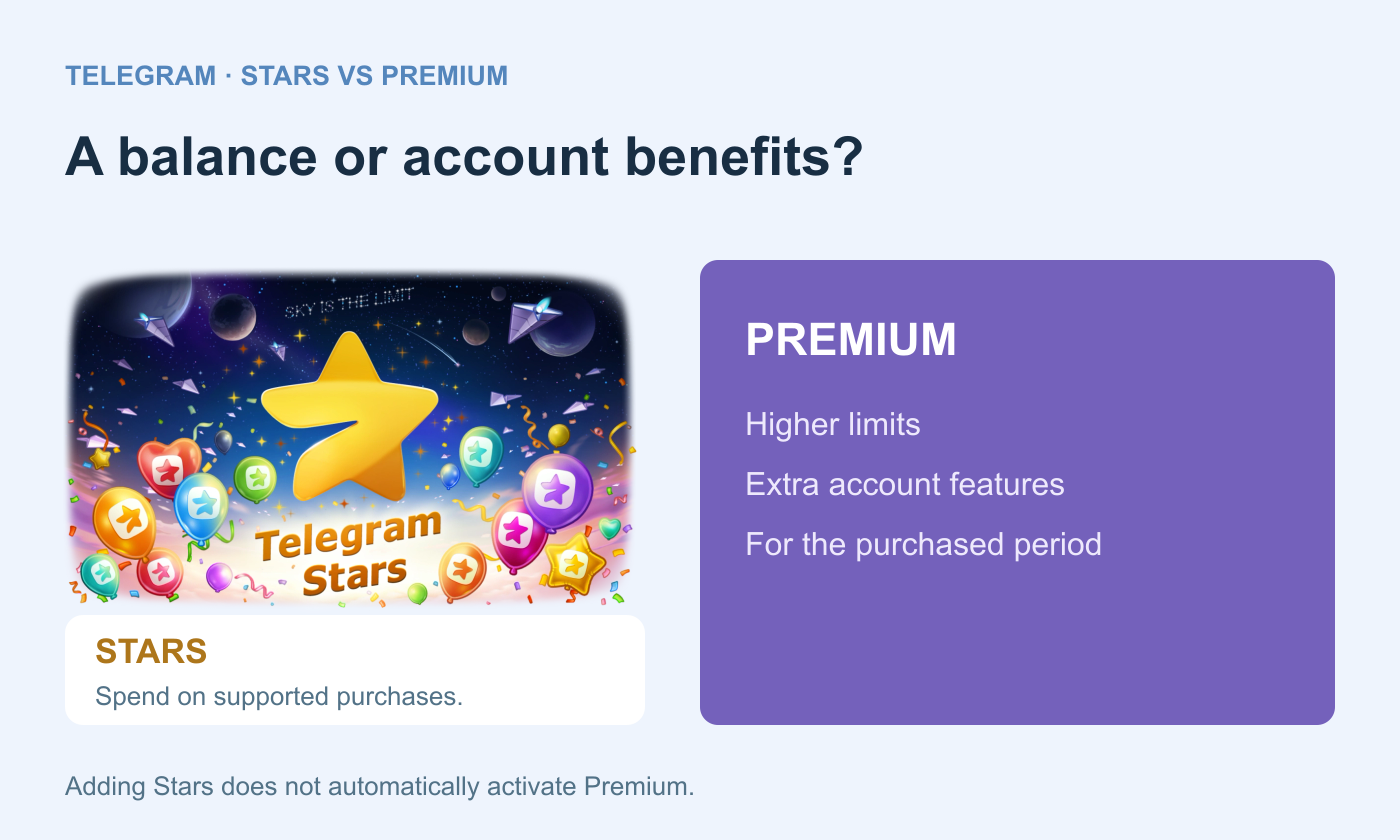
What Is the Difference Between Stars and Premium?
Stars pay for particular transactions. According to Telegram’s Stars terms, a personal balance can be used for supported bot and mini app purchases, paid media, creator support and Telegram gifts. The same terms also include gift subscriptions to Telegram Premium among the supported digital purchases.
Premium changes how you use your account. Its features include higher limits, larger file uploads, voice-to-text tools and additional customization. It does not turn every paid bot or creator offer into free content. A Premium subscriber can still encounter a separate Stars price for a specific purchase.
A practical way to choose is to identify the benefit you are trying to get. If the offer shows a Stars price, you need the required Stars balance for that transaction. If you want the account features listed under Telegram Premium, choose a Premium subscription or a supported gift subscription for the intended account.
 Telegram




Purchase | What you receive | Best suited to |
|---|---|---|
Telegram Stars | A spendable personal Stars balance | Specific digital purchases and supported gifts |
Telegram Premium | Premium account features for the purchased period | Using enhanced Telegram features regularly |
Premium gift bought with Stars | A Premium gift subscription for its recipient | Giving Premium through a supported Stars payment flow |
Can You Use Telegram Stars to Buy Premium?
Yes, Telegram’s terms explicitly support Premium gift subscriptions as a Stars purchase. That is different from simply holding Stars in your account. Adding Stars does not activate Premium; you must select the supported gift option, check the recipient and duration, and confirm the displayed Stars payment.
Do not assume that every Premium subscription screen accepts Stars, or that a gift purchase follows the same renewal rules as your own recurring subscription. Use the payment options offered by the actual gift or subscription flow. A Stars top-up and the subsequent gift purchase are separate transactions.
If your purpose is a supported Stars payment, you can review the available options on Topuplist’s Telegram product page. Confirm that the selected option is the product you need and that the recipient details are correct. A Stars listing should not be treated as a direct Premium subscription unless it specifically sells that subscription.
Which Option Is Cheaper for Your Goal?
Stars and Premium do not have a universal exchange rate. One is a balance, while the other provides a period of account benefits. Comparing a small Stars pack with a month of Premium tells you little unless both can deliver the same outcome you want.
For a Premium gift, compare the same recipient and duration across the payment options you can use. If you plan to pay with Stars, check the gift’s current Stars price and the real-money cost of obtaining any missing balance. Count the full pack payment you must make, while keeping any leftover Stars separate from the subscription itself.
For your own Premium subscription, the official Premium FAQ explains that prices can differ by purchase route and region. It also says @PremiumBot subscriptions can be cheaper because they avoid Apple or Google fees, although access depends on the app version and availability. That does not establish a fixed discount for every user or Stars purchase.
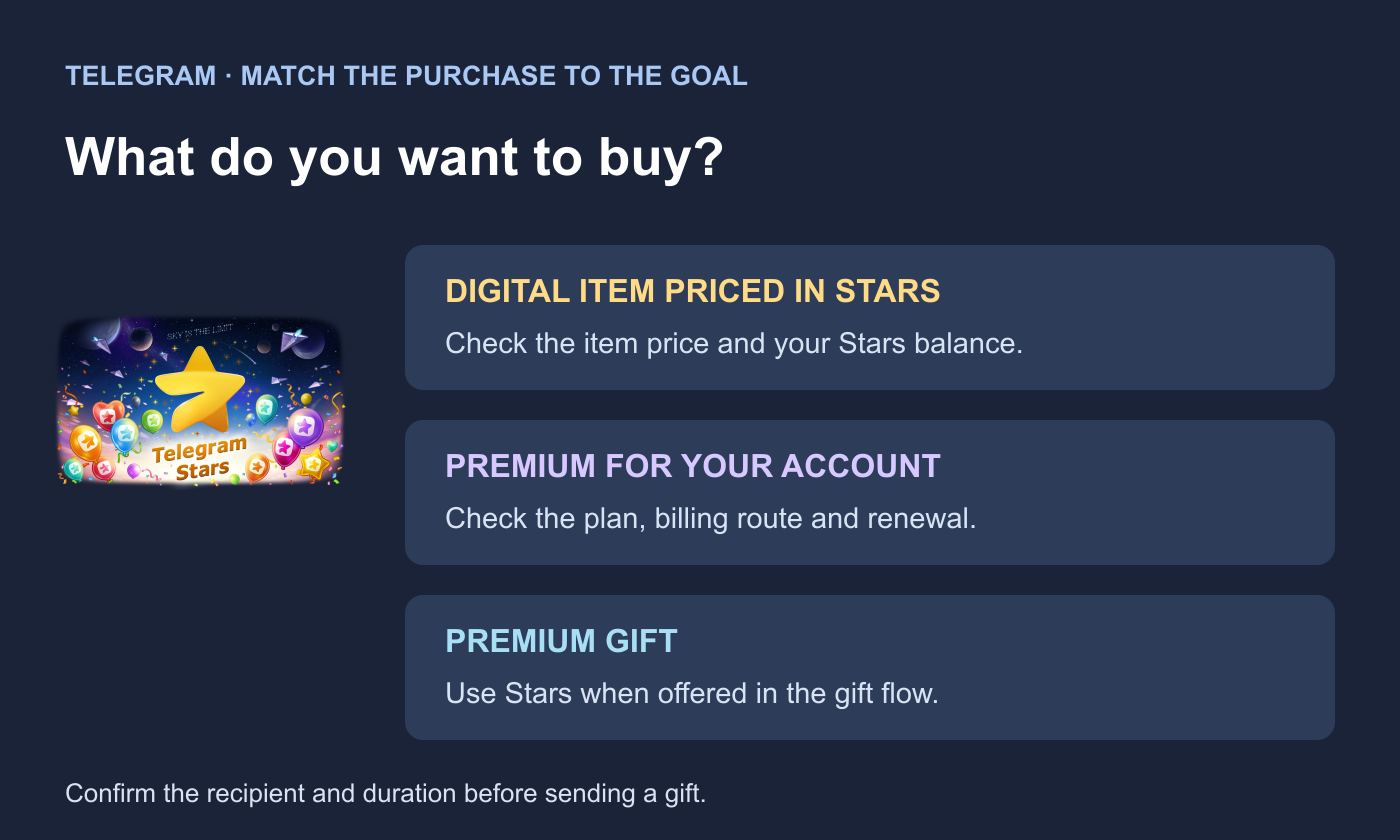
How to Buy the Right Telegram Product
For a gift, bot or mini app purchase
Open the intended item and read its currency and price. Check your Stars balance before choosing a top-up amount. After the balance arrives, return to that item and complete the purchase. Keeping these actions separate helps avoid thinking that a recharge has already sent a gift or unlocked the content.
For Premium on your own account
Open Telegram Premium in the account you want to upgrade and inspect the plan, billing provider and renewal terms. A subscription applies to that Telegram account across supported devices; it does not automatically upgrade other accounts you use. Review the checkout currency and full charge before confirming.
For a Premium gift to another user
Use the available Gift Premium flow for the intended recipient. Confirm the profile, duration and payment method before sending. If Stars are offered, read the exact Stars cost there rather than assuming it matches a cash price shown elsewhere. The recipient needs the Premium gift, not merely a Stars purchase made on your own account.
Frequently Asked Questions
Does Premium include free Stars for every purchase?
Premium is not a blanket Stars allowance. Check the listed benefits and the price of the individual transaction. Subscribing alone does not remove a separate Stars charge.
Can I withdraw Stars that I bought for personal use?
Telegram’s personal-balance terms do not allow selling or withdrawing purchased Stars. Creator earnings are governed separately, so creator withdrawal information should not be applied to your purchased personal balance.
Will uninstalling Telegram cancel Premium?
No. Cancel a recurring subscription through the provider you used to buy it. Telegram says uninstalling the app does not cancel the subscription, and cancellation normally leaves the paid features available until the current billing period ends.
Stars or Premium: Make the Choice by Use
Choose Stars for a supported purchase priced in Stars. Choose Premium for ongoing account features. For a Premium gift, compare the supported payment options for the same recipient and duration, including Stars when offered. You do not need both simply because both are available.