


Kingshot Best Server Guide: Which Server Should You Join?
Kingshot server guide 2026: pick the right Kingdom by age and playstyle, avoid dead or whale-run servers, and learn how transfers work.
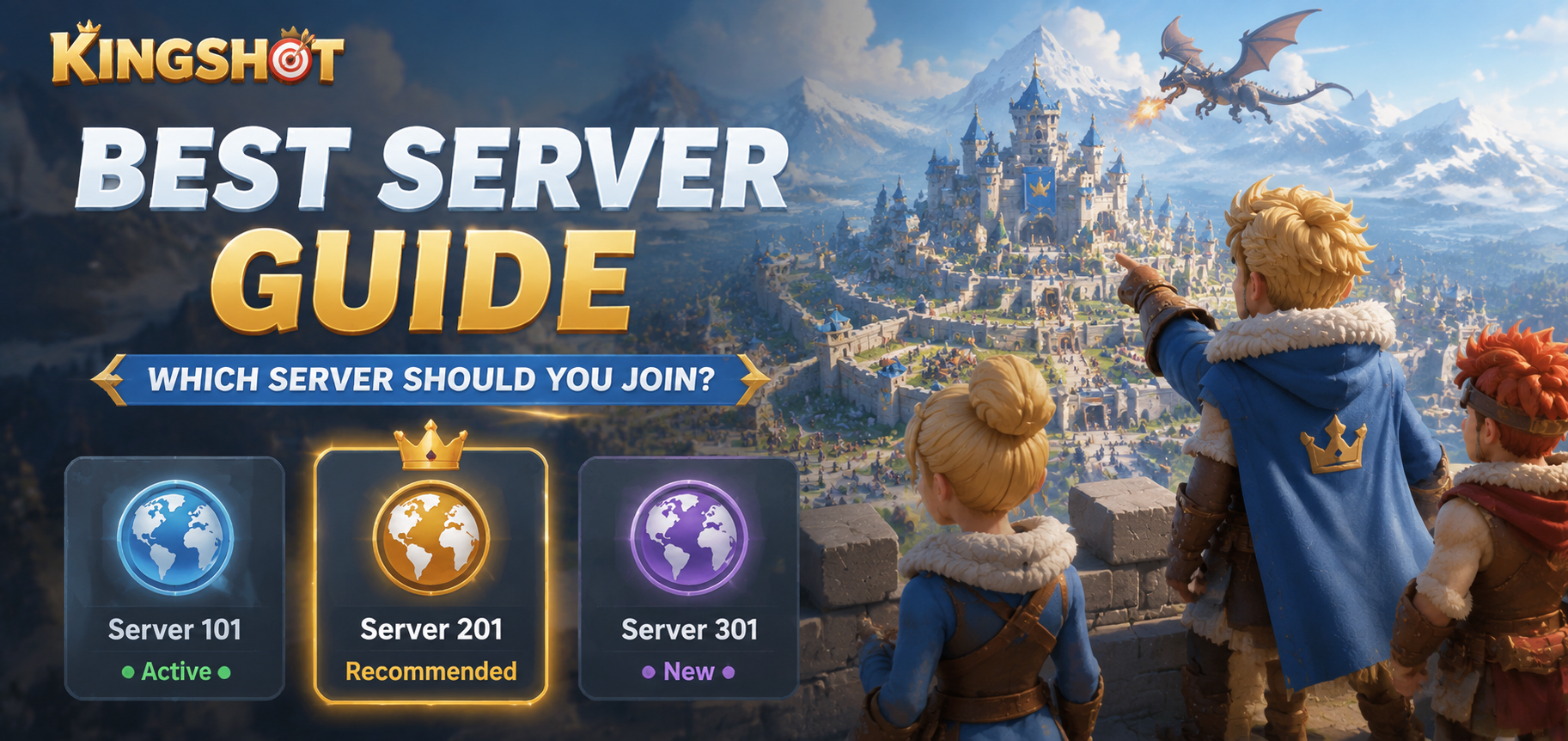
If you are about to start Kingshot and want the smoothest possible launch, the smartest first move is to line up your gem plan on a tracked Kingshot top-up at Topuplist through the official Topuplist storefront — but before any of that, you have a bigger decision: which server to join. In Kingshot your server (called a Kingdom) is an isolated game world, and the wrong choice can mean a dead chat, a whale-dominated leaderboard, or a power gap you can never close. This guide explains how server age, hero generations and player activity decide the best Kingdom for your goals.
Servers Are Kingdoms, Not Just Numbers
A server in Kingshot is its own self-contained world with a distinct player population, alliance ecosystem, server age (which dictates hero generations), KvK matchmaking pool, and economy. The heroes you can obtain depend entirely on how old the server is, because new generations unlock on a schedule tied to the server's launch date. That is why "which server" is not a minor option buried in settings — it shapes every progression decision you make for months.
Why Your Server Choice Matters
Your Kingdom determines who you fight alongside in alliances, who you face in KvK, and which hero generation is currently available. Join a server that is years ahead and you will never catch the veterans; join one that is days old and you get a fair shot at the leaderboard. The community guide at Kingshot Handbook's server selection guide lays out the same principle: match the server to your playstyle before you commit, because migration later is limited and permanent. Beyond raw power, your server shapes your daily experience — the alliances you can join, the time zones of the players you raid with, and whether KvK feels like a coordinated war or a one-sided farm. A server whose prime time overlaps your own hours is worth more than a "stronger" server you can never be online for.
Server Ages and What They Unlock
Hero generations unlock based on how old the server is. The cadence below is the widely documented Kingshot timeline:
Server Age | Generation | Key Heroes Available |
Day 1-39 | Gen 1 | Amadeus, Jabel, Helga, Saul |
Day 40-119 | Gen 2 | Zoe, Marlin, Hilde |
Day 120-159 | Gen 3 | Petra, Eric, Jaeger |
Day 160-199 | Gen 4 | Rosa, Alcar, Margot |
Day 200+ | Gen 5 | Vivian, Thrud |
Day 360+ | Gen 6 | Triton, Sophia, Yang |
Each new generation brings roughly 20% higher base stats, so a server's age is also a rough power meter. When a brand-new server opens, everyone starts equal; on an old server, the top alliances may already sit at powers you cannot reach without a long grind.
The Generation Timeline by Day
Note that these day counts are approximate and can shift slightly by server. The practical takeaway is simple: younger servers = fairer start, older servers = more content but bigger gaps. Plan your join around where you want to be on this curve, not around which server happens to show up first in the list.
The server-age clock also gates progression milestones beyond heroes. Tracking guides such as the Heaven Guardian server-age timeline note that Truegold progression commonly starts around Day 59-70 (you usually need Town Center 30 to use it fully), and the War Academy — a major late-game research milestone — typically unlocks around Day 220-225. Knowing these dates lets you save resources before they matter instead of reacting late. Use your VIP login days, Beast Hunting achievements and visible server milestones together to estimate your Kingdom's age, then compare against the timeline to plan your next moves. Whether your server is pushing into Truegold or approaching War Academy, timing is everything.
Server Types: New, Young, Established and Old
Servers are usually grouped by age into four buckets, and each has clear pros, cons and a best-fit player type. The bucket a server falls into changes constantly as new servers launch and old ones age, so the same Kingdom number can move from "young" to "established" within a couple of months. Use the day counts below as a guide, but always confirm the live age on the selection screen before you decide.
Brand New Servers (Day 1-7)
Pros: everyone starts equal, no established power players, fresh economy, fair competition. Best for competitive players and whales who want a clean Day 1 start. Cons: the community is not yet formed, alliance quality is unknown, and population may be low early on. If you join on Day 1, your first priority is to secure a spot in the strongest active alliance before it fills, because the early alliances that form often become the late-game powers.
Young Servers (Day 8-40)
Pros: still early enough to compete, an active new-player community, alliances forming and recruiting, and the simpler Gen 1 meta. Cons: early starters already hold an advantage and top alliances may be established. Best for players who want competition without Day 1 pressure. This is often the sweet spot for F2P players who miss the Day 1 launch but still want a fair climb.
Established Servers (Day 40-120)
Pros: a stable alliance ecosystem, Gen 2 heroes available (Zoe, Marlin), an active community, and known alliance quality. Cons: a significant power gap with veterans and difficult top rankings. Best for casual players who want established alliances. You can still build a respected account here by joining a mid-tier alliance and focusing on event rewards.
Old Servers (Day 120+)
Pros: the full hero roster available, mature alliances, and experienced players to learn from. Cons: a massive power gap, hard event competition, and you may feel irrelevant in KvK. Best for very casual players or those with friends already on the server. If your only reason to join an old server is "more content," weigh it against the reality that you will likely never reach the top ranks there.
How to Read a Server Before You Join
Do not pick a server blind. Spend five minutes checking three things before you commit, because the difference between a thriving Kingdom and a ghost town is usually visible in the first screen you see. A server that looks empty at a glance almost always is, and the cost of discovering that after a week of building is a full restart.
Check Server Age First
Look for server age on the server selection screen, the Kingdom info screen, or in generation announcements. Prefer a younger server if you want a fair start, and avoid servers far ahead of your intended timeline unless you have a specific reason.
Read the Activity Signals
Check the number of players online, alliance recruitment activity, Kingdom chat activity, and recent event rankings. A lively chat and active recruitment usually mean a healthy server; empty chat and silent alliances are warning signs. If you can, check the server at a few different hours, because a server that looks busy at peak but dead off-hours may not match your schedule.
Judge the Competition Level
Evaluate the top player power levels, alliance power distribution, and event ranking rewards. A server where the top alliance controls everything with a 10x+ power gap is a whale-dominated environment where F2P players will struggle. A healthier server shows a gradient of power levels across several active alliances rather than one untouchable bloc, which means more meaningful event rewards for everyone below the very top.
Best Server by Playstyle
There is no single "best server" — only the best server for how you want to play. The table below maps common playstyles to the server age that fits them, but treat it as a starting point and verify the live activity signals before you commit.
Playstyle | Recommended Server | Why |
Competitive | Newest available (Day 1) | Fair start, rankings achievable with effort |
F2P | New-to-young (Day 1-30) | Fair point, time to build before Gen 2 |
Casual | Established (Day 40-90) | Stable community, less performance pressure |
Social | Active community server | Chat and alliance quality over age |
For Competitive Players
Recommendation: the newest server available. A fresh start means fair competition and a real Day 1 advantage. Log in on launch day, join the strongest active alliance immediately, and spend efficiently from Day 1 if you are spending. Establish your position early before the power gap calcifies. Competitive players should also plan to be online during the server's prime-time window consistently, because KvK seeding and event rankings reward players who show up when the Kingdom is most active.
For F2P Players
Recommendation: a new-to-young server (Day 1-30). You get a fair starting point and time to build before Gen 2 unlocks. Focus on the rally joiner role, join a mid-tier active alliance, do not try to compete with whales directly, and build a steady foundation. Avoid whale-dominated old servers where catching up is nearly impossible. F2P players benefit most from a server where the top alliances are not a single 10x-gap monopoly, because that leaves room for a disciplined account to climb through event rewards rather than raw spending. If you ever decide to speed up that early foundation with a purchase, a tracked Kingshot top-up at Topuplist through the official Topuplist storefront keeps the order visible and lets you confirm delivery before you commit.
For Casual and Social Players
Casual players do best on an established server (Day 40-90) with a stable community and less pressure to perform. Social players should prioritize servers with active chat, visible Discord or social links, and alliances that communicate — community matters more than competition. Ask in global chat before committing, and treat alliance quality as more important than server age. A relaxed alliance on a mid-age server often delivers more enjoyment than a top-ranked alliance on a cutthroat one where missed events mean ridicule.
Red Flags to Avoid
Before you commit to a server, watch for three patterns that turn a promising Kingdom into a dead end. None of these are always visible in the first ten seconds, so spend a little time in global chat and the alliance list before you build.
Dead Servers
Signs of a dying server: very few players online, empty Kingdom chat, alliances with only 5-10 members, and no event participation. Why avoid: no community means boring gameplay, and the server may eventually merge. A merge keeps your progress but throws you into new competition, often against players who out-power you. If you notice these signs on a server you already joined, the Kingdom Transfer event is your structured exit.
Whale-Dominated Servers
Signs: a massive power gap (10x+ between ranks), the same names in every event ranking, P2W alliances controlling everything, and F2P complaints in chat. Why avoid: it becomes impossible to compete and a frustrating experience. If the top alliances own every event, a new F2P player has little room to grow, and even mid spenders get farmed by the top bracket. Look for a server where the top alliances are strong but not a single monopoly.
Toxic Communities
Signs: constant fighting in global chat, bullying of smaller players, alliance drama dominating discussion, and new-player harassment. Why avoid: the game should be fun, not stressful. A toxic Kingdom drains the enjoyment out of what is supposed to be a long-term progression game, and no amount of strong heroes makes up for a chat you dread opening. If global chat reads like a war zone, keep looking.
Can You Change Servers? Kingdom Transfer Explained
If you picked poorly, limited migration exists, but it is restricted. Options include rare Migration Scrolls (event rewards), account restart (losing progress), or creating a new account on a different server. The main structured path is the Kingdom Transfer event, which first launched on September 14, 2025 and has returned on a rolling schedule of roughly every 30 to 60 days. It does not open for all kingdoms at once — transfers come in batches grouped by kingdom number and progression stage, so your Kingdom may simply not be eligible in a given cycle. Before treating a transfer as a casual fresh start, remember it is permanent and carries a cooldown, so the move has to solve a real structural problem rather than a bad war or a feud.
The Three-Phase Transfer Window
The event runs about seven days across three phases. Phase 1 (preparation, ~3 days): Transfer Managers set their kingdom's Power Cap and governors can browse destinations. The Power Cap locks once Phase 2 begins. Phase 2 (invitation, ~2 days): managers issue Ordinary Invites to governors meeting the cap and Special Invites to those above it. Ordinary Invites do not trigger a mail notification, so check the transfer interface directly. Phase 3 (open, ~2 days): transfer opens first-come, first-served to anyone meeting the Power Cap. Desirable kingdoms fill fast, especially Leading Kingdoms with tighter capacity.
Leading vs Ordinary Kingdoms
Every kingdom in a transfer group is classified as Leading or Ordinary based on its Transfer Score (the combined score of the top 100 active governors). Leading Kingdoms are stronger, accept up to 30 incoming transfers, and cannot issue Special Invites. Ordinary Kingdoms accept up to 55 standard transfers plus 3 Special Invites (58 total). For most governors, Ordinary Kingdoms are the realistic target unless your account sits comfortably below a Leading Kingdom's lower Power Cap.
Transfer Requirements and the 25-Day Cooldown
A completed transfer is permanent, and you must wait at least 25 days before transferring again. Your current and target kingdoms must share the same hero generation and Truegold level, your character cannot be excessively older than the destination (age gap roughly 90-180 days), and you must meet the Power Cap or hold a Special Invite. You also need the required Transfer Passes, must keep four or fewer characters in the destination, and must leave your alliance, recall deployed squads, finish active battles, and meet the Town Center requirement. You lose progress, hero levels and buildings, but keep your game knowledge and strategy. Meeting the basic eligibility before the event opens removes the risk of being blocked mid-window, so check the live transfer interface's red and green checks as final authority rather than guessing from a guide. If you ever need to top up for Transfer Passes, a tracked Kingshot top-up at Topuplist through the official Topuplist storefront keeps the order visible and lets you confirm delivery before the window closes.
A transfer only makes sense when the current Kingdom has fewer than three active top-100 alliances, stagnant power growth over the last 30 days, or a time-zone mismatch with your active hours of four hours or more. It does not make sense for losing a war, feuding with another alliance, or chasing a stronger Kingdom without a plan to compete there — moving up to a Leading Kingdom without the Transfer Score to be competitive just replaces one problem with a worse one.
FAQ
Should I wait for a new Kingshot server to launch?
If a new server opens within a few days, yes — wait for the fair Day 1 start. If it is weeks away, start now on a young server and consider restarting later.
Can Kingshot servers merge?
Yes, dead servers sometimes merge. You keep your progress but face new competition from the merged kingdom.
Do all Kingshot servers have the same events?
Generally yes, though timing may vary slightly. Major events run globally, so event rewards are consistent across servers.
Is it ever too late to start Kingshot?
For casual play, never too late. For competitive rankings, older servers make catching up nearly impossible, so start on a young server.
How often does Kingdom Transfer open?
Roughly every 30 to 60 days in batched windows grouped by kingdom number and progression, not all at once.
What is the minimum wait between transfers?
At least 25 days after your previous transfer, enforced rigidly, so a bad transfer decision locks you in for nearly a month.
