


Douyin Web vs iPhone vs Android Recharge: Which Is Cheaper Overseas?
The web portal and Android both charge 1 RMB = 10 coins; iOS returns only about 7 per RMB — roughly 30% more. For overseas users, the web portal is the cheapest route.
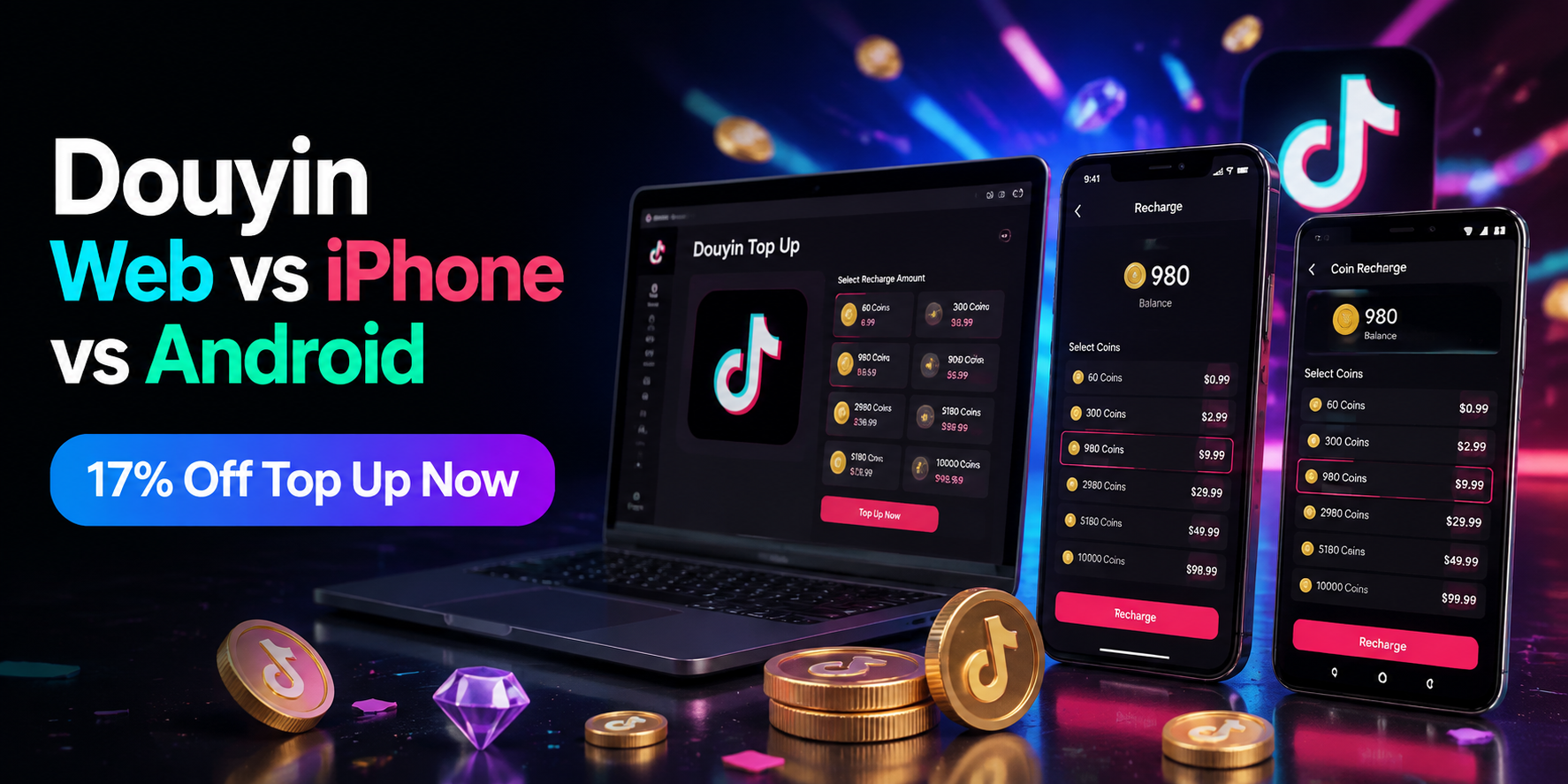
Ready to top up on the cheapest platform? The Douyin top-up page on Topuplist at the official Topuplist storefront handles your coins fast and securely, whichever device you are on.
Latest status: Douyin coins cost the same on two of the three platforms: the official web portal and the Android app both charge 1 RMB = 10 coins. The iOS app returns only about 7 coins per RMB because of Apple's roughly 30% commission — the same 30 RMB that buys 300 coins on Android buys about 210 in iOS. For overseas users, the web portal is the cheapest and most practical route.
The question every overseas Douyin user asks before their first top-up: does it matter whether I pay on my iPhone, my Android phone, or in a browser? The answer is a clear yes — and the difference is about 30% of your money. This guide compares the three platforms by price, walks through the payment steps on each, and covers the overseas-specific costs (currency conversion, card fees, payment methods) that the recharge page never shows.
The Platform Price Gap
Platform | Rate | 30 RMB buys | Price for 300 coins | Verdict |
Official web portal | 1 RMB = 10 coins | 300 coins | 30 RMB | Cheapest |
Android app | 1 RMB = 10 coins | 300 coins | 30 RMB | Cheapest |
iPhone app (in-app) | ≈1 RMB = 7 coins | ≈210 coins | ≈43 RMB | ~30% more expensive |
The table is the whole story in one glance: the platform you choose changes the effective price of every coin you buy. The web portal and Android share the standard rate; iOS in-app purchases are the outlier that costs roughly a third more for the same balance.
Why iOS Is 30% More Expensive
The Apple Commission
Apple charges app developers a commission on in-app purchases (typically around 30% on the standard App Store tier). Douyin absorbs that cost into its iOS packages — the result is a coin rate of about 1 RMB = 7 coins inside the iOS app instead of the standard 10. Concretely:
A 30 RMB package on Android/web = 300 coins.
The same 30 RMB in the iOS app = about 210 coins.
That is a ~30% price difference on identical coins. The official workaround is documented in Douyin's own help material: iPhone users should open the official web recharge portal in their browser and pay there — the web portal charges the standard 1:10 rate, supports WeChat Pay and Alipay, and credits the same account balance.
How to Recharge on Each Platform
Web Portal Steps
The official portal is the recommended route for both price and convenience:
Open the Douyin recharge portal in any browser (phone or desktop).
Log in with the Douyin app QR scan or SMS verification to your registered number.
Pick a preset tier (6 RMB up) or enter a custom amount from 1 RMB.
Pay with WeChat Pay, Alipay, UnionPay or carrier billing.
Coins sync to your account within seconds — check Wallet then Coins.
Android App Steps
Open Douyin → Me → the menu (three lines) → Wallet → Coins.
Choose a tier or enter an amount.
Pay with WeChat Pay / Alipay / UnionPay, or confirm with fingerprint or Face ID.
Coins arrive instantly; you can also recharge from the gift icon inside any live room.
iPhone Steps
Open Douyin → Me → Wallet → Coins.
The iOS package list shows the ~1:7 packages (for example, 30 RMB → 210 coins).
Payment runs through the App Store (Apple ID billing).
Recommended alternative: skip this screen and use the web portal for the 1:10 rate instead.
Overseas Payment Realities
The platform comparison is only half the story for users outside China. The overseas-specific factors:
RMB settlement required. Douyin's recharge page prices everything in RMB. To pay you need a method that settles RMB: a Chinese WeChat Pay or Alipay account, UnionPay cards, or a top-up service that credits your Douyin account for you in exchange for foreign-currency payment.
Currency conversion. If your card is in USD, EUR or another currency, the payment processor converts at its own rate — usually with a small spread on top of the interbank rate. This applies equally to every platform.
No VPN needed for the web portal. The official portal is accessible and works with SMS login from overseas; the account itself must be a real Douyin (China) account.
Foreign card acceptance. Chinese payment apps require a Chinese-registered account for most cards; international cards are not directly accepted on the recharge page. This is the single most common blocker for overseas users — the practical solution is a supported top-up route that handles the RMB leg for you.
Payment Methods Compared
Method | Best for | Notes |
WeChat Pay | China-based users and visitors | Needs a Chinese-registered account for most cards |
Alipay | Same profile as WeChat Pay | Widely used, same RMB settlement requirement |
UnionPay | China-issued bank cards | Direct card route on web and Android |
Carrier billing | Small emergency top-ups | Rate can be lower than 1:10; use only for tiny amounts |
Top-up service | Overseas users with no RMB | Credits your account from foreign-currency payment |
Extra Costs to Watch For
The iOS markup (the big one). About 30% more per coin compared to web/Android. Never top up through the iOS app if the web portal is an option.
Card foreign-transaction fees. Many overseas cards add 1-3% on non-domestic transactions; check your card terms before a large top-up.
Dynamic currency conversion (DCC). Some payment processors offer to charge you in your home currency at a poor rate — always choose to be charged in RMB when given the choice.
Third-party "discount" sites. Douyin explicitly warns that unofficial discount-recharge channels are scams or black-market operations; the risk is a banned account or lost balance, which is far more expensive than any "savings."
Security Across the Three Platforms
All three official routes are secured the same way at the account level — encrypted payment flows, login verification, and order records in your wallet — but they differ in exposure:
Platform | Login method | Payment confirmation | Main risk |
Web portal | QR scan or SMS | WeChat/Alipay/UnionPay confirm | None unique; verify the domain |
Android app | Device login | Fingerprint / Face ID | Rogue app-store installs |
iOS app | Apple ID | Face ID / App Store billing | The price markup, not security |
Web portal: runs entirely on Douyin's own domain with HTTPS; the login supports QR scan, which is the hardest to phish. Best security-to-convenience ratio.
Android app: protected by your device lock plus payment confirmation (fingerprint/Face ID); the risk is rogue installs, so only use the official app store version.
iOS app: protected by Apple ID billing and Face ID; the price is the problem, not the security.
The one rule that applies everywhere: never let anyone else log in to your account to "help you recharge." The official flows never require sharing your session, and any service that asks for it is the actual threat.
Troubleshooting: Coins Not Arriving
When payment succeeds but the balance does not update:
Check the order record in Wallet → Coins → Recharge Records; if the order shows success, the coins were credited to that account.
Re-login or re-enter a town/map — balances sometimes refresh on session change.
Confirm you topped up the right account. If the coins went to a different account than you expected (a gift top-up with a wrong ID), that is the non-refundable case.
Contact support with the order number — every official order has a timestamped receipt; support can trace it, but they cannot reverse a credited balance.
If you used a third-party top-up route, delivery time includes that route's processing — check its order status first, then the in-game balance.
Real-World Cost Example
To make the platform difference concrete, compare a 6,480-coin top-up (the biggest standard package) across platforms at the 1:10 rate:
Web portal / Android: 648 RMB for 6,480 coins.
iOS in-app: the same 648 RMB returns roughly 4,536 coins at the ~1:7 rate.
That is a ~1,944-coin shortfall — about 194 RMB (roughly $27 at the reference rate) lost to the platform choice on a single package. Over a year of regular gifting, the iOS markup can quietly cost hundreds of dollars. The math is the entire argument for the web portal: identical account, identical coins, ~30% better price, zero extra effort beyond opening a browser. And if the web portal's Chinese payment methods are not available to you overseas, a Douyin top-up on Topuplist via the official Topuplist storefront credits the account at the standard 1:10 value without needing a Chinese card.
Which Platform Should You Use?
The Recommendation Matrix
Your situation | Recommended platform | Why |
iPhone user | Official web portal | 1:10 instead of ~1:7 — the only way iOS users get the standard rate |
Android user in China | Android app or web portal | Same 1:10 rate; use whichever is open |
Overseas user, no RMB | Top-up service (credits your account) | Handles the RMB leg; web/app need a Chinese payment method |
Large top-up (328 RMB+) | Web portal bonus tiers | +25% to +50% extra coins on bigger packages |
Small top-up | Any 1:10 route | Same rate; pick the fastest |
The single universal recommendation: if you can pay on the web portal, pay on the web portal. It matches the Android rate, adds bonus tiers on larger amounts, and removes the iOS penalty entirely. Android in-app is identical in price. iOS in-app is the only route to avoid.
Regional Differences: China vs Overseas Users
Where you live changes which platform is even usable:
Users in China have all three routes open — WeChat Pay, Alipay and UnionPay work everywhere, and the platform choice is purely a rate decision (web = Android > iOS).
Overseas users with a Chinese payment method (a family member's WeChat/Alipay, a UnionPay card) can use all three routes too; the web portal remains the best rate.
Overseas users with no RMB method are effectively limited to a top-up route that settles the RMB leg for them — the in-app and web payments require a Chinese payment method that most foreign cards cannot provide.
The account itself must be Douyin (China), not TikTok. TikTok coins are a separate currency with a separate purchase flow; this entire comparison applies only to Douyin accounts.
This is why the platform question and the payment-method question are really one question for most overseas readers: choose the rate first (web), then solve the RMB settlement, and the iOS markup never needs to enter the picture.
Refund and Cancel Notes
Coins are non-refundable, but the surrounding rules matter for platform choice:
Uncredited orders (payment taken, coins not delivered) can be traced via the order record and support can complete the credit — keep the receipt.
Duplicate payments should be reported with both order numbers; the platform reconciles double-charges against the account balance.
No self-cancel window exists for coin purchases — there is no "pending" state to cancel in, which is another reason to verify the amount and account before confirming.
Gift top-ups follow the same rules — coins sent to another account via Gift Coins cannot be recalled.
The practical effect: on every platform, the confirmation step is the last moment you control the money. Read the amount, read the account, then confirm — the platform choice determines what you pay, but this discipline determines what you keep.
FAQ
Which Douyin recharge platform is cheapest?
The official web portal and the Android app both charge 1 RMB = 10 coins. The iPhone app is the most expensive at about 7 coins per RMB — roughly 30% more.
Why is Douyin cheaper on Android than iPhone?
Apple's roughly 30% commission on in-app purchases is absorbed into Douyin's iOS coin rate (~1:7), while Android and web keep the standard 1:10 rate.
Can I recharge from overseas?
Yes, if you can settle RMB or use a top-up route that credits your Douyin account for you. The recharge page itself needs a Chinese payment method; international cards are generally not accepted directly.
Does the web portal work for iPhone users?
Yes — and it is the recommended route. Open the official recharge portal in a browser, log in by QR or SMS, and pay at the standard 1:10 rate instead of the iOS in-app rate.
Are there extra fees for overseas users?
Currency conversion spreads, card foreign-transaction fees (1-3%) and dynamic currency conversion can all add cost; choose to be charged in RMB when possible.
Where can I top up Douyin coins from overseas?
Use the Douyin top-up page on Topuplist at the official Topuplist storefront for fast, secure coin delivery that avoids the iOS markup and the RMB settlement hurdle.
