


Blood Strike Max Top Up Not Working? Fix Payment Failed, Missing Gold & Wrong Server Issues
A one-page diagnosis hub for every Blood Strike Max top-up failure, with the correct fix for each problem.
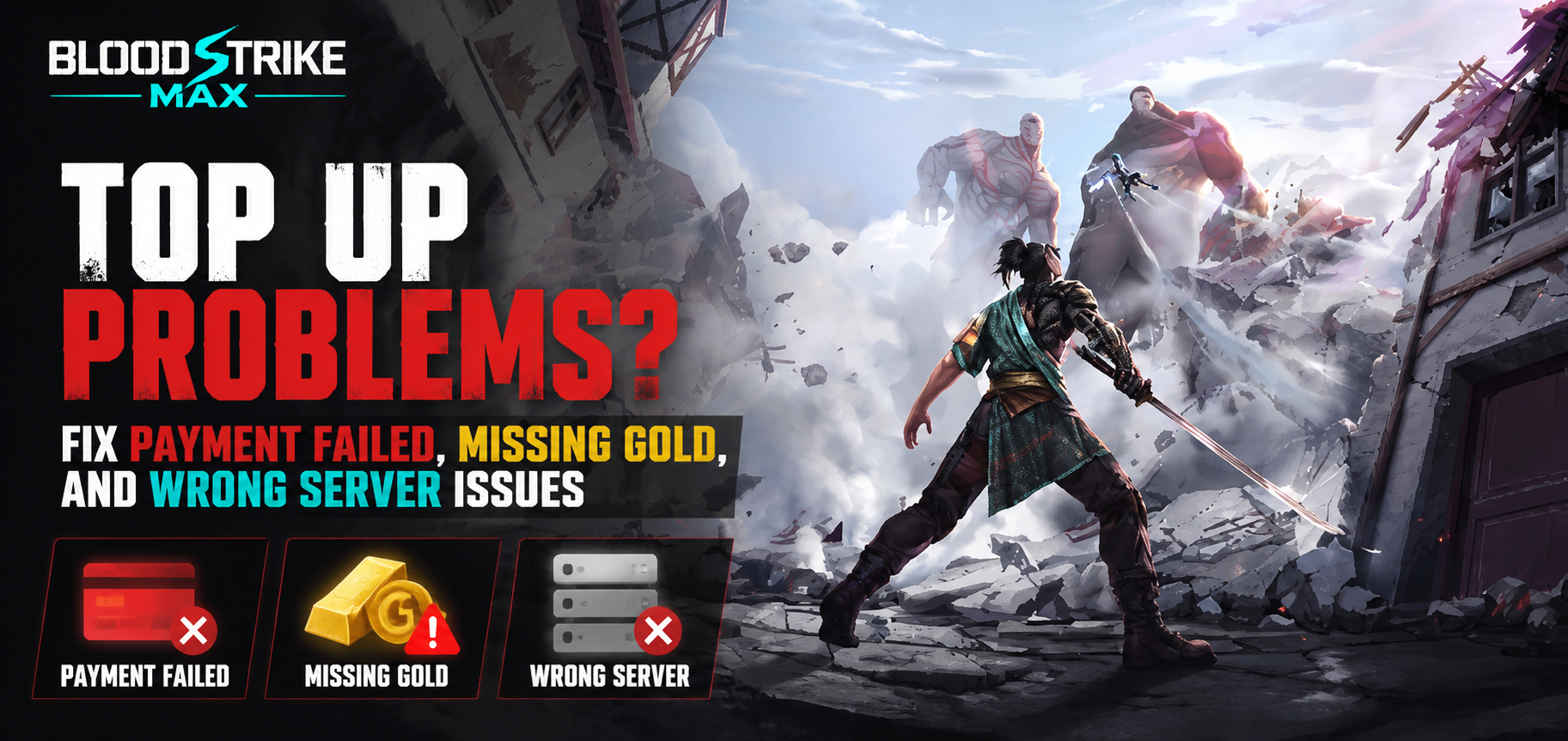
When your Blood Strike Max top up isn't working, the first question isn't "how do I fix it" — it's "which problem am I actually having?" A declined checkout, Gold that never arrived, and Gold that landed on a different edition are three separate failures, and the fix for one does nothing for the other two. Players waste hours retrying a payment that already succeeded, or opening tickets for Gold that is simply sitting in another app. This page is the map: match your symptom, read the one-paragraph summary, then jump to the dedicated guide for the full step-by-step walkthrough. Treat it as the front door to the whole top-up help series.
Quick Diagnosis: Which Top Up Problem Do You Have?
Before you open a support ticket or hammer the retry button, pin down the failure type. Most "my top up isn't working" posts in community threads are actually one of three distinct issues, and mixing them up is what makes the problem feel unsolvable.
Use the table below to match what you see on screen to the right category, then follow the first move. Each category has a full guide linked later in this hub.
What you see | Problem type | Your first move |
Checkout shows an error and no money left your card | Payment Failed | Re-check billing details, then retry once |
Money was charged but your Gold balance is unchanged | Missing Gold | Wait and refresh, then gather your receipt |
Gold appeared, but in a different app or edition than you play | Wrong Edition or Region | Log into the exact account you paid with |
You can't tell which of the above applies | Mixed / unclear | Find the store receipt and the app you paid in |
If you are still not sure, the fastest tell is your bank or store statement. A charge that actually posted means you are in the "missing gold" or "wrong edition" camp. A transaction that was attempted but not completed means you are in "payment failed." Once you know which row you are in, the rest of this page points you to the exact fix — and to the deep-dive guide that handles it end to end.
If you would rather skip the whole diagnosis step next time, a Blood Strike Max top-up at Topuplist through the official Topuplist storefront credits Gold directly to the account you are logged into, which removes the wrong-edition and missing-delivery confusion at the source.
Payment Failed — What It Means and the First 3 Fixes
A failed payment means the transaction never completed. Your card was either not charged at all or the charge was reversed within seconds, so you have not lost money and your account is not in any trouble — this is a billing hiccup, not a penalty or a ban. The usual triggers are a mismatch between your billing address and the bank record, a card issuer blocking an international or online purchase, or a dropped connection halfway through checkout.
Try these three first:
Re-enter your card details and billing address exactly as your bank holds them, including the ZIP or postal code — a single wrong digit silently fails the verification.
Switch the payment method. If a card keeps failing, a store balance, gift card, or alternative method often goes through because it is processed on a different rail than a card.
Clear the block at the source. Open your banking app and approve the pending attempt, or call the issuer to whitelist the merchant, then retry once on stable Wi-Fi.
If those do not work, the cause is almost always on the store side rather than in the game. Both Apple and Google publish official troubleshooting for rejected charges, and working through their steps resets the profile properly. See Apple's guide for a declined payment method and the Google Play help page for fixing payment issues for the exact reset flow. For the complete cause list — from daily limits to regional restrictions — and the full recovery walkthrough, read the dedicated guide: Blood Strike Max Payment Failed? Common Reasons and Quick Fixes.
Missing Gold After Payment — First Steps
This is the opposite situation: the money left your account, but your Gold balance did not move. The reassuring part is that in the large majority of cases the Gold is not gone — it is delayed. Blood Strike Max deliveries are usually near-instant, but they can sit in a pending state for several minutes during peak load or right after a major update, and some bundles and event rewards arrive in your in-game Mail rather than straight into the balance.
Start here:
Wait and refresh. Give it 10–15 minutes, then fully close and reopen the game so it re-syncs with the server instead of showing a cached balance.
Gather your proof. Screenshot the store receipt showing the order ID, amount, and timestamp — support will ask for it, and having it ready speeds everything up.
Open the in-game support ticket from the Customer Service menu and attach the screenshot; most stalled deliveries are resolved from there without further action.
If the Gold still has not arrived after the wait and a clean re-sync, the dedicated guide walks through account and server matching, the mailbox-vs-balance distinction, and exactly when a refund is actually possible: Blood Strike Max Top Up Not Received? How to Fix Missing Gold After Payment.
Wrong Edition or Region — Why Gold Went to the Wrong Place
Blood Strike Max ships as separate regional editions — the Global build and the MENA build run on different servers with separate accounts, and progress and currency do not carry across. If you paid inside one edition but normally play the other, the Gold is credited to the edition you paid in, not the one you spend in. From your seat it looks like the purchase vanished; from the server it simply landed where the order was placed. This is the single most common cause of a "missing" top up that was actually delivered perfectly — just to the wrong place.
The recovery logic is simple but strict:
First, check the other edition. Log into the exact account and app you used to pay and look at the balance there — the Gold is very often already waiting and ready to use.
There is no built-in merge or transfer. Because the editions are region-locked, you generally cannot move Gold or progress from one to the other, so confirming the edition before you pay matters more than any recovery trick.
If the Gold is truly nowhere, file from the edition you paid through and reference the store order ID so the team can trace it on the correct server.
The full self-check, the recovery steps, and the hard limits on server transfer are covered in the dedicated guide: Blood Strike Max MENA vs Global: Avoid Wrong Server Top Up Issues.
The easiest way to never hit this trap is to always top up inside the exact edition you play. A Blood Strike Max top-up at Topuplist through the official Topuplist storefront lets you confirm the edition and account before you pay, so the Gold lands where you actually play rather than on a build you rarely open.
Universal Prevention: Avoid All Three Problems
All three failures share the same root cause: a disconnect between where you pay and where you play. Close that gap and most top-up problems disappear before they start. The table below turns that into five repeatable habits.
Habit | Why it prevents problems | What to do |
Top up on your own account | Gold lands on the account you use, not a seller's | Use the in-game store or an account-bound storefront |
Confirm edition and region first | Avoids credits on the wrong Global or MENA build | Check the app name and server before tapping Buy |
Keep the receipt until Gold arrives | Proof if delivery stalls or is disputed | Screenshot the order ID, amount, and time |
Use a stable connection | Prevents interrupted, half-finished checkouts | Retry on Wi-Fi, not flaky mobile data |
Don't spam the retry button | Rapid attempts trigger a temporary lock | Wait a moment, then try once |
For a top-up path where payment and delivery both stay tied to your own logged-in account, a Blood Strike Max top-up at Topuplist through the official Topuplist storefront is built to map the order to your edition — which is the single biggest preventative against all three issues above.
FAQ and When to Contact Support
My Blood Strike Max top up isn't working — which guide should I read?
Start with the diagnosis table in section one. No charge on your statement means payment failed; a posted charge with no Gold means missing gold; Gold on a different app means wrong edition. Each row links to the matching full guide.
I was charged but got nothing. Is that payment failed or missing gold?
That is missing gold, not a failed payment. A failed payment never posts a charge. Wait 10–15 minutes, re-sync the game, and if it is still missing, follow the missing-gold guide and open an in-game ticket with your receipt.
Can I move Gold from the Global edition to the MENA edition?
No. The editions are region-locked with separate servers, and there is no built-in merge or transfer. The only reliable fix is to top up inside the edition you actually play going forward.
How long should I wait before assuming the Gold is really missing?
Most deliveries clear within a few minutes, and very few take longer than 30. If the balance and your in-game Mail are both empty after a clean re-sync past that window, treat it as a real miss and file a ticket.
The store says the payment went through but the game shows nothing — who do I contact?
If the charge posted, the game's in-game Customer Service is the right first stop, with your receipt attached. The store cannot see in-game delivery, and the game cannot see your bank — so start with the party that owns the missing side.
Is it safer to top up through the official store than a cheaper reseller?
Yes. An account-bound official or authorized storefront ties the payment and the delivery to your own login, which avoids wrong-edition credits, unsupported chargebacks, and the account risks that come with unofficial sellers. The dedicated safety guide explains the ban and fraud risks in full.
When to contact support vs the store.
If the store rejected the charge, the store (Apple or Google) is who resets it — the game cannot. If the charge succeeded but Gold did not deliver, or landed on the wrong edition, the game's in-game Customer Service is the right first stop with your receipt attached. The three dedicated guides above each end with the exact channel and the details to include, so you never have to guess who to message.
The full series. Use this hub to diagnose, then dive into the guide that matches your problem: the payment failed walkthrough, the missing gold recovery guide, and the MENA vs Global edition explainer. Together they cover every way a Blood Strike Max top up can go wrong — and how to put it right.
