
Tiles Survive Shelter Guide: Best Buildings to Upgrade First
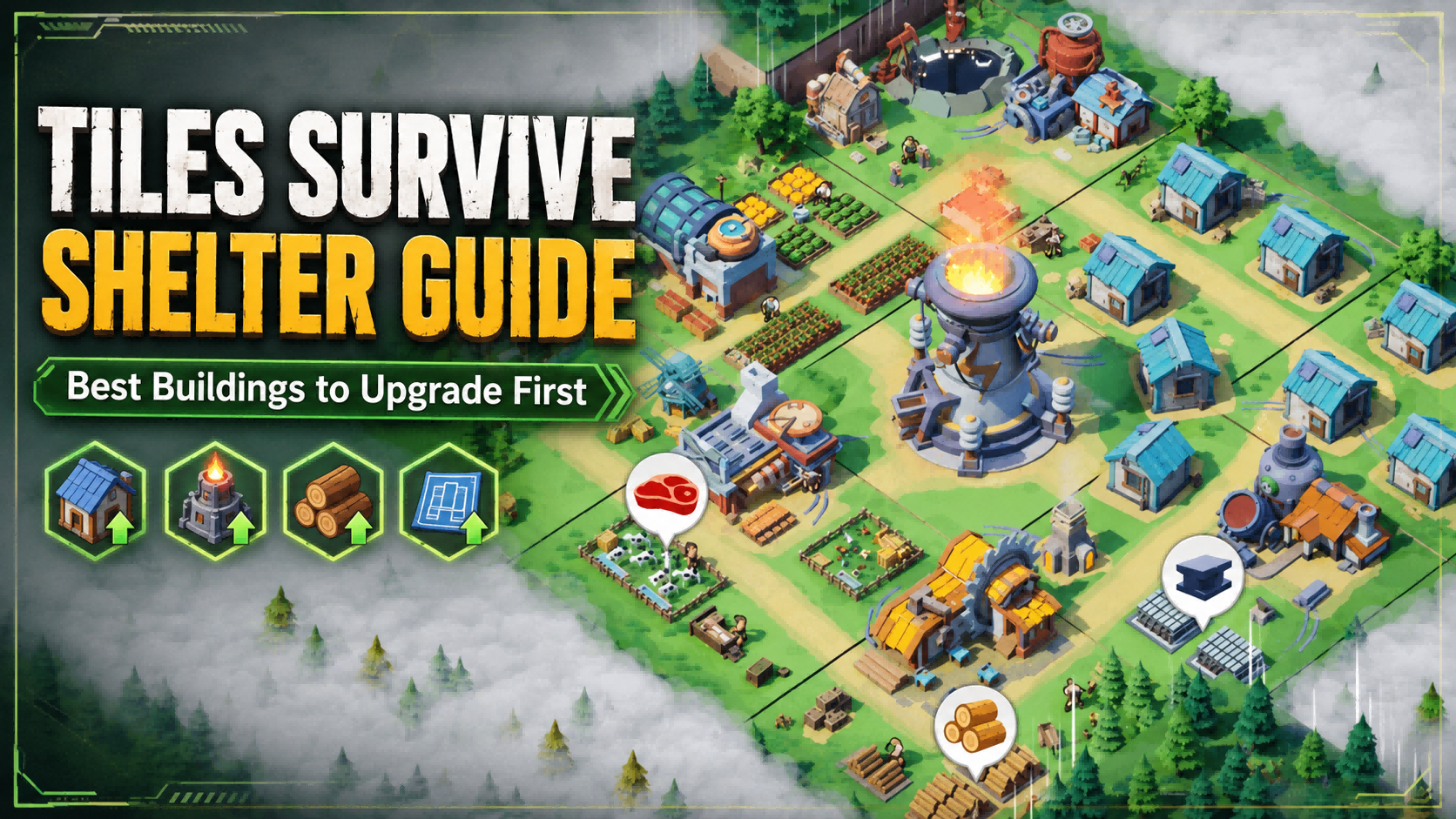
In Tiles Survive!, shelter upgrades decide how fast your settlement grows, how efficiently your survivors work, and how quickly you can unlock new systems. Many beginners make the same mistake: they upgrade every building whenever a red dot appears. That usually leads to weak production, locked buildings, wasted timers, and slow shelter progress.
Tiles Survive is officially described as a survival strategy game where players explore different tiles, gather resources, upgrade structures, manage electricity, assign survivors to jobs, and build a self-sufficient shelter. That means the best upgrade order is not about raising every building evenly. It is about upgrading the buildings that remove progression blocks first.
For players who want faster shelter growth, premium currency can help when used carefully. Topuplist provides a dedicated Tiles Survive top-up page for Waypoints and Gems, which can support building upgrades, resource production, and account development. However, paid currency is most valuable when you already know which buildings are worth upgrading first.
What Should You Upgrade First in Tiles Survive?
The best buildings to upgrade first in Tiles Survive are the ones that unlock progress, support production, or remove upgrade requirements. In most cases, your early upgrade priority should look like this:
Core or power-related building
Required prerequisite buildings
Key production buildings
Survivor support buildings
Workshop or processing buildings
Research building
Combat buildings
Alliance or communication buildings
The official Tiles Survive website highlights shelter production, exploration, survivor management, and alliance cooperation as part of the core gameplay. The Google Play listing also mentions building and upgrading structures, managing electricity, and assigning survivors to jobs such as hunters, chefs, and lumberjacks. This is why your shelter upgrade order should always balance three systems: power, production, and survivor efficiency.
The main rule is simple: upgrade what unlocks the next important step, not what happens to be available.
Is the Power Plant the Most Important Building in Tiles Survive?
For most players, the Power Plant or power-related core building should be one of the highest priorities. Tiles Survive puts strong emphasis on electricity and production efficiency. The official Google Play description specifically says players can connect electricity to speed up production and run the shelter more efficiently.
That makes power different from ordinary production buildings. A Food or Wood building improves one part of your economy, but a power-related core building may affect several systems at once. If your production structures cannot run efficiently, upgrading them alone may not solve your problem.
A community building database for Tiles Survive also lists the Power Plant as a core building, with level-based upgrade time, power, and cost information. Since building requirements can change with updates, your in-game upgrade screen should always be treated as the final source of truth.
When Should You Upgrade the Power Plant First?
Upgrade the Power Plant or equivalent core building first when:
Other buildings are capped by core level
Production buildings are waiting for more power
The next chapter or mission requires shelter expansion
Multiple upgrade paths are blocked at the same time
You need to unlock new structures or functions
When Should You Stop Pushing the Power Plant?
Do not upgrade only the Power Plant while ignoring the rest of your shelter. Stop and rebalance when your production buildings are too low, your survivors cannot keep up with available jobs, or your Workshop and research systems are falling behind.
A strong shelter is not just a high-level core building. It is a system where power, production, workers, and upgrades support each other.
Which Production Buildings Should You Upgrade Early?
Production buildings are the foundation of your shelter economy. The official game description says players need to enhance production structures for smoother workflows, which makes production upgrades important after your core requirements are handled.
The key is not to upgrade every production building equally. Instead, upgrade the production buildings that support your current bottleneck. If your next core upgrade requires a specific material, focus on the building or processing chain that produces it. If a production line is already capped by electricity, upgrade power first. If a building produces more than your storage can hold, upgrade storage or delay that building.
How to Tell If a Production Building Is Worth Upgrading
A production building is worth upgrading if it does at least one of the following:
Removes a current upgrade bottleneck
Increases output for a frequently used material
Supports the next core building requirement
Works efficiently with your current power supply
Has enough assigned survivors to stay productive
Helps you complete current chapter objectives
Do not upgrade production blindly. A higher building level is useful only when the shelter can actually support its output.
Should You Upgrade Survivor Buildings Early?
Yes, but only after your basic core and production structure are stable. Tiles Survive includes survivor assignment as a major gameplay system. The official Google Play page mentions assigning survivors to jobs such as hunters, chefs, and lumberjacks, while the FunPlus Tiles Survive page says players should provide the right jobs to survivors and keep the power steady.
This means shelter speed is not only about building level. A levelled production building can still underperform if your survivors are poorly assigned, idle, or unsupported.
Survivor support buildings are especially important when you unlock more workers, more jobs, or more production lines. If your shelter feels slow even after upgrading production buildings, check whether your workers are actually assigned correctly and whether your support buildings are strong enough.
Why Your Shelter Still Feels Slow After Upgrades
Your shelter may still feel slow because:
Key production buildings lack assigned survivors
Power is not connected to important production lines
Survivor support buildings are underleveled
New jobs are unlocked faster than your worker base can support
You upgraded buildings that do not solve your current bottleneck
The best shelter upgrade plan always includes both buildings and people. If you ignore survivor efficiency, your shelter may look upgraded but still perform poorly.
When Should You Upgrade the Workshop?
The Workshop or processing building becomes more important once basic shelter upgrades start requiring advanced materials. Early on, simple production buildings may be enough. Later, upgrade chains often depend on processed components, crafted items, or intermediate materials.
Upgrade the Workshop when:
Several building upgrades require processed materials
Your core building is blocked by advanced components
Basic production is stable but upgrades are still stuck
You need better processing speed for shelter development
The Workshop is a prerequisite for another important building
Delay Workshop upgrades when your early core, power, and production buildings are still too weak. A Workshop is valuable only when you can feed it with enough input materials and use the output immediately.
Is the Laboratory Worth Upgrading Early?
The Laboratory or research building is usually a long-term value building. It may not feel as urgent as a core building, but research bonuses can improve your shelter over time.
If your account is still in the first stage of basic shelter setup, prioritize core and production first. Once your shelter can produce steadily, the Laboratory becomes more important because it can improve efficiency, development speed, survivor productivity, or combat readiness depending on the research options available to your account.
For F2P players, the Laboratory is especially valuable because permanent efficiency upgrades can reduce the need to spend premium currency later.
When Should You Upgrade Barracks, Hospital and Hero Buildings?
Combat buildings should not be ignored, but they should not always be your first priority. In Tiles Survive, early shelter growth depends heavily on production, electricity, and survivor assignment. If you upgrade combat too aggressively before your economy is ready, you may gain temporary power while slowing down your long-term development.
Upgrade combat buildings earlier if your chapter missions, map fights, events, or alliance activities require stronger teams. Upgrade them later if your shelter economy is still weak and you are not facing serious battle pressure.
Hero-related buildings can become valuable once hero progression starts affecting exploration and combat efficiency. The official Tiles Survive website highlights heroes and exploration as part of the gameplay loop, so hero development should eventually enter your upgrade plan. Just do not let it replace essential shelter infrastructure too early.
Should You Upgrade Alliance or Communication Buildings?
Alliance-related or communication buildings are usually mid-game priorities. Tiles Survive has a strong social layer: the official site mentions joining an alliance, teaming up with allies, and facing global crises together. That makes alliance systems more valuable once you are in an active group.
Upgrade alliance or communication buildings when:
Your alliance activity is high
Group events reward coordination
Alliance help reduces waiting pressure
Communication or rally-related functions become relevant
Your account has moved beyond basic shelter setup
Delay them if you are still not in a stable alliance, or if your Power Plant and production buildings are clearly behind.
If you are a light spender and want to support alliance growth, check whether Waypoints or Gems can help you reach a specific upgrade goal. The Topuplist Tiles Survive recharge page lists Tiles Survive top-up options that may help with building upgrades and resource production, but the best value comes from spending around planned shelter goals instead of random upgrades.
Best Building Upgrade Order for New Players
For new players, the safest building order is:
Upgrade the core or power-related building when required
Complete prerequisite buildings shown by the upgrade requirement screen
Upgrade key production buildings that support your next major upgrade
Improve survivor support buildings when workers become inefficient
Upgrade Workshop or processing buildings when advanced materials appear
Start upgrading Laboratory for long-term efficiency
Upgrade combat buildings when missions, heroes, or events require them
Improve alliance or communication buildings once alliance activity matters
This order works because it follows the natural shelter development curve: unlock first, stabilize second, optimize third, specialize later.
Beginner Upgrade Plan by Stage
This is not a fixed script for every account. If your in-game requirement screen says another building is needed, follow that requirement first. After that, use this order to decide what deserves your resources next.
Best Shelter Upgrade Order for F2P Players
F2P players should prioritize permanent value over short-term power. Your goal is to avoid waste, reduce bottlenecks, and keep the shelter growing without relying too heavily on Gems.
The best F2P upgrade priority is:
Core / Power Plant
Required prerequisite buildings
Production buildings
Laboratory
Survivor support buildings
Workshop and processing chain
Combat buildings only when required
Alliance buildings once you are in an active alliance
F2P players should be careful with buildings that only increase visible power but do not help progression. A high combat number is not useful if your shelter cannot produce, upgrade, or recover efficiently.
Buildings F2P Players Should Not Overupgrade Too Early
Avoid overinvesting early in:
Combat buildings you do not yet need
Buildings that do not unlock new systems
Low-impact side buildings
Structures that are not part of current upgrade requirements
Any building that cannot operate well due to power or survivor limits
If you do spend occasionally, use premium currency to support high-value upgrade windows. Topuplist’s Tiles Survive top-up page can be used to review Waypoints and Gems options, while the Tiles Survive Official Top-Up Center is also available for players who prefer the official FunPlus store. Always check your UID, character name, server, and purchase details before placing any order.
Why Are My Buildings Locked in Tiles Survive?
Buildings are usually locked because the game is asking you to meet a requirement first. Instead of guessing, open the building upgrade screen and check the requirement list carefully.
Common causes include:
Core or power building level is too low
A prerequisite building has not reached the required level
Main chapter or tutorial progress is incomplete
Required materials are missing
Processing capacity is not strong enough
Power or survivor support is insufficient
The building is tied to a system you have not unlocked yet
Do not waste resources trying to guess the lock. The requirement screen is the shortest path to fixing the problem.
How to Avoid Wasting Building Upgrades
The easiest way to waste upgrades is to treat every building as equally urgent. Before starting any upgrade, ask three questions:
Does this unlock a new system or higher building level?
Does this remove my current bottleneck?
Does this help my next core upgrade?
If the answer is no to all three, the building is probably not your best priority right now.
You should also avoid finishing major upgrades at random times if an event is about to start. If a building event rewards construction progress, saving one or two important upgrades for the event window can give better value. This does not mean you should stop progressing for days. It means you should time long, high-value upgrades when the reward structure makes sense.
Best Buildings to Upgrade Before Events
Before a building or development event, prepare upgrades that give both account progress and event value. The best candidates are usually:
Core or power-related buildings
Long-timer production buildings
Workshop or processing upgrades
Laboratory upgrades
Combat buildings if the event also involves fighting or training
Alliance-related buildings if the event rewards group activity
Do not upgrade weak-value buildings just to score points. A good event upgrade should either solve a real shelter problem or push your account toward the next important unlock.
If you plan to buy Waypoints or Gems during an event, decide your target milestone first. The Topuplist Tiles Survive product page describes Waypoints and Gems as resources that can help with character power, building upgrades, production speed, and territory expansion. Those benefits are strongest when attached to a clear upgrade plan.
Final Verdict: What Buildings Should You Upgrade First?
The best building upgrade order in Tiles Survive is not “upgrade everything evenly.” Start with the core or power-related building, finish required prerequisites, then build a strong production and survivor system. After that, upgrade Workshop, Laboratory, combat buildings, and alliance systems based on your current bottleneck.
For most players, the correct priority is:
Core / Power → Required Buildings → Production → Survivor Support → Workshop → Laboratory → Combat → Alliance
This order keeps your shelter moving without wasting resources on buildings that do not matter yet. If you are F2P, stay focused on permanent growth. If you are a spender, use Waypoints and Gems around planned upgrades rather than random shortcuts. Whether you use the in-game shop, the official FunPlus store, or Topuplist Tiles Survive top-up, the strongest account growth still comes from choosing the right building at the right time.
