
PUBG G-Coin CDK 2026: Where to Buy Cheap & Safe
A complete 2026 guide to buying PUBG G-Coin CDKs safely and cheaply. Learn how to avoid black market bans, understand cross-platform restrictions, and redeem codes securely via Krafton ID.
Buying G-Coins directly through the Steam store often feels like a trap. Not only are you hit with the notorious "Steam Tax" (regional pricing disparities), but you also have to navigate strict region locks. So, you turn to third-party sites for cheap CDKs (redeemable codes)—only to be paralyzed by the fear of black market keys, chargebacks, and the dreaded 10-year Krafton ban.
If you want to upgrade your Workshop weapons or grab the latest Survivor Pass without risking your account, you need a reliable strategy. This guide reveals the truth behind the 2026 PUBG G-Coin CDK market, teaching you how to spot 100% safe "white-label" codes, navigate cross-platform restrictions, and redeem your coins securely.
🛡️ The Danger of "Too Cheap" CDKs: How to Avoid Black Market Bans
When browsing forums or shady Telegram groups, you will often see G-Coin CDKs being sold at impossible discounts (e.g., 50% off). Before you pull out your wallet, you need to understand the mechanics of the black market.
The "Negative Balance" Nightmare
Most ultra-cheap CDKs are funded by "carding" (stolen credit cards). When the original cardholder notices the fraudulent charge and initiates a chargeback, Krafton’s automated system immediately revokes the G-Coins from your account. If you have already spent them, your G-Coin balance will drop into the negative, completely locking you out of matchmaking and the in-game store until you pay the debt.
Steam Region Locks & "Red Envelopes"
Attempting to bypass Steam’s regional pricing by changing your wallet region (e.g., faking a Turkish or Argentine account) violates the Steam Subscriber Agreement. Valve actively monitors this and will issue a "Red Envelope" (a permanent account restriction or ban) if caught.
How to Spot a Legit Seller
To protect your account, only purchase from platforms that guarantee white-label keys (legitimately sourced from authorized regional distributors). A safe seller will:
Never ask for your Steam or Krafton account password.
Offer local payment gateways.
Provide instant digital delivery via email.
🎮 Cross-Platform Warning: PC, Xbox, and PlayStation CDKs Explained
This is the #1 reason for CDK refund requests. G-Coin CDKs are strictly platform-locked. Even though PUBG supports cross-progression (your skins and G-Coins carry over between PC and consoles once linked), the CDK redemption codes themselves do not.
⚠️ CRITICAL WARNING: If you buy a PC CDK and try to redeem it on your PS5, you will get an "Invalid Code" error, and the code will be wasted. Always double-check your platform selection before checking out!
💰 How Much Should You Spend? G-Coin Strategies by Player Tier
How you buy G-Coins should depend entirely on your playstyle and budget. Here is the optimal CDK purchasing strategy for every type of PUBG player in 2026:
1. The Casual / F2P (Budget: 0− 10/season)
The Strategy: Your only purchase should be the Survivor Pass CDK (usually 990 G-Coins). By completing the pass and doing weekly missions, you can earn back enough G-Coins to fund a portion of your next pass, creating a sustainable "free-to-play" loop.
2. The Skin Hunter / Dolphin (Budget: 20− 50/month)
The Strategy: Never buy G-Coins on a random Tuesday. Wait for the Weekend Deals (Friday to Sunday) when Black Market spins and specific skins are discounted. Buy mid-tier bulk CDKs (2000+ G-Coins) from third-party sites to get a better exchange rate than the Steam store offers.
3. The Workshop Whale (Budget: $100+/month)
The Strategy: If you are maxing out Workshop weapons or pulling for limited-time collaboration skins (like Lamborghini or McLaren), you need massive amounts of G-Coins. Buy the highest denomination CDKs available to trigger Krafton's "Consumption Event" milestones, earning exclusive avatars and nameplates.
⚙️ Step-by-Step: How to Redeem G-Coin CDKs via Krafton ID Safely
For PC players, redeeming via the Krafton ID Web Portal is vastly superior to using the Steam Wallet. It completely bypasses Steam's regional pricing locks and allows you to use global CDKs without triggering any Steam account flags.
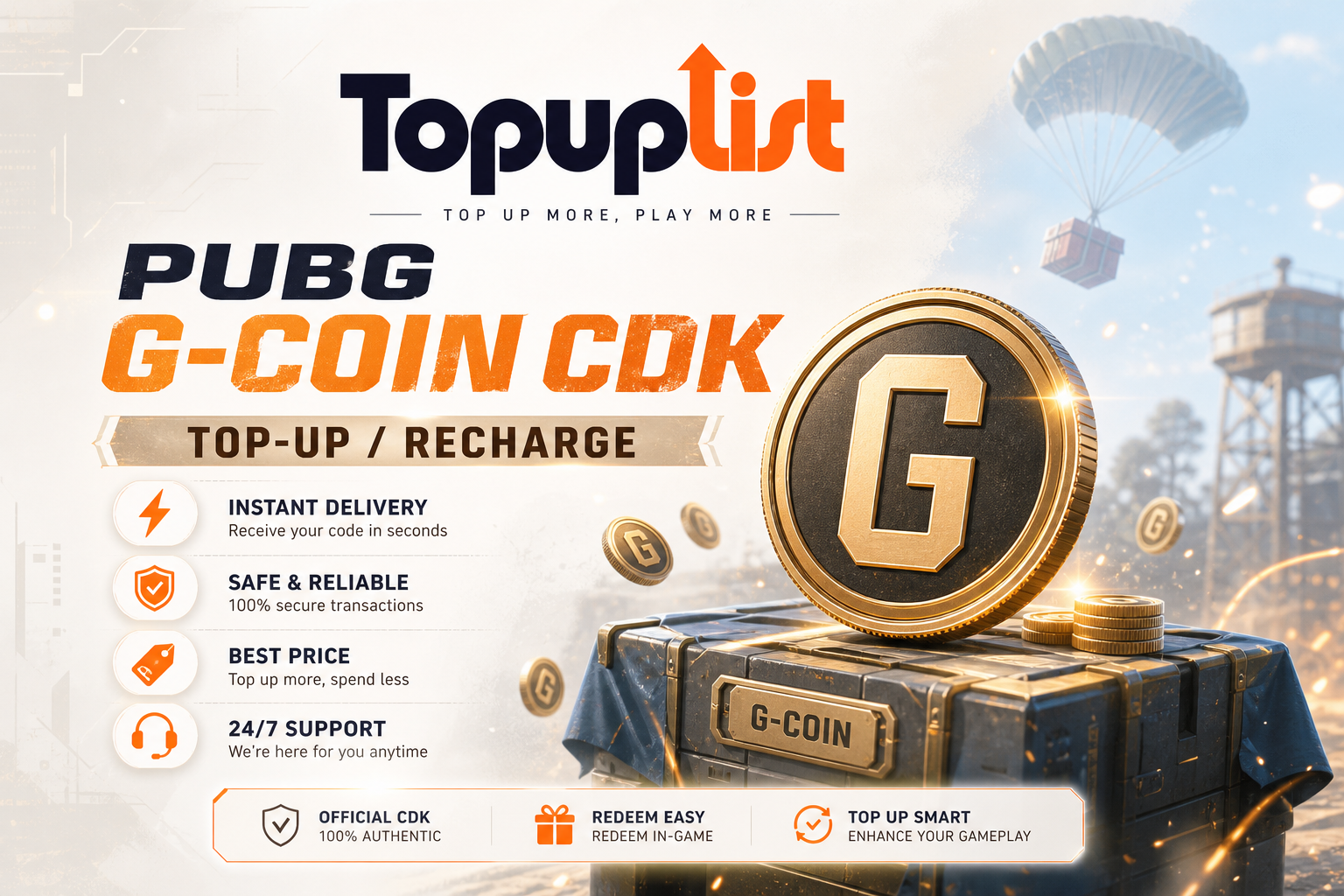
💎 GET 100% SAFE & CHEAP PUBG G-COIN CDKs! Stop overpaying on Steam and risking your account on shady black-market sites. Topuplist provides 100% legitimate, white-label PUBG G-Coin CDKs with instant email delivery. Whether you play on PC, Xbox, or PlayStation, we have the exact codes you need at unbeatable prices. 👉 Click here to buy Cheap & Safe PUBG G-Coin CDKs on Topuplist and upgrade your loadout today!
Step 1: Purchase Your CDK Visit the Topuplist PUBG G-Coin page, select your exact platform (PC, Xbox, or PlayStation), choose your G-Coin amount, and complete the checkout. Your CDK will be emailed to you instantly.
Step 2: Access the Krafton ID Portal (PC Players) Go to the official Krafton ID website and log in. Ensure your Steam or Epic Games account is properly linked to your Krafton ID.
Step 3: Redeem the Code Navigate to the "Redeem Code" section on the Krafton dashboard. Enter your CDK exactly as it appears in your email. The G-Coins will be injected directly into your PUBG account. Launch the game, and your new balance will be waiting for you!
❓ Troubleshooting & FAQ: Invalid Codes and Region Errors
(Webmaster Note: Please wrap this section in FAQPage JSON-LD Schema markup to capture "People Also Ask" rich snippets on Google).
Q: I bought a PC CDK, but it says "Invalid Code" when I try to use it on my Xbox. Why? A: As mentioned in our cross-platform warning, PC CDKs can only be redeemed via the Krafton ID web portal. They cannot be used on the Microsoft Store. You must purchase an Xbox-specific CDK for console redemption.
Q: Can I get banned for using a third-party CDK site like Topuplist? A: No. Account bans and negative balances only happen when players buy stolen "black market" keys. Topuplist sources 100% legitimate, authorized white-label CDKs. It is completely safe and compliant with Krafton’s Terms of Service.
Q: My Steam account is set to a specific region (e.g., Turkey/Brazil). Can I buy a Global CDK? A: Yes! By redeeming your Global CDK through the Krafton ID web portal instead of the Steam store, you completely bypass Steam's regional wallet restrictions. The G-Coins will apply to your PUBG account regardless of your Steam store region.
Q: How long does it take for the CDK to arrive after purchase? A: Topuplist uses an automated digital delivery system. Your CDK will be sent to your registered email address instantly after payment confirmation.
Final Thoughts
Navigating the PUBG G-Coin economy doesn't have to be a gamble. By avoiding black-market traps, respecting platform-specific CDK locks, and utilizing the Krafton ID web portal for redemption, you can secure the best deals without putting your hard-earned account at risk.
Ready to hit the Black Market or grab the new Survivor Pass? Stop risking your account with shady keys. 👉 Click here to buy 100% safe PUBG G-Coin CDKs via Topuplist, bypass Steam region locks, and get your codes delivered to your inbox instantly!
