
MLBB Negative Diamonds: Account Recovery Guide
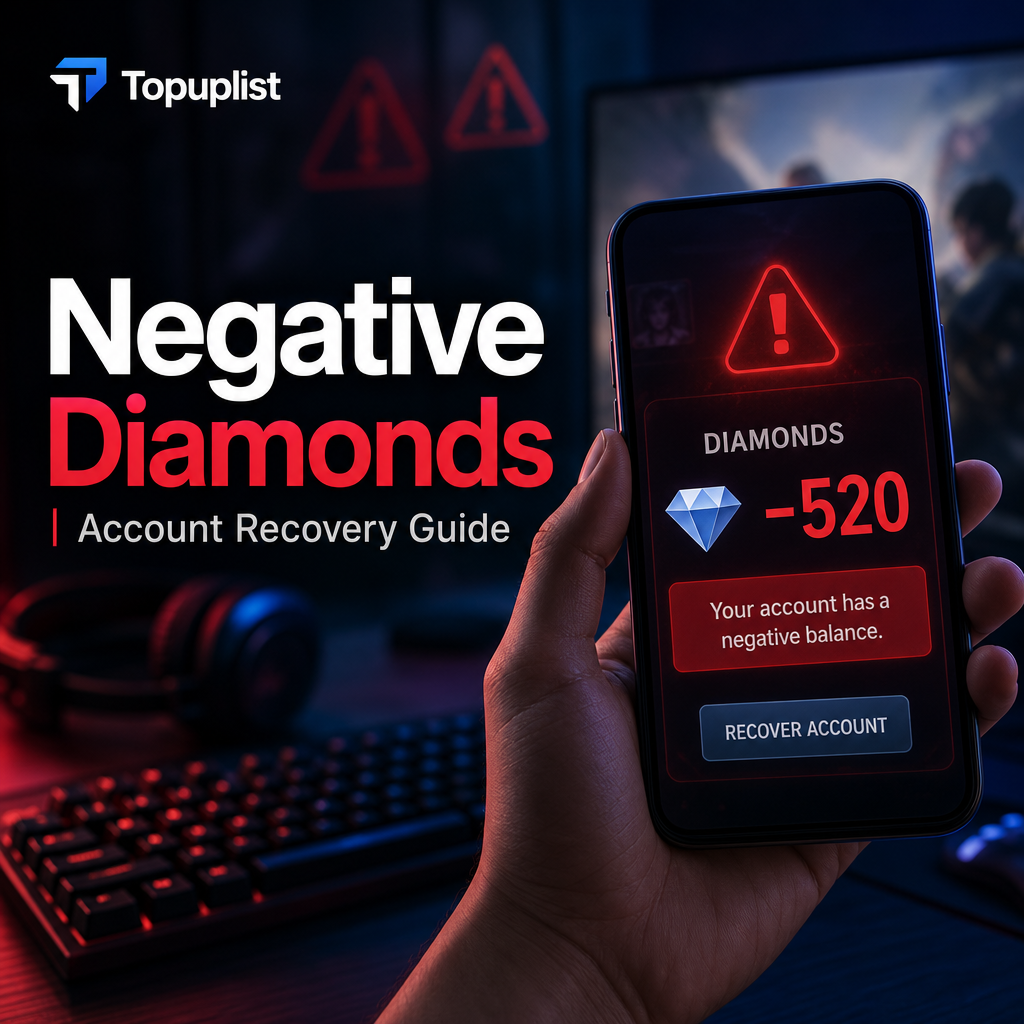
You log into Mobile Legends: Bang Bang (MLBB), ready to queue up for a Ranked match with your squad, only to notice something horrifying in the top-right corner of your screen: your diamond balance is a bright red negative number (e.g., -5,000), and a stern system restriction popup dominates your screen.
A sudden wave of panic sets in. You immediately search for terms like “MLBB negative diamonds fix” or “why are my diamonds red in MLBB.” First, understand that this is not a random system visual bug. It is an intentional anti-fraud penalty deployed by Moonton's billing tracking system. However, your account is not lost forever. Moonton grants affected players a strict "probationary grace period." As long as you follow the proper, secure recovery protocols to clear your debt before the timer runs out, your profile will be restored to perfect standing.
The Root Cause: Why Did Your MLBB Balance Go Negative?
A negative diamond balance triggers for one reason: a transaction clawback caused by an unauthorized chargeback or refund. Many players, looking to maximize their budget during limited gacha events like the KOF, Star Wars, or Jujutsu Kaisen skin collaborations, turn to unauthorized third-party online stores offering "highly discounted diamonds."
To fulfill these cheap orders, illicit sellers rely on fraudulent operations. They typically utilize "black cards" (stolen credit cards) or execute a forced chargeback/refund after the diamonds land on your account. When Moonton reconciles its balance sheets with app marketplaces, they discover that the fiat currency used for your purchase was forcefully pulled back by the issuing bank. To protect their ecosystem, Moonton instantly retracts the exact volume of diamonds from your profile. If you have already spent those diamonds to unlock premium skins, your balance drops directly below zero.
The Consequences: How Negative Diamonds Freeze Your Account
Operating your account with a negative deficit places your profile into an automated quarantine track. Moonton views unauthorized chargebacks as a direct breach of their terms. Consequently, your profile's core gameplay functions are immediately frozen.
Account Restrictions Under Financial Probation
The system automatically revokes your access to competitive modes to ensure fraudulent assets do not impact fair matchmaking systems.
The Ultimate Ban Timer
Alongside these feature blocks, Moonton delivers an official ultimatum notice to your in-game mailbox. This warning sets a rigid repayment deadline (typically 3 to 7 days).
If you fail to bring your diamond counter back to zero or higher before this countdown expires, the system executes a permanent account ban. According to international digital merchandise consumption codes monitored by legal security watchdogs like the Federal Trade Commission (FTC), publishers retain full legal authority to terminate digital service access when a profile is associated with payment fraud or banking chargeback disputes.
The Recovery Guide: How to Safely Clear Your Negative Balance
To save your account from permanent deletion, you must repay the exact amount of currency you owe. However, do not return to the same sketchy store or use another unverified vendor to buy "repayment diamonds." Shady sellers will only trigger a secondary wave of chargebacks, locking your account into an unrecoverable permanent ban loop.
Method 1: In-App Checkout Purchases
You can clear your debt by using the standard in-game store to buy standard diamond tiers until the red numbers disappear. However, players frequently discover that their in-game checkout module is blocked by an "Account in Danger" error or regional mobile app marketplace payment rejections.
Method 2: Verified External Web API Recharges
If your in-game store is frozen or won't process your credit card, the most effective solution is using an authorized external web top-up center. By shifting your repayment process to a secure web framework, you sidestep local client software glitches completely.
🛡️ Protect Your Account—Repay Your MLBB Negative Diamonds Instantly on Topuplist!
Don't let a third-party refund scam wipe out years of rank progression and hard-earned hero masteries. If you are racing against a Moonton ban timer and need an immediate, 100% official payment line to clear your red debt, trust Topuplist.
⚡ Direct API Delivery: Your diamonds land in your account vault within seconds via official automated delivery routes, instantly chipping away at your negative balance.
🔒 100% Safe UID-Only Processing: Your data privacy is non-negotiable. We only require your Player User ID and Server ID—we never demand your password or login verification codes.
💰 Best Regional Value: Save cash while clearing your debt with optimized global exchange rates on all standard diamond bundles.
👉 Top Up Your Mobile Legends Diamonds Instantly on Topuplist Now!
To safeguard your gaming assets moving forward, always evaluate the operational security profile of your checkout channels:
Prevention: How to Find Your Accurate MLBB Identifiers
To ensure your web repayment delivers directly to your specific profile and clears your debt without error, you must properly identify your account numbers. MLBB splits your player identity into two distinct components: a User ID and a Server ID.
How to Find Your Details: Launch MLBB, tap your profile avatar in the upper-left corner, and select the "Profile" tab. On the right side, you will locate your identifier string formatted like this: ID: 12345678 (1234).
Breaking Down the Code: The 8-digit sequence outside the parentheses is your unique User ID. The 4-digit number inside the parentheses represents your Server ID. You must input both strings correctly on your checkout page to clear your account debt successfully.
If you ever need to track down your original, valid payment records to clear your name during an account dispute, make sure to cross-reference your statements through official billing hubs like the Google Play Help Center to secure verified digital receipts. Remember the golden rule of gaming safety: Legitimate, authorized top-up channels will only ever require your public UID and Server ID. Keep your credentials safe, steer clear of unrealistically cheap diamond offers, and protect your profile.
Frequently Asked Questions (FAQ)
Q1: Can I clear a negative diamond balance by earning free diamonds or playing events?
Answer: No. Free event points, premium tickets, or promo diamonds cannot be used to offset a negative base diamond deficit. The system checks your core paid diamond index ledger. The red negative debt must be fully cleared via a real-money purchase through a legitimate billing line.
Q2: How many days do I have to fix my negative balance before my account is banned permanently?
Answer: While the precise countdown is specified in the automated system warning message sent to your in-game mailbox, Moonton’s standard grace window typically spans 3 to 7 days. If your balance remains below zero when that specific timer hits zero, the system applies an automatic, un-appealable permanent ban.
Q3: Why does my in-game store say "Account in Danger" when I try to pay off my debt?
Answer: Moonton's automated security architecture frequently locks local in-app purchasing modules if it catches sudden device swaps, IP address leaps, or chargeback activity. If your in-game store is frozen by an "Account in Danger" block during a debt crisis, using an external API portal like Topuplist is the best workaround to safely credit your account using just your UID.
Q4: Will I lose my unlocked limited-edition event skins permanently after my balance turns negative?
Answer: Your premium skins are temporarily disabled and frozen while your account sits in a negative deficit profile. Once you successfully top up and bring your diamond counter back to zero or higher, your complete skin inventory, high-tier heroes, and Ranked matchmaking access will instantly unlock automatically.
Q5: Do I need to give my Moonton account password to Topuplist to process my repayment?
Answer: Absolutely not. Topuplist integrates directly with Moonton's external developer API pipelines. This allows the platform to credit your account using only your public User ID and Server ID. You should never hand over your login passwords, linked email credentials, or two-factor authentication (2FA) security codes to any vendor.
