
Identity V Top Up Not Received in 2026: Causes, Fixes, Refund Guide & Missing Echoes Solutions
As Identity V continues to maintain a large global player base in 2026, top-up issues remain one of the most common complaints among users. Many players report paying successfully for Echoes but not receiving them in their accounts. This situation creates immediate frustration, especially when the payment has already been deducted from a bank card, PayPal, Apple ID, or Google Play account.
Players frequently search for solutions to problems such as:
Why did I pay but not receive Echoes?
Is my Identity V top up still pending?
How do I get a refund for missing Echoes?
What should I do if I was charged twice?
Who should I contact when Echoes are missing?
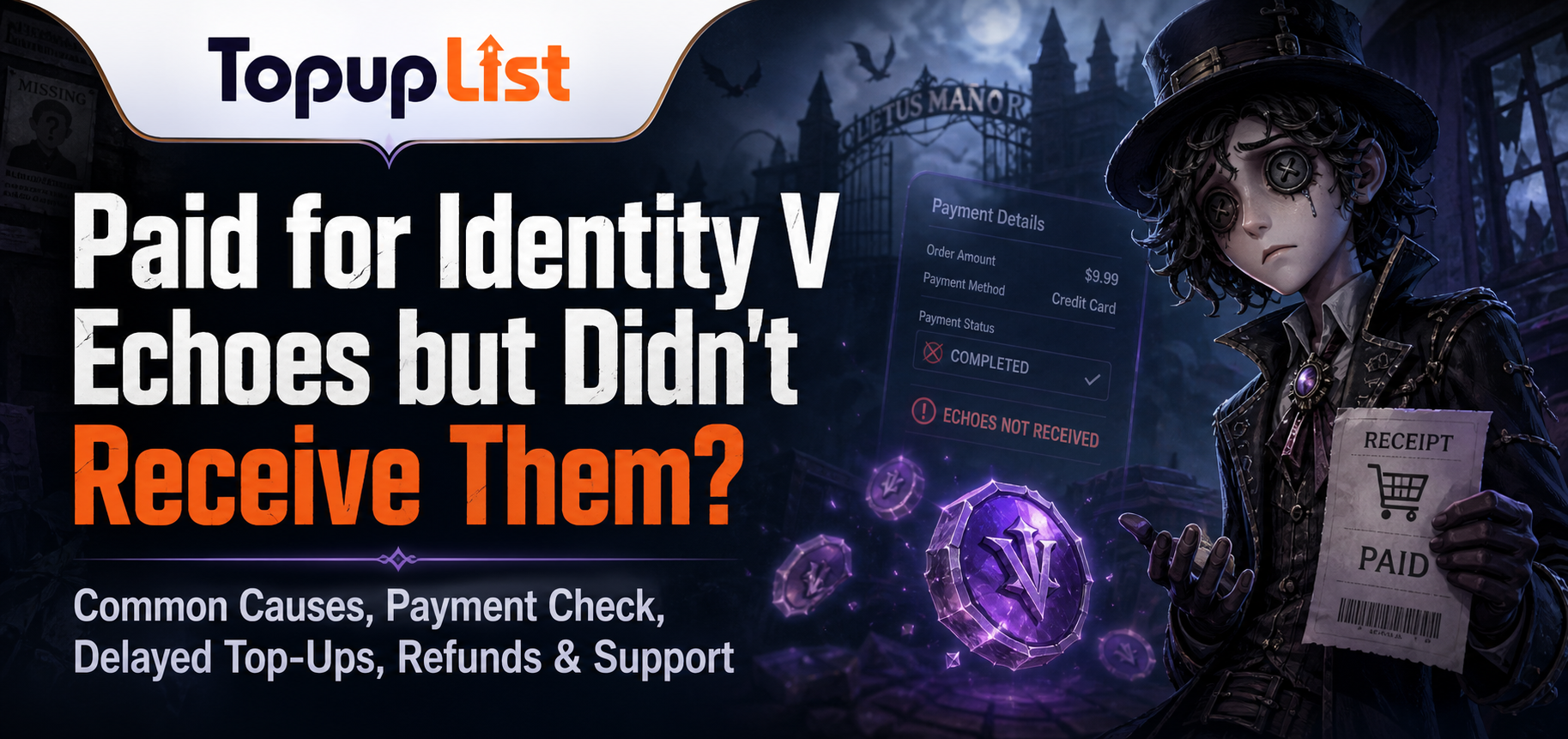
This guide addresses these real user concerns. It explains the most common reasons Echoes fail to appear after payment, how to check whether a transaction is pending or failed, what immediate steps to take, how to request refunds for failed or duplicate payments, and how to contact support effectively. It also covers preventive measures to reduce the risk of future top-up problems.
To improve credibility and provide useful references, this article also links to official billing resources such as Apple Support Billing, Google Play Help, PayPal Security Center, and Visa Security. These sources can help players better understand payment verification, authorization holds, and dispute processes.
Why Did I Pay for Identity V but Didn’t Receive Echoes?
When players complete a payment but see no Echoes in their account, the issue can stem from several different causes. Not every missing Echoes case means the payment has completely failed. Some situations involve temporary delays, while others involve actual transaction or delivery problems.
Common Reasons Echoes Fail to Appear
The most frequent causes of missing Echoes include:
The payment is still pending and has not been fully processed
The transaction is only an authorization hold rather than a completed charge
There is a delay in Echoes delivery from the game server
The purchase was made on the wrong account or binding method
The order failed after initial payment confirmation
The top-up was processed through a third-party platform with delivery issues
App Store or Google Play confirmation is delayed
These causes often produce similar symptoms, which is why many players become confused about what to do next.
Payment Pending vs Failed Transaction
A pending payment means the transaction has not yet reached a final status. In many cases, the Echoes may still arrive once the payment is fully confirmed.
A failed transaction, on the other hand, means the payment process did not complete successfully, even if money briefly appeared to be deducted. This often happens when:
The bank or payment provider rejects the transaction after initial approval
There is a billing mismatch or verification failure
The payment gateway times out
The recharge platform encounters processing errors
Understanding this distinction helps players decide whether to wait or take further action.
Wrong Account or Binding Method Issues
Identity V allows multiple binding methods, including WeChat, QQ, email, Facebook, Google, and Apple accounts. This flexibility sometimes leads to confusion. Players may complete a payment while logged into one method but check the account bound to another method, resulting in the perception that Echoes are missing.
This issue is especially common among players who switch between mobile devices or use multiple login platforms.
Quick Cause Summary
How to Check If Your Identity V Payment Is Pending, Completed, or Failed
Before contacting support or attempting another purchase, players should first determine the actual status of their payment. This step prevents unnecessary duplicate charges and helps support teams resolve issues faster.
Where to Check Payment Status
Players can verify payment status through the following channels:
Apple purchase history (for iOS users)
Google Play order history (for Android users)
PayPal transaction records
Bank or credit card statements
Third-party recharge platform order pages
Confirmation emails from the payment provider
Checking these sources helps clarify whether the payment is still being processed or has already failed.
Understanding Payment Status Terms
Most payment systems use similar terms:
Pending: The transaction is still being processed and may not be final.
Authorized: Funds are temporarily held but not yet captured by the merchant.
Completed / Settled: The payment has been successfully processed.
Reversed: A temporary hold was released without completing the charge.
Failed: The transaction did not go through.
Players should avoid assuming a payment has failed simply because Echoes have not appeared immediately.
When to Wait and When to Take Action
If the payment status shows as pending or authorized, it is usually better to wait rather than immediately retrying the purchase. Repeated payment attempts while an order is still processing often lead to duplicate charges or additional complications.
If the payment shows as completed but Echoes are still missing after a reasonable waiting period, players should begin collecting evidence and preparing to contact support.
What to Do Immediately If Your Identity V Echoes Are Missing
When Echoes do not appear after payment, players should follow a structured troubleshooting process before escalating the issue.
Basic Troubleshooting Steps
Wait for 10 to 30 minutes, as some deliveries experience short delays.
Restart the game client completely.
Log out and log back into the correct account.
Check all linked binding methods (WeChat, QQ, email, etc.).
Verify whether the purchase was made on the intended server.
Review in-game mail or the Echoes balance again.
These steps resolve many cases where Echoes are delayed rather than permanently missing.
Avoid Repeated Payment Attempts
One of the most common mistakes players make is retrying the purchase too quickly. This behavior often results in:
Duplicate charges
Multiple pending authorizations
Confusing order history
More difficult refund processes later
It is generally safer to confirm the status of the first payment before attempting another purchase.
Check for Wrong Account Issues
Because Identity V supports multiple login methods, players should carefully check whether they are viewing the correct account. It is not uncommon for users to complete a purchase on one binding method while checking another.
Troubleshooting Checklist
Identity V Refund Guide: Failed Payments and Duplicate Charges
When a payment fails or results in duplicate charges, players often need to request a refund. The process varies depending on the payment method used.
Refund Process by Payment Channel
Apple App Store: Refunds are generally handled through Apple’s billing system. Players should check their purchase history and submit a refund request via Apple Support.
Google Play: Refund requests can be made through Google Play order history, subject to Google’s refund policy.
PayPal and Bank Cards: Players should first confirm whether the charge is settled or still pending before requesting a refund.
Third-party Recharge Platforms: Contact the platform directly, as they control the order record and delivery status.
Handling Duplicate Charges
Duplicate charges often occur when players retry a payment while the first order is still pending. In such cases, players should:
Check whether both charges are settled or if one is only a temporary hold
Save screenshots of both transactions
Contact the relevant payment provider or recharge platform with clear evidence
Refund Preparation Table
Players should avoid submitting aggressive chargeback requests without first attempting to resolve the issue through normal support channels, as this may affect future payment options.
How to Contact Identity V Support for Missing Echoes
If basic troubleshooting does not resolve the issue, contacting support becomes necessary. However, choosing the correct support channel is important for faster resolution.
Who to Contact First
For Apple or Google Play purchases, contact the respective store’s billing support first.
For third-party recharge platforms, contact the platform directly, as they hold the order details.
For completed official payments with missing Echoes, contact Identity V official support.
Information to Prepare
Support teams respond more effectively when players provide clear and complete information, including:
Game account ID and binding method
Server information
Payment date and time
Order or transaction ID
Screenshots of the payment and missing Echoes
Description of the steps already taken
Writing an Effective Support Request
A clear and concise message improves response quality. Players should focus on facts rather than emotional language and include all relevant evidence from the beginning.
How to Avoid Identity V Top Up Problems in the Future
Preventing top-up issues is often easier than resolving them after they occur. Players can reduce risks by adopting better habits before making purchases.
Recommended Safe Top-Up Practices
Always verify the correct account and binding method before paying
Confirm the server and region
Use traceable payment methods with clear records
Avoid repeated payment attempts when an order is pending
Save all receipts and screenshots immediately after purchase
Choose reputable recharge platforms when using third-party services
Structured Recharge Option
For players seeking a more organized recharge experience, Topuplist offers a dedicated Identity V top-up page:
Using a structured recharge platform can provide clearer order tracking and more transparent payment options compared to random third-party sellers.
Prevention Tips Table
FAQ: Common Questions About Identity V Top Up Not Being Received
Why did I pay but not receive Echoes?
This can happen for several reasons, including a pending payment, an authorization hold, server delay, incorrect account binding, or a failed transaction.
How long should I wait before contacting support?
If you have just made the payment, it is recommended to wait 10–30 minutes and restart the game first. If the payment has already been completed but the Echoes still have not arrived, you may contact support.
Can I get a refund if the Echoes are not received?
Refund eligibility depends on the payment method and transaction status. Apple, Google Play, PayPal, banks, and third-party platforms each have their own refund policies.
What should I do if I topped up the wrong account?
You should check all linked accounts and binding methods to confirm whether the Echoes were sent to another account before deciding whether to request a refund or correction.
Is it safe to use third-party top-up platforms?
Using a reputable third-party platform with clear order records and customer support is generally safer. It is recommended to choose trusted recharge channels rather than random or unverified sellers.
How can I reduce the chances of top-up issues in the future?
You can lower the risk by verifying your account and server before paying, using traceable payment methods, saving all receipts, avoiding repeated payment attempts, and choosing reliable recharge platforms.
Conclusion
In 2026, issues with Identity V top-ups not being received are commonly caused by pending payments, authorization holds, server delays, incorrect account binding, or failed transactions. Although these problems can be frustrating, most cases can be resolved effectively by following the correct troubleshooting steps.
Key recommendations include checking the payment status first, avoiding repeated payments, keeping complete evidence, contacting the appropriate support channel, and developing good top-up habits. For players who prefer a more structured external recharge option, Topuplist Identity V Top Up can serve as a reliable choice.
