

Yalla Ludo Top Up for a Friend: How to Get the User ID Right
Want to buy Yalla Ludo Golds or Diamonds for a friend? An ID-based top-up can fund the recipient’s game account without asking them to hand over their login. The detail that matters most is their Yalla Ludo User ID: the order must use the friend’s ID, even though you are the person paying.
This is different from buying currency for yourself and trying to transfer the balance afterward. Choose a direct top-up that supports the recipient’s account, confirm which currency they need, and agree how you will check delivery. A little preparation keeps a friendly gesture from becoming a wrong-account purchase.
Can You Recharge Someone Else’s Yalla Ludo Account?
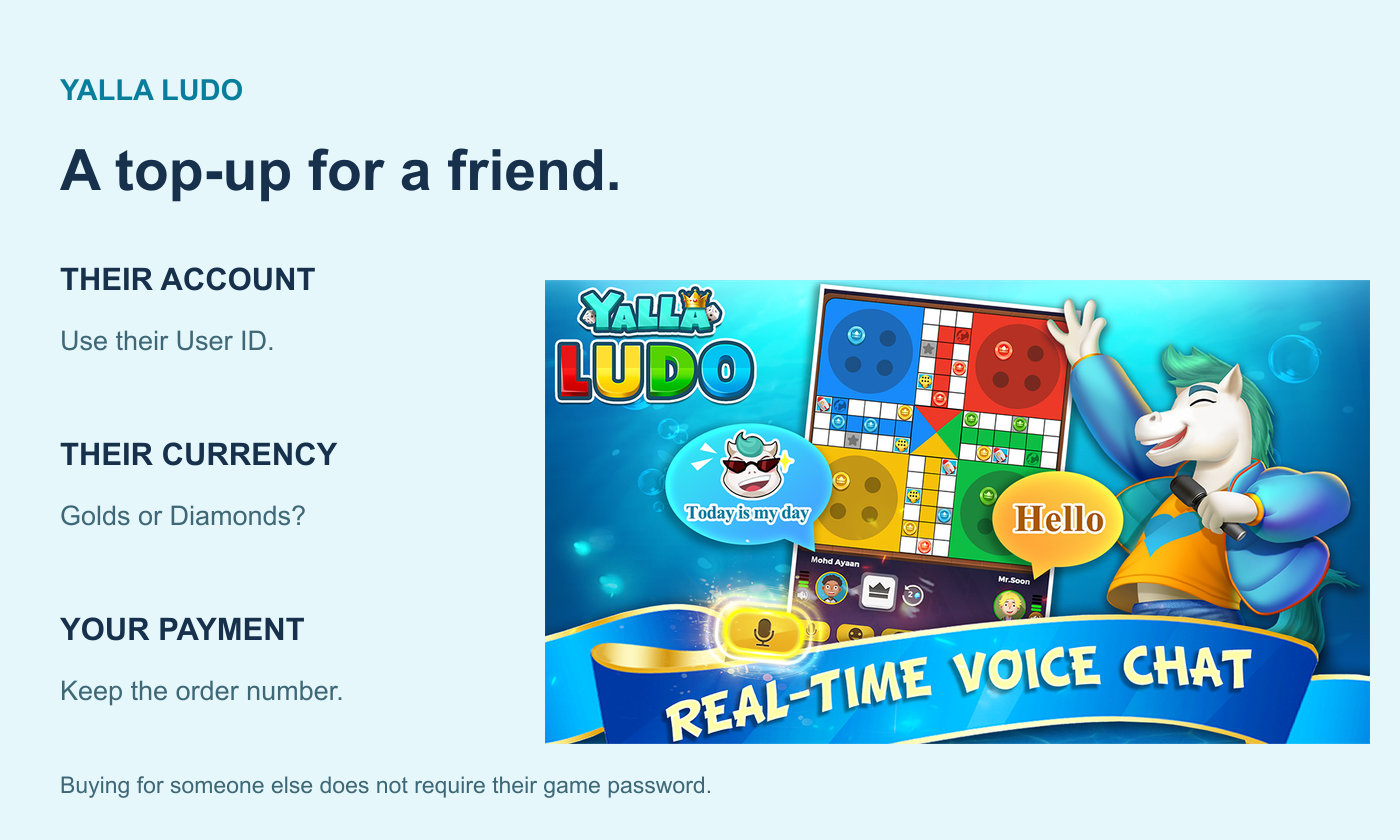
A direct top-up uses the game account identifier entered on the order. When that service accepts the intended account, entering your friend’s User ID directs the purchase to that recipient. Your payment account and the game account receiving the currency do not need to be confused with each other.
Ask your friend to supply the ID themselves. A display name in a chat room, a room number or a screenshot of a game result is not a reliable substitute for the account’s User ID. If they have more than one Yalla Ludo account, ask which one they want to fund before you select a product.
You also need to distinguish Yalla Ludo from other Yalla apps. The official Yalla Ludo listing identifies the board-game app with Ludo, Jackaroo, Domino and voice chat. A similarly named social app is not automatically compatible with a Yalla Ludo currency purchase.
Golds or Diamonds: Ask What Your Friend Wants to Do
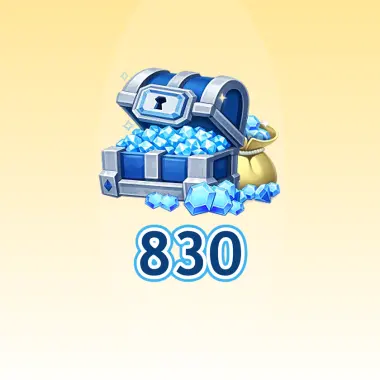
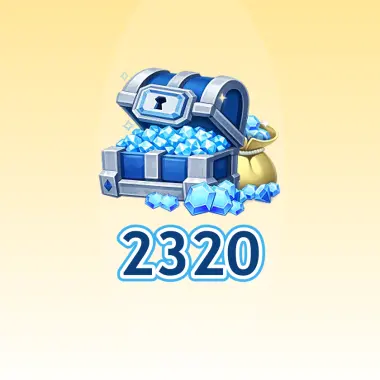
Do not choose by the size of the number alone. Golds and Diamonds are separate balances with different uses. Yalla Ludo’s Virtual Items Policy lists Golds for game participation and profile frames, while Diamonds cover chest upgrades and customization such as room themes, dice skins, chat bubbles and token skins.
The easiest question is: “Can you show me the feature or item you want?” If the screen asks for Golds, buy the matching Golds product. If it asks for Diamonds, choose Diamonds. The requested currency on that specific screen is more helpful than a broad promise that one balance is better for every player.
 Yalla Ludo
Where to Find the Yalla Ludo User ID
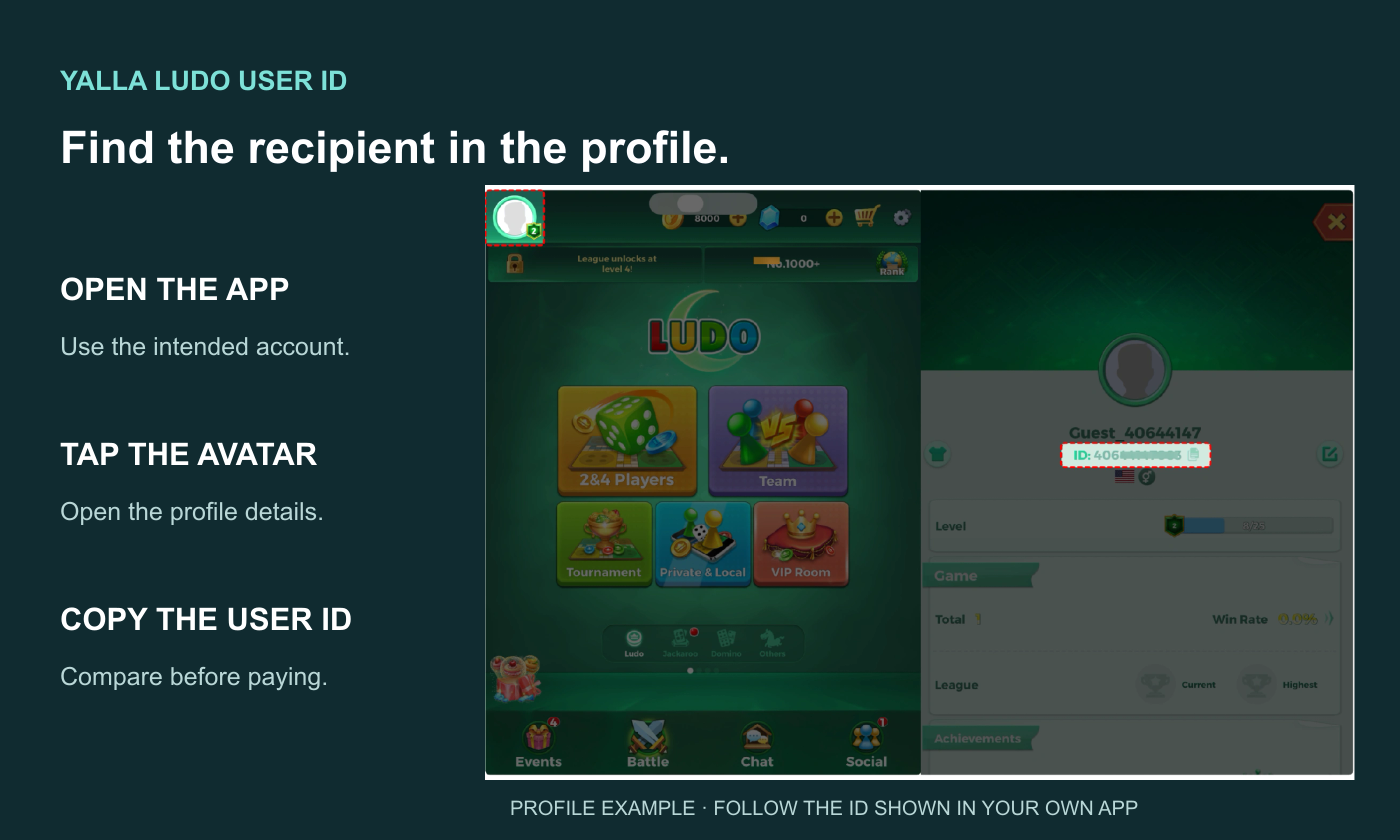
Ask your friend to open Yalla Ludo and log in to the account they want to recharge.
From the game lobby, tap the profile icon in the upper-left corner.
Open the profile details and find the User ID shown with the account information.
Have them copy the complete ID or send a clear profile screenshot.
Compare the ID you enter with that original message before payment.
Copying is preferable to retyping a long identifier. When copying from a message, remove surrounding words or spaces without changing the ID itself. A nickname can help you recognize the person, but it should not replace the field the recharge page explicitly requests.
How to Place a Yalla Ludo Top-Up for a Friend
On Topuplist’s Yalla Ludo page, the direct top-up uses a Yalla Ludo User ID. Start by selecting the required Golds or Diamonds product. Read the applicable account and delivery instructions, then enter your friend’s ID in the recipient field. Logging in to your own shopping account does not make your own game account the recipient.
Review three details together before confirming: the product says Yalla Ludo, the currency matches the friend’s request, and the ID belongs to the intended account. Where a purchase flow displays a recipient preview, use it as an extra check. Do not assume that every checkout includes nickname verification.
Complete payment through the available checkout method and save the order number. Send your friend a short confirmation telling them which currency you purchased and asking them to check that balance once the order is delivered. Keep the full payment receipt for support rather than posting it into a public voice room.
What information do you need from your friend?
Needed for this task | Not a substitute |
|---|---|
Their Yalla Ludo User ID | Your own User ID or a voice-room number |
The currency they want | A large quantity of the other currency |
Confirmation of the intended account | A display name alone |
A way to confirm the received balance | Their password or login code |
A Top-Up Is Not an In-App Gift or a Balance Transfer
A direct top-up purchases currency for the specified recipient account. An in-app gift is an item sent through a supported game or voice-room feature. The recipient’s experience, item rules and any rewards can differ. Do not assume that buying a currency product will also deliver a particular room gift, frame or VIP benefit unless the product explicitly includes it.
It is also not a method for moving currency you already own. If your balance is on your own account, an external recharge does not deduct that balance and transfer it to your friend. You are paying for a new purchase. Check the app’s own supported features separately if your goal is to send an existing item.
What If Your Friend Cannot See the Currency?
Start with the order status. If payment is pending or delivery is processing, keep the original order open and contact the seller if needed. If it is completed, ask your friend to reopen the app and confirm the account and the specific currency balance. A Diamonds order should not be judged by whether the Golds total changed.
Compare the entered User ID against the one your friend supplied. If they differ, send the original order details to support promptly and ask whether anything can be corrected. Do not promise your friend an automatic reversal after delivery; the outcome depends on what happened to that order.
Quick Answers for Friend Top-Ups
Do I need my friend’s game password?
Not for the ID-based method described here. The recipient identifier is their Yalla Ludo User ID. Neither a friendship nor a recharge request is a reason to share passwords or one-time login codes.
Can I use my own ID and change the recipient later?
Do not rely on that. Enter the intended recipient before paying. If you discover an error, contact the seller about the original order immediately rather than assuming a completed top-up can be reassigned.
What is the simplest way to avoid buying the wrong currency?
Ask for a screenshot of the item or game entry your friend wants, then match its currency icon to the product you select. Confirm the ID in the same conversation and keep the order number until your friend confirms receipt.