

Xbox Gift Card vs Game Pass Code: What Are You Buying?
An Xbox gift card usually gives you money to spend, while a Game Pass code gives you the subscription entitlement described by that code. Both may arrive as digital codes, but they solve different buying problems. Choosing the wrong one can leave you with a valid product that does not do what you expected.
If you already know which game you want, account credit can help pay for an eligible Store purchase. If you want membership time, inspect a subscription code’s plan, duration and eligibility instead. The words “Xbox” and “digital code” alone are not enough to tell you which product is in the basket.
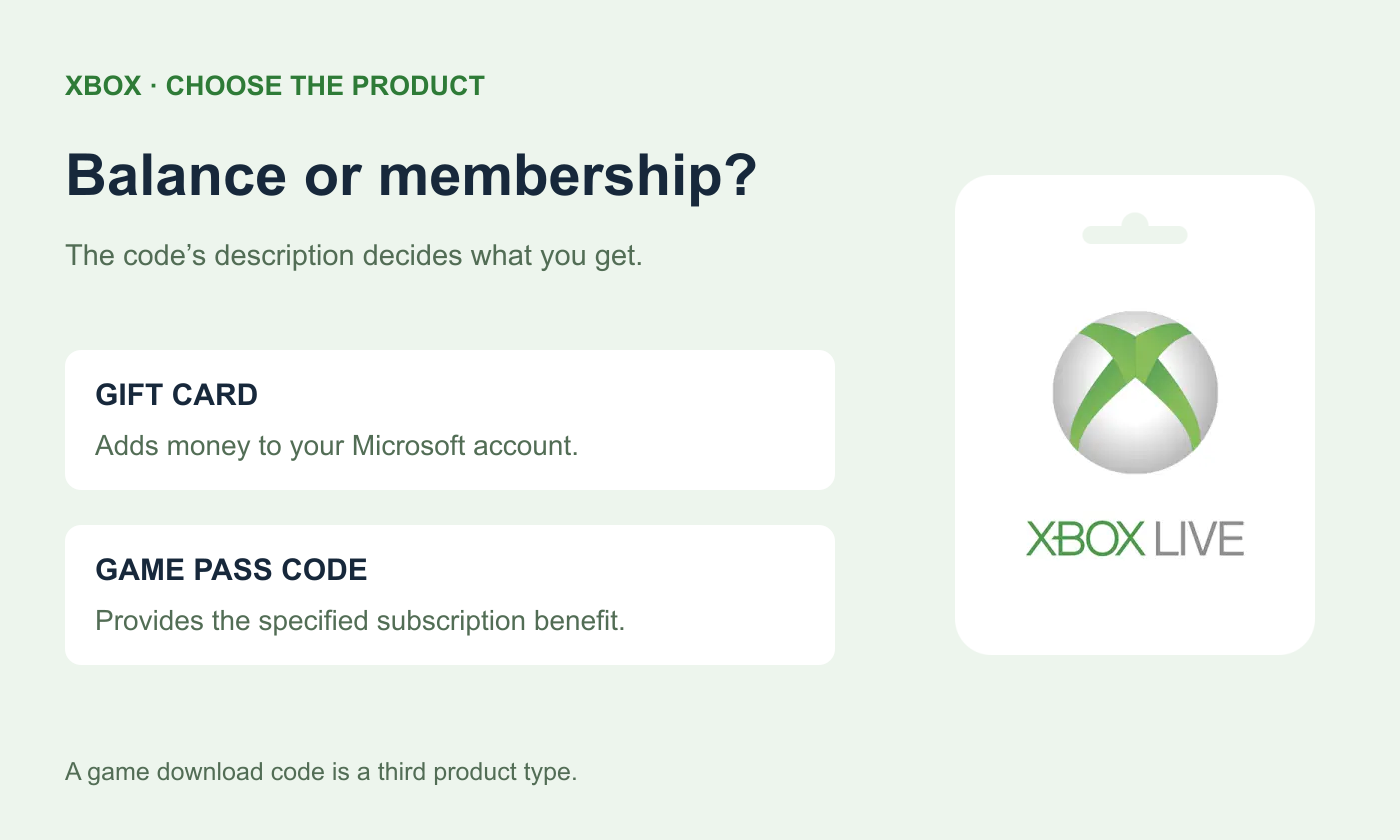
Three Codes That Do Different Jobs
Code type | What redemption gives you | What to check |
|---|---|---|
Xbox / Microsoft gift card | Money added to the Microsoft account balance. | Card region, currency and value. |
Game Pass subscription code | The subscription benefit described in that specific offer. | Plan, duration, account eligibility and region. |
Game or add-on download code | The specified game or content entitlement. | Exact title, platform, edition and region. |
Microsoft’s official redemption guide brings gift cards, download codes and tokens together in one help flow. That shared entry point does not make their contents identical. Read the product description before buying and the redemption confirmation before applying the code.
 Xbox Live Gift Card
What Can an Xbox Gift Card Balance Pay For?
Microsoft identifies redeemed account balance as money you can spend at Microsoft Store online, on Windows or on Xbox. For a gaming purchase, inspect the game or add-on’s actual Store listing and payment options before funding the account. Check the platform as well as the title, especially if you play on both a console and a PC.
Account credit does not select a game, activate a subscription or upgrade an edition on its own. You still need to complete the eligible Store transaction. A game with several editions deserves a closer look: make sure the purchase includes the version or add-on you want, rather than assuming a higher balance changes what you already own.
For Game Pass, check the current subscription checkout and its available payment methods before using gift-card credit for that purpose. A balance purchase is still a separate transaction from redeeming a prepaid membership code. Do not infer membership months from a gift card’s face value without checking the actual plan offer.
Choose the Region Before the Denomination
Xbox gift cards are regional products. Compare the card’s region and currency with the intended Microsoft account and Store before paying. A seller displaying your local currency does not mean the code is for that same Store region. It may simply be quoting the cost of an overseas card.
On Topuplist’s Xbox Live Gift Card page, the regional selections identify the code being purchased. Choose the appropriate region before looking at amounts. The listing delivers a gift-card code retrieved from Order Details; it is not a login-based purchase of a game or subscription on your behalf.
If you are buying for a friend, ask which Microsoft Store region they actually use and what they want to receive: flexible balance, a specific game or a subscription. You do not need the friend’s Microsoft password to buy them a code. Let them redeem it on their own account.
Redeem the Code and Check the Result
Sign in to the Microsoft account that should receive the product.
Enter or paste the code from your order details.
Review the item or credit described on the confirmation screen.
Confirm, then check the appropriate account balance, subscription or game library.
The last check depends on the product. A gift card should be checked as money added to the account. A subscription code belongs in the subscription details; a game code belongs in the library or its entitlement record. Looking in the wrong place can make a successful redemption appear to have failed.
When the Code Does Not Match Your Plan
If the confirmation describes the wrong item or an unexpected currency, stop before confirming. Compare the order description with what you intended to buy. Microsoft’s redemption guide advises contacting the retailer if you bought the wrong code; it does not promise that every mistaken purchase can be exchanged.
For an error message, keep the exact wording and the order receipt. Establish whether the issue concerns the code, account, region or offer eligibility before buying a replacement. The practical buying rule is to choose the entitlement first, match the region next and only then decide how much to spend.
