

StarMaker Coins Top Up: Find Your SID and Choose a Pack
StarMaker Coins let you pay for eligible virtual gifts and other Coin-priced items in the app. If you are getting ready to support a singer or join a live-room interaction, the first things to check are the item’s Coin cost and the SID of the account you want to recharge.
You can buy Coins through the app’s purchase options or choose a SID top-up product. The latter credits the specified account, so the order should be built around the recipient’s identifier—not a display name or the email used to pay. Here is how to choose the amount and complete the purchase.
What Can You Use StarMaker Coins For?
StarMaker is a karaoke and music community, with recording, lyrics and social features. The official StarMaker website also promotes free singing features. Buying Coins is an optional purchase for supported paid interactions; it is not a requirement for every activity in the app.
For a gift, check the displayed Coin price and the number you plan to send. If you are interested in VIP or another named benefit, open its own purchase page first. A Coin pack only provides the stated Coins; it should not be mistaken for automatic activation of a separate membership.
 StarMaker
Where to Find Your StarMaker SID
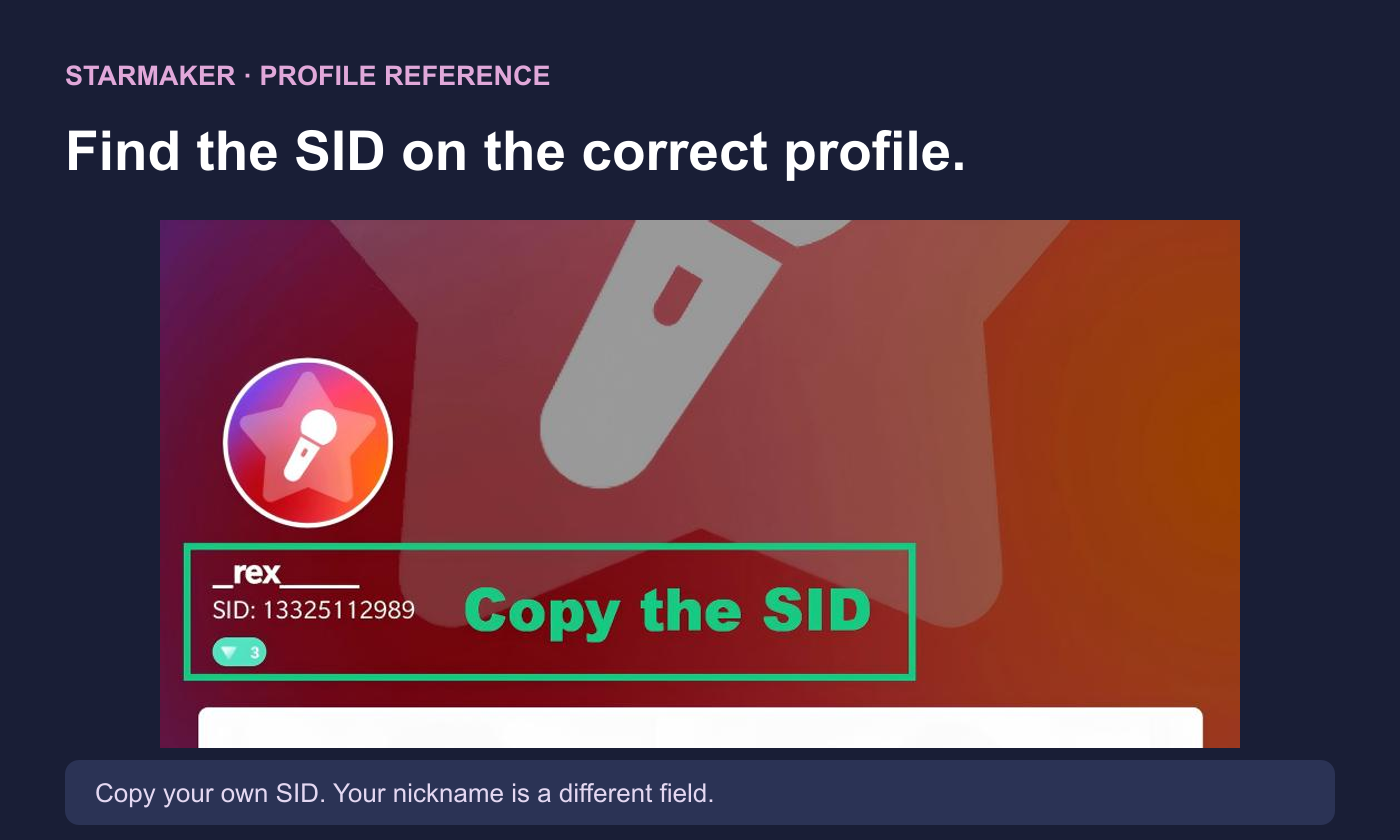
Open StarMaker, sign in to the account you intend to recharge and go to the Me or profile area. Find the SID shown on that account’s profile. The layout can vary by app version, but you need the account identifier labelled SID rather than just the nickname.
Copy the complete number and compare it once with the profile before submitting an order. If someone is buying Coins for you, send them this identifier and confirm the target account. For the SID recharge product, neither your login password nor a sign-in verification code is needed.
How to Choose a Coin Pack Without Overbuying
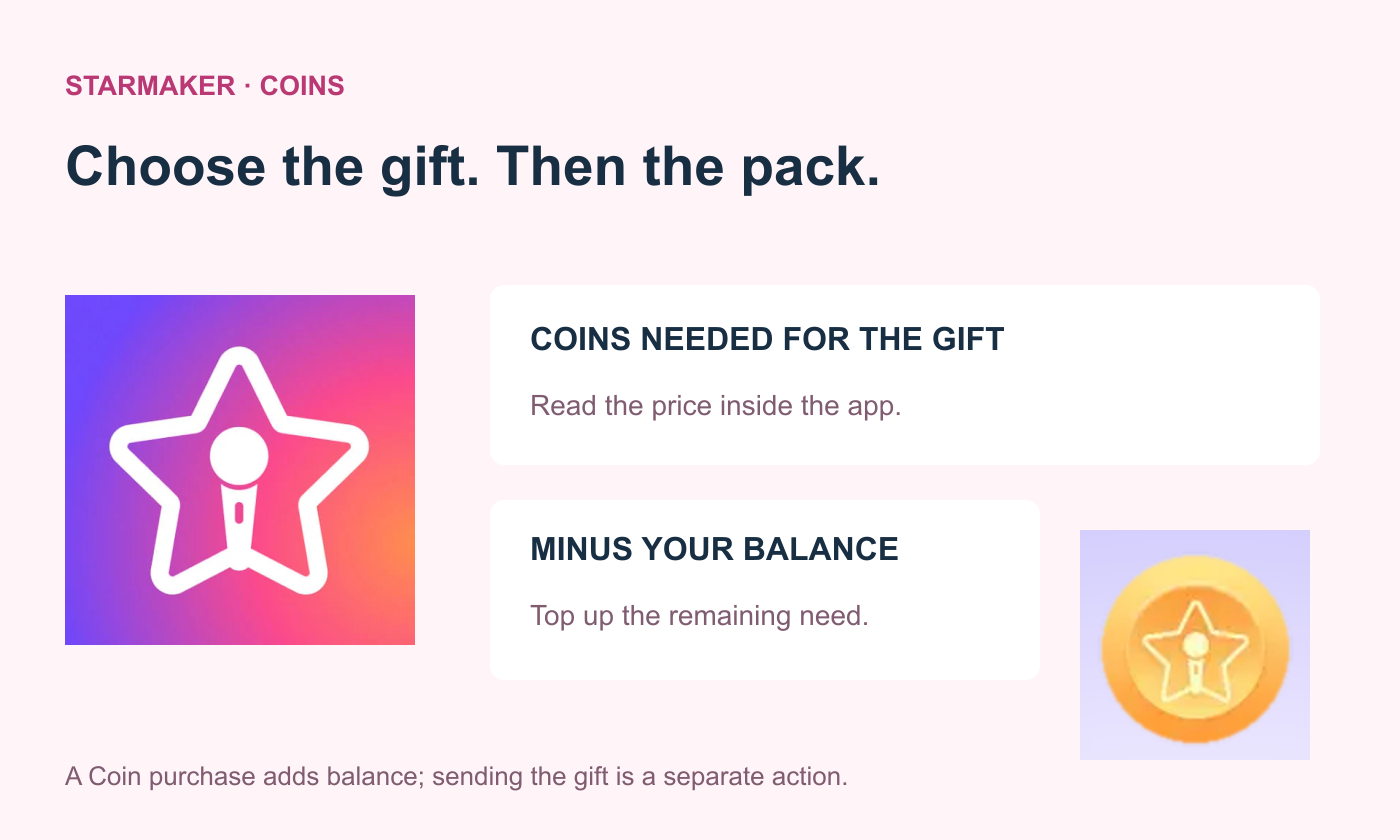
Start with the shortfall. If a gift plan requires 800 Coins and your balance is 200, you need another 600. A pack above that amount may be convenient, but its unused portion is still money committed to this app. Those numbers illustrate budgeting rather than the price of any particular gift.
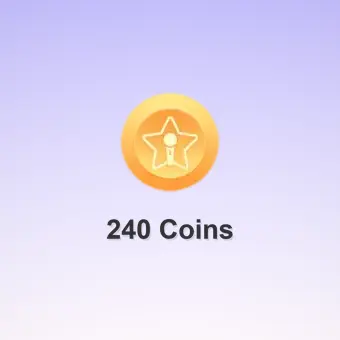
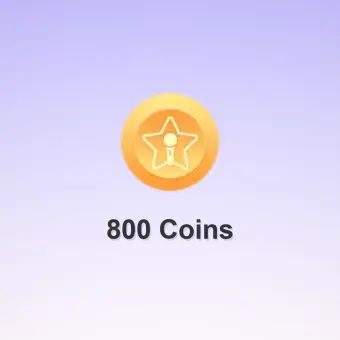
The StarMaker Coins page on Topuplist lists multiple denominations, including 70, 240, 800 and 1,600 Coins. Compare the amount included in the selected offer with its final checkout cost. Do not assume that two nearby denominations have the same unit price.
A useful calculation is checkout cost ÷ Coins received × 1,000. That gives the cost per 1,000 Coins in your chosen payment currency. When comparing with an in-app offer, keep the region, currency and included amount consistent, and include fees shown before payment.
A website and an app can display different offers, but a particular percentage saving is not automatic. Compare what is actually available to your account. If you only need enough for one interaction, the pack with the lowest total cost that meets that need may suit you better than a larger bulk purchase.
How to Recharge StarMaker Coins on Topuplist
Choose the StarMaker Coin denomination you want.
Copy the recipient’s current SID from their profile.
Enter that number in the account field; the form may label it UID.
Check the selected pack, recipient number and final total.
Pay, keep the order number and open the recipient’s StarMaker account to check the Coin balance.
Buying Coins does not send a gift automatically. After the balance arrives, return to the intended singer or room, check the recipient and gift price again, and make that in-app purchase yourself. This is especially useful when you are recharging ahead of a live session.
Questions Before Your First StarMaker Recharge
Can I recharge someone else’s account?
For an SID top-up, the supplied recipient identifier determines the destination. Ask the account owner for their current SID and confirm it before paying. That is different from buying Coins for yourself and then sending an in-app gift.
Are Coins the same as a singer’s cash earnings?
Do not treat a purchased Coin balance as a cash-out balance. Sending a gift and receiving creator earnings are different activities with different terms. Check the app’s creator rules if your question is about income or withdrawals rather than buying Coins.
What if the payment succeeded but the balance did not change?
Check that you are viewing the same SID used in the order, then review the order status. Keep the receipt, order number, submitted SID and a record of the missing balance for the seller. Avoid placing another order merely to test whether the first one worked.
The simplest way to buy the right amount is to choose your gift first, identify the correct account and compare the final Coin cost. The recharge then funds the interaction you actually planned.