


PUBG Mobile Lagging? Here's How to Fix FPS Drops, Stuttering, and Frame Drops
Few things are more frustrating than losing a fight because your game freezes at the worst possible moment.
Recently, PUBG Mobile players across Reddit, community forums, and social media have reported performance issues ranging from sudden FPS drops to severe stuttering. Surprisingly, these complaints aren't limited to budget devices. Even users with iPad Pro M-series tablets and flagship Android phones have encountered frame-rate instability after recent updates.
If PUBG Mobile feels less smooth than usual, don't immediately blame your device. Performance problems can stem from game optimization, overheating, storage limitations, graphics settings, or background applications.
This guide explains the most common causes and practical solutions.
Common PUBG Mobile Performance Problems
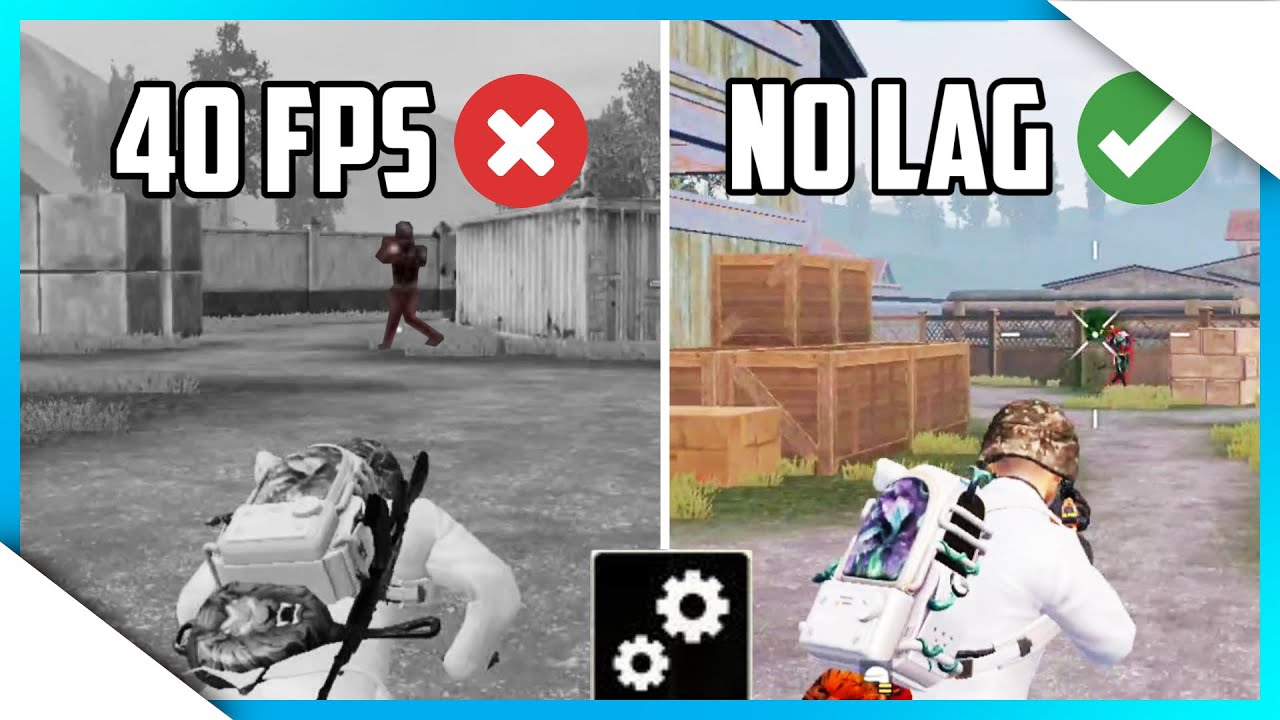
Not all lag looks the same. Understanding the symptoms can help identify the real cause.
Before changing settings, try to identify which issue affects your gameplay the most.
Why PUBG Mobile Lags Even on High-End Devices
Many players assume powerful hardware guarantees smooth gameplay. In reality, PUBG Mobile performance depends on several factors.
Game Optimization After Updates
Major updates introduce new maps, themed modes, visual effects, and assets. While these additions bring fresh content, they can also create temporary optimization issues that affect frame stability.
Thermal Throttling
When a device gets too hot, the system automatically reduces CPU and GPU performance to control temperature. This often leads to lower FPS and inconsistent frame times.
Storage and Cache Issues
Large game updates generate temporary files and cache data. Limited storage space can affect loading speed and overall performance.
Background Applications
Screen recorders, streaming apps, voice chat software, and cloud backup services can consume system resources while PUBG Mobile is running.
Network Misconceptions
Many players confuse network lag with FPS problems.
Understanding the difference can save a lot of unnecessary troubleshooting.
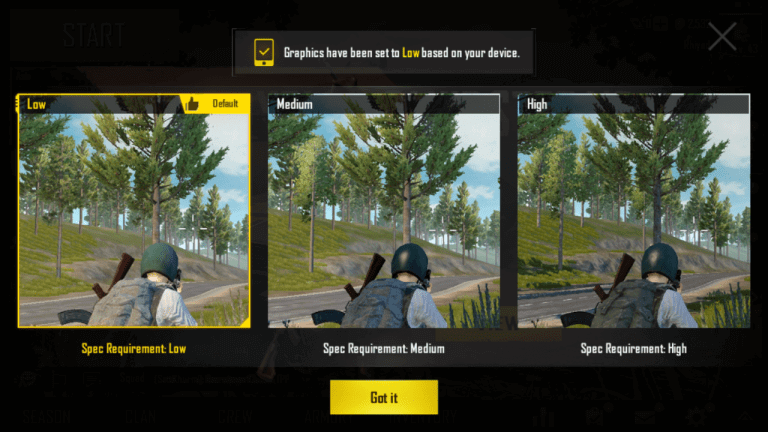
Best PUBG Mobile Graphics Settings for Stable FPS
Competitive players usually prioritize smooth gameplay over maximum visual quality.
Additional settings that often improve stability:
Using Smooth graphics with the highest available frame rate generally delivers the most consistent competitive experience.
Five Proven Ways to Fix PUBG Mobile FPS Drops
If you're experiencing lag or stuttering, try the following solutions:
Restart Your Device
A restart clears temporary memory usage and closes unnecessary background processes.
Clear PUBG Mobile Cache
Removing old cache files can fix texture-loading issues, stuttering, and slow performance.
Delete Unused Resource Packs
Remove maps, voice packs, HD audio files, and event resources you no longer use.
Reinstall PUBG Mobile
After major updates, reinstalling the game can eliminate corrupted files and outdated assets.
Temporarily Lower Graphics Settings
If performance issues appeared after a recent update, lowering graphics settings for a short period may help until optimization patches are released.
Why Are iPad Pro Users Reporting Frame Drops?
One of the most surprising trends in recent months is the number of performance complaints from iPad Pro users.
Devices powered by Apple's M-series chips are among the most powerful mobile gaming platforms available. However, some players still report:
Micro-stuttering
Frame pacing issues
Occasional FPS drops
In most cases, the issue appears to be related to software optimization rather than hardware limitations. If you're using an iPad Pro M1, M2, or M4 and experiencing lag, your device likely has more than enough power to run PUBG Mobile smoothly.
Prepare for the Best PUBG Mobile Experience
Smooth gameplay isn't just about having the latest device. Proper settings, adequate storage, stable temperatures, and regular maintenance all contribute to better performance.
If you're planning to jump into upcoming PUBG Mobile events or premium content, keeping your account prepared is just as important. Topuplist provides a fast and convenient way to top up PUBG Mobile UC so you're ready for new Royale Pass seasons, themed collaborations, and limited-time rewards.
Final Thoughts
PUBG Mobile lag can come from several different sources, including overheating, storage limitations, graphics settings, background applications, and temporary optimization issues after updates.
Before assuming your device is outdated, work through the troubleshooting steps in this guide. In many cases, a few simple adjustments can significantly improve performance.
Even high-end devices such as the iPad Pro M-series lineup and flagship Android phones can occasionally experience FPS drops due to game-side optimization issues. Fortunately, most of these problems can be minimized with the right settings and regular device maintenance.
A stable, responsive PUBG Mobile experience is still achievable—whether you're playing on a budget phone or a premium gaming tablet.
