MICO Account Banned or Restricted? Reasons, Appeal and Recovery Guide
You open MICO, try to go live or send a message, and instead of your feed you see a restriction notice. Maybe it says your account is "under review." Maybe it says "account suspended." Maybe the app just won't let you log in at all. The panic is real — especially if you have Coins in your wallet or Income Diamonds waiting for the next withdrawal window.
This guide walks through the types of account restrictions MICO imposes, the specific violations that trigger them according to MICO's official Terms of Use, and the steps you can take to appeal. Some restrictions resolve themselves. Others require a formal appeal. And one specific trigger — the chargeback — leads to a permanent ban that is extremely difficult to reverse.
What MICO's Terms of Use Actually Say
MICO's Terms of Use (Section 3.5) grant the platform broad authority to restrict or terminate accounts:
MICO has the right to, without prior notice, freeze, restrict, ban or dispose of the user's account according to the actual situation.
This means MICO does not need to warn you before restricting your account. The restriction types below are based on what MICO streamer communities and user reports describe — MICO's Terms do not specify exact duration tiers.
Types of Account Restrictions
Based on user reports across MICO communities, account actions generally fall into three categories:
Temporary Restriction
You can log in and browse, but specific features are locked. You might be unable to send messages, go live, send gifts, or comment on streams. A countdown timer or expiration date is usually displayed.
Common triggers:
Sending too many messages or friend requests in a short period (spam-like behavior)
Receiving multiple reports from other users in a brief window
Using language flagged by MICO's automated moderation (even if unintended)
Streaming content that borderlines community guidelines
What happens: Features unlock automatically when the timer expires. No action needed. The restriction is logged on your account record.
Mid-Term Suspension
You can log in but most interactive features are disabled. Live streaming, gifting, messaging, and wallet transactions are typically frozen. Your profile may be hidden from discovery feeds.
Common triggers:
Repeated community guideline violations after a temporary restriction
Streaming content explicitly prohibited by MICO's policies (see below)
Creating multiple accounts to evade a previous restriction
Suspected bot or automated behavior
What happens: You must wait for the suspension period to end. Some features may require you to submit an appeal before they're re-enabled.
Permanent Ban
You cannot log in. The app displays a permanent suspension notice. Your account and registered phone number are flagged.
Common triggers:
Chargeback or payment dispute on a Coin purchase (see the dedicated section below)
Severe or repeated content violations (illegal content, exploitation)
Fraud, scamming other users
Using third-party software to manipulate the app
What happens: Account recovery is extremely rare. MICO's Terms (Section 3.5) state that the platform may dispose of accounts "without prior notice," and permanent bans typically require formal appeal with extensive documentation.
Prohibited Content: What MICO's Terms Explicitly Ban
MICO's Terms of Use (Section 4.1) list specific categories of prohibited content. If you stream, message, or post any of the following, your account is at risk:
MICO's Terms (Section 4.2) also prohibit specific user behaviors, including:
Using automated scripts or bots
Registering accounts with false information
Circumventing platform security measures
Engaging in money laundering through virtual currency
Disrupting platform operations
Harassing other users
Impersonating MICO staff or partners
The Chargeback Trap: Why Payment Disputes Get You Permanently Banned
The most dangerous action a MICO user can take is filing a chargeback — disputing a MICO Coin purchase through your bank or credit card company. According to multiple third-party top-up platforms, chargebacks trigger permanent account bans that are extremely difficult to appeal.
MICO's Terms of Use (Section 6.4) state that virtual items are non-refundable. When you initiate a chargeback, MICO's system treats it as fraud — you received virtual currency and then reversed the payment. The consequences:
Your account is permanently suspended
Any remaining Coins in your wallet may be confiscated (per Section 3.5 and Section 6.4)
Income Diamonds generated from those Coins may be deducted
Pending withdrawals are frozen and will not be processed
Community reports indicate that chargeback-related bans affect not just the account but also the registered phone number, making it difficult to create a new account. Recovery from a chargeback ban is rare.
How to avoid it: If a third-party Coin purchase fails (coins not delivered, wrong amount), contact the platform's customer support — do not dispute the charge with your bank. Reputable platforms like Topuplist have dedicated support teams and refund guarantees for verified non-delivery. Use those channels, not your bank's dispute process.
VPN Usage and Account Freezes
Using a VPN while streaming or making purchases on MICO can trigger security reviews. MICO's system treats IP instability as a potential fraud signal. Community reports describe account freezes lasting 12–24 hours after VPN usage during live streams or Coin purchases.
If you need a VPN for privacy, use a consistent server location rather than switching between regions. Fluctuating IP addresses increase the likelihood of automated security flags.
How to Check Your Account Status
If you suspect your account is restricted but aren't sure:
Try logging in. If you see "account abnormal" or "account restricted access," you're in the restriction system.
Check in-app notifications. MICO typically sends a restriction notice explaining the reason.
Contact customer service. Use the in-app chat (Me → Online Customer Service) or email contact@micous.com. Provide your User ID and ask for your account status.
How to Submit an Appeal
If you believe your restriction was issued in error, MICO provides two appeal channels:
Channel 1: In-App Feedback
Open MICO → Me → Settings
Select Feedback or Online Customer Service
Choose Account Issues or Payment/Recharge Issues
Write a clear, factual description of what happened
Attach screenshots showing the restriction notice and any relevant context
Submit and wait for a response
Channel 2: Email Appeal
Send an email to contact@micous.com (MICO's official contact address per Terms Section 10.1) with:
Subject line: Appeal Request — Account [Your User ID]
Account details: User ID, registered phone number, registration date
What happened: Factual description of the restriction notice you received
Why you believe it's an error: Specific reasons, with evidence
Attachments: Screenshots of the restriction notice, your account profile, and any relevant conversations or transactions
What to Include in Your Appeal
Successful appeals share these characteristics:
Be specific. "My account was banned and I don't know why" gets ignored. "On July 10 at approximately 9 PM GST, I received a restriction notice citing 'spam behavior.' I sent 15 messages that evening, all personalized to different users. I believe the automated system flagged the volume incorrectly."
Provide evidence. Screenshots, timestamps, transaction IDs. If you were streaming when the restriction hit, note your stream topic and duration.
Acknowledge if you made a mistake. If you genuinely violated a guideline, admit it, explain what you'll do differently, and ask for a second chance. MICO is more lenient with users who take responsibility than those who deny everything.
Keep it professional. Angry, threatening, or emotionally charged appeals are deprioritized.
What NOT to Do
Don't create a new account. This extends your ban. MICO's system detects multi-account creation from the same device and adds it to your violation record.
Don't spam customer service. Submitting multiple appeals for the same issue does not speed up review — it flags your account as abusive.
Don't threaten legal action. MICO's Terms of Use (Section 9) specify that disputes are resolved through Hong Kong International Arbitration Centre (HKIAC) arbitration. Threats are ignored and may harden the platform's position.
Don't pay anyone who claims they can unban your account. There is no paid unbanning service. Anyone offering this is a scammer.
What Happens to Your Coins and Diamonds?
If your account is permanently banned, MICO's Terms are explicit:
Coins remaining in your account may be confiscated (Section 3.5, Section 6.4) and are not recoverable
Income Diamonds generated from those Coins may be deducted
Pending withdrawals are frozen and will not be processed
New host bonuses are voided
MICO's Terms (Section 6.4) state that virtual items are non-refundable once purchased. This is why it's critical to resolve payment issues through support channels rather than chargebacks. A $20 Coin purchase disputed through your bank can cost you hundreds of dollars in accumulated Diamonds and months of streaming work.
Protecting Your Account Going Forward
Whether you've recovered from a restriction or want to avoid one entirely:
Bind your phone number. Go to Me → Settings → Account & Security. Phone binding strengthens account recovery options and signals legitimacy to MICO's security system.
Set a strong password. Avoid passwords you use on other platforms. Enable two-factor authentication if available.
Stream according to guidelines. Review the Community Guidelines periodically — MICO updates them. When streaming, keep content within the platform's standards as listed in Section 4 of the Terms.
Don't use VPNs while streaming. IP instability triggers security reviews. If you need a VPN for privacy, use a consistent server location.
Never dispute MICO charges through your bank. If a Coin purchase fails, contact the platform where you bought them. If an in-app purchase fails, use Apple/Google's refund process, not your bank's chargeback system.
Keep your violation count low. Verified hosts with multiple violations risk losing their verified status. Even if violations are minor, they accumulate.
Need Coins Without the Risk?
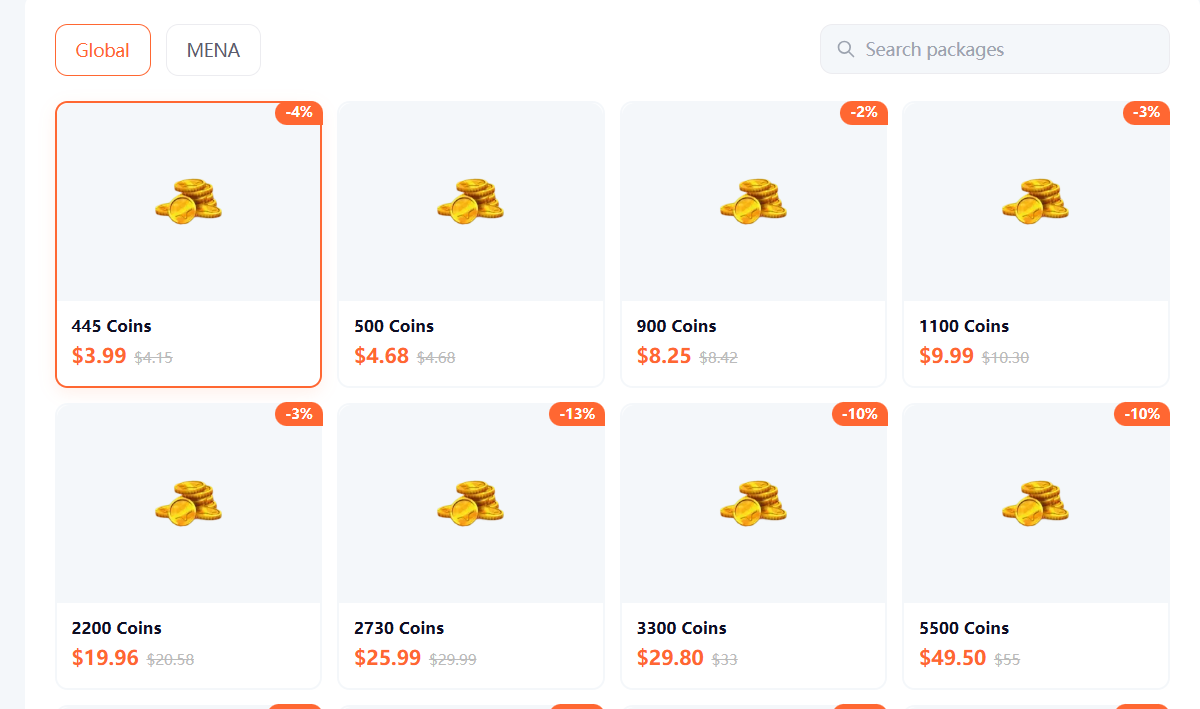
If you want to top up MICO Coins safely — without the risk of payment disputes that could get your account banned — Topuplist provides MICO Coin packages with verified delivery and customer support. Choose the correct server (MENA or Global) for your account region, and always long-press to copy your UID to avoid delivery errors.