


Knives Out Top Up Guide: How to Buy Vouchers Safely
If you play Knives Out, topping up vouchers is one of the most common ways to unlock more premium in-game content, event rewards, cosmetics, and limited-time items. But before you buy, it is important to understand how Knives Out top up works, what vouchers are used for, how bonuses and points may apply, and how to avoid unsafe recharge offers.
A safe top-up process is not only about speed. You should also check your account information, server or region, voucher package, final payment amount, order confirmation, and customer support options before paying.
This guide explains how to buy Knives Out vouchers safely, what to check before payment, how bonus points and the Points Shop work, and what to do if your vouchers or redeemed items are not received.
Topuplist: Top Up Knives Out Vouchers Safely
Want a clearer Knives Out voucher recharge process? Check available packages, confirm your account details, and top up through Topuplist here: Topuplist Knives Out Top Up
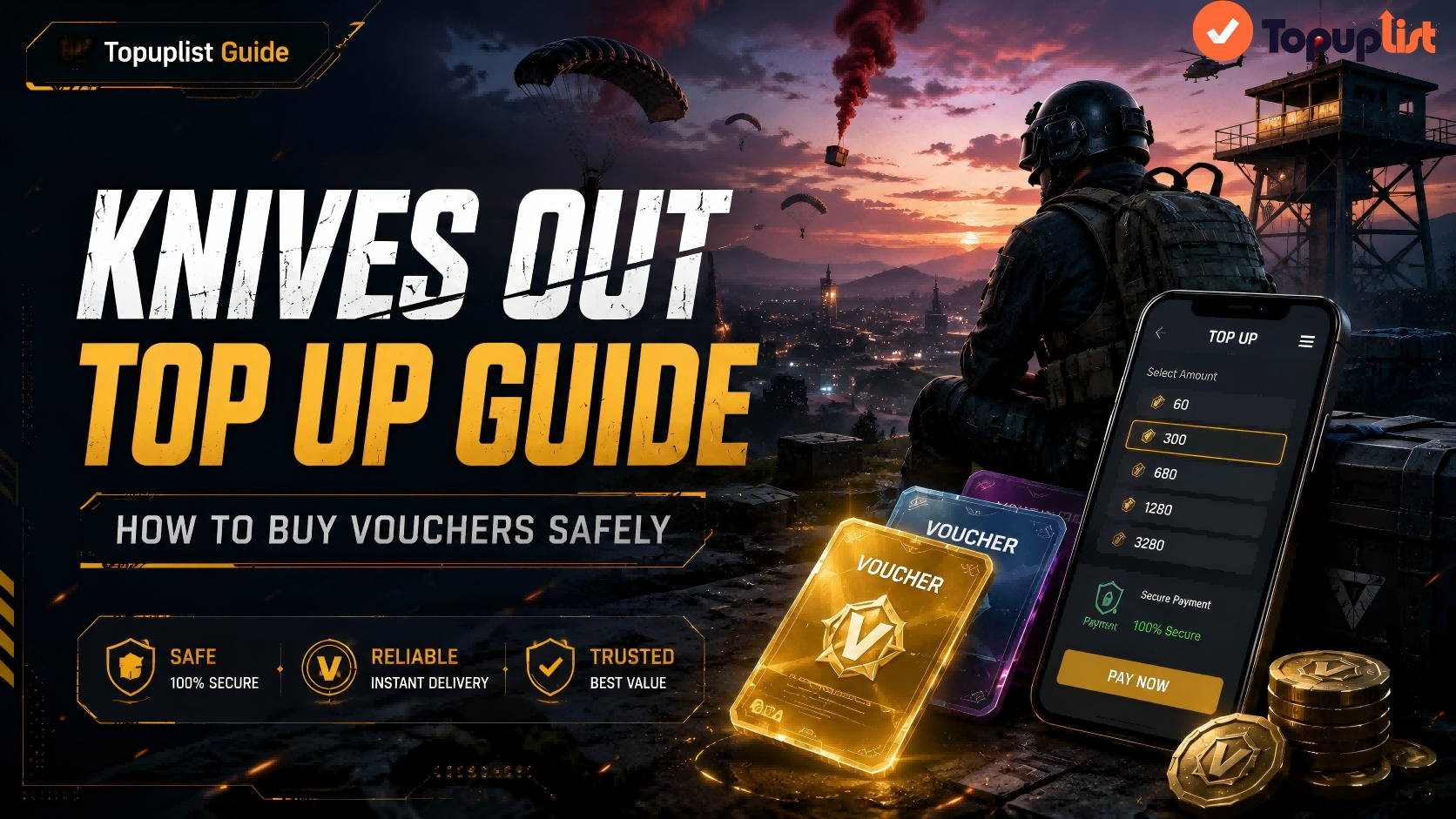
What Is Knives Out Top Up?
Knives Out top up usually means buying vouchers or related paid items for your Knives Out account. These vouchers can then be used for in-game purchases depending on the current version, available events, and regional rules.
In many games, top up is simply the process of adding premium currency to your account. For Knives Out, the key term players usually search for is vouchers. When players search for “Knives Out recharge,” “Knives Out voucher top up,” or “buy Knives Out vouchers,” they are usually looking for a safe way to buy in-game value without payment issues, wrong-account delivery, or scams.
What Are Knives Out Vouchers Used For?
Knives Out vouchers may be used for different types of premium content depending on the current game rules and active events. These may include:
Character outfits
Weapon cosmetics
Event items
Premium rewards
Special bundles
Limited-time goods
Other in-game purchases shown in the current store or event pages
The exact items available can change over time. Always check the latest in-game store, event page, or official top-up page before purchasing.
Official Top-up Center and Voucher Purchase Basics
NetEase’s official Knives Out Top-up Center / GamesClub pages show that the platform supports voucher purchases and may include features such as first top-up bonuses, monthly benefits, coupons, bonus points, and Points Shop rewards. You can review official Knives Out Top-up Center information here: Knives Out Top-up Center.
Because bonuses, coupons, and package availability may vary by account, region, time period, and campaign, players should always check the product details before payment.
What to Check Before Buying Knives Out Vouchers
Before buying Knives Out vouchers, take a few minutes to confirm your account and order details. Most top-up problems happen because of wrong account information, region mismatch, unsupported payment methods, unclear bonus rules, or repeated payment attempts after a pending order.
If you are topping up through a third-party platform, make sure the page clearly explains the product, required information, delivery process, and support channel. A reliable recharge page should not leave you guessing what you are buying or where to ask for help.
Confirm Your Account, Server, and Region
Before payment, check the account information required by the top-up page. Depending on the recharge method, this may include your game account, server, region, player information, or other details needed to deliver the vouchers.
If the wrong account or region is entered, the order may be delayed, fail, or be delivered incorrectly. To reduce mistakes, copy account information directly from the game when possible instead of typing it manually.
Check the Voucher Package and Final Price
Do not only look at the package name. Check the full details, including voucher amount, possible bonus vouchers, coupon rules, payment fees, currency conversion, tax, and the final checkout amount.
A package that looks cheaper at first may not always be the best value after payment fees or exchange rate differences. For larger purchases, checking the final price is especially important.
Save Your Order Information
After payment, keep a record of your order until the vouchers are delivered. Save your order number, payment screenshot, transaction ID, purchase time, voucher package, and any account information shown on the order page. These details are useful if you need support later.
How to Top Up Knives Out Vouchers Safely
The safest Knives Out voucher top-up process is simple: choose a reliable channel, select the correct package, enter account information carefully, complete payment, and keep proof until delivery is confirmed.
Step 1: Choose a Reliable Top-Up Channel
A reliable top-up channel should provide clear product information, secure payment, order confirmation, delivery instructions, and a visible support option. Avoid pages that only communicate through private chat or provide no order record.
If you want to use Topuplist for Knives Out recharge, visit the product page here: Topuplist Knives Out Top Up.
Step 2: Select the Correct Voucher Package
Choose a voucher package based on your real needs. A small package may be enough if you only need to join an event or complete a small purchase. A larger package may be more practical for long-term players, especially if bonus vouchers or other promotions apply.
Before choosing a package, check whether any coupon, monthly benefit, or first top-up bonus is shown on the page.
Step 3: Enter the Required Account Information Carefully
Enter the required account information exactly as requested. If the page requires a player ID, game account, region, or server, double-check every detail before paying.
Mistakes at this step can cause delivery problems. If you are not sure which account information is required, pause before payment and contact support first.
Step 4: Complete Payment and Save Proof
After choosing the package and checking the final price, complete the payment using a supported payment method. Then save your order details immediately.
Useful records include:
Order number
Payment screenshot
Transaction ID
Voucher package screenshot
Account information screenshot
Purchase date and time
Final amount paid
Step 5: Check Voucher Delivery in Game
After payment, open Knives Out and check whether the vouchers or purchased items have arrived. If they do not appear immediately, restart the game and check again.
If the issue is related to Points Shop redemption, NetEase’s official FAQ says players can check the Points Consumption Record in the top right corner of the Points Shop. If the redemption record is visible, players are advised to restart Knives Out and check whether the item has arrived: Knives Out Top-up Center FAQ.
Topuplist Ad: Recharge with Clear Order Details
Ready to buy Knives Out vouchers? Confirm your account, choose the right package, and keep your order screenshot after payment. Start here: Topuplist Knives Out Top Up
Knives Out Top Up Bonus, Coupons, and Points Shop Explained
One reason players use the Knives Out Top-up Center is the possibility of extra benefits, such as first top-up bonuses, coupons, monthly benefits, bonus points, and Points Shop rewards. These features can improve the value of a voucher purchase, but they may depend on account eligibility, region, package type, and event rules.
NetEase’s official Top-up Center information shows benefits such as first top-up bonus, monthly benefits, coupons, bonus points, Points Shop, and exclusive goods. The exact bonus rules may change, so players should check the latest page details before buying: Official Knives Out Top-up Center.
What Is the First Top-Up Bonus?
A first top-up bonus usually gives extra value on an eligible first purchase. However, not every account, region, package, or promotion may qualify. Always check the top-up page before paying.
If a first top-up bonus is shown, confirm whether it applies automatically or whether you need to select a specific package.
How Coupons and Monthly Benefits May Work
Coupons may reduce the final price or provide a limited-time discount. Monthly benefits may also provide extra value for eligible users. These benefits can vary, so the safest approach is to review the actual checkout details before payment.
Do not assume a coupon applies until you see it reflected in the final checkout price.
What Is the Points Shop?
According to NetEase’s Knives Out FAQ, players can earn points by purchasing vouchers in the Top-up Center, and those points can be used to exchange for various popular in-game items in the Points Shop: Knives Out Points Shop FAQ.
How Bonus Points Are Earned
NetEase’s FAQ explains that players earn points by purchasing voucher items marked with the bonus points label. It also states that, typically, every 10 vouchers spent on voucher items grants 1 point, excluding bonus vouchers. Non-voucher items typically do not award bonus points.
This means players should check whether the item is marked with bonus points before assuming they will receive Points Shop value.
How to Avoid Knives Out Top Up Scams
When players search for cheap Knives Out vouchers, they may find offers that look attractive but are unsafe. A lower price is not worth it if the seller has no order record, asks for sensitive information, or cannot provide support when something goes wrong.
A safe top-up process should be transparent. You should know what you are buying, how much you are paying, what account will receive the vouchers, and where to go if the order is delayed.
Avoid “Free Vouchers” or Unrealistic Cheap Offers
Be careful with websites or social media posts that promise unlimited free vouchers, voucher generators, or extreme discounts. These offers often lead to fake surveys, phishing pages, suspicious downloads, or payment scams.
If a deal looks too good to be true, check the platform carefully before paying.
Never Share Unnecessary Sensitive Information
Do not share your password, payment verification code, email verification code, recovery information, or other sensitive data unless you fully understand why it is needed and trust the platform.
A legitimate top-up flow should only ask for information required to complete the order. If a seller asks for unrelated personal or account information, treat it as a warning sign.
Use Secure Payment and Keep Order Records
Use payment methods that provide receipts or transaction records. Avoid private transfers to unknown sellers, especially if they cannot provide an order number or support channel.
Before payment, also check the website URL carefully. Fake support links and copied payment pages are common scam risks.
What to Do If Knives Out Vouchers Are Not Received
If your Knives Out vouchers are not received after payment, do not immediately top up again. Repeating payment too quickly can cause duplicate charges or multiple pending orders.
First, check your payment record and order status. Then verify that the account information, region, server, and package are correct. If the order appears successful but vouchers or redeemed items are missing, restart the game and check again.
NetEase’s official FAQ says that if players do not receive a redeemed item, they can check the Points Consumption Record in the Points Shop. If the redemption history is visible, they should try restarting Knives Out to see whether the item has arrived: Knives Out Top-up Center FAQ.
If the issue continues, contact the relevant support channel with complete order details.
Do Not Top Up Again Immediately
If the payment is pending or the vouchers are delayed, wait and check the order first. Placing another order too soon can make the issue harder to resolve.
Check Order Status and Payment Record
Confirm whether money was deducted, whether an order number was generated, and whether the order is marked successful, failed, or pending. If the payment failed but money was deducted, save the transaction proof and contact support.
Restart the Game and Check Delivery Locations
Sometimes items do not display immediately. Restart Knives Out and check possible delivery locations such as mailbox, inventory, purchase history, voucher balance, or Points Shop records.
Contact Support with Complete Details
When contacting support, include all relevant information in the first message. This can reduce back-and-forth and help the support team locate the order faster.
Topuplist: Keep Your Recharge Simple
For a smoother Knives Out recharge experience, confirm your account details, choose the right voucher package, and top up on Topuplist: Topuplist Knives Out Vouchers
Knives Out Top Up FAQ
How do I top up Knives Out vouchers safely?
Choose a reliable recharge channel, confirm your account and region, check the voucher package and final price, use a secure payment method, and save your order confirmation until the vouchers arrive.
What are vouchers used for in Knives Out?
Vouchers are typically used for premium in-game purchases such as cosmetics, event items, special bundles, and other paid content. The exact available items depend on the current game version, region, and event rules.
Does Knives Out have a first top-up bonus?
The official Knives Out Top-up Center may display first top-up bonuses or other promotional benefits. Whether a bonus applies depends on the account, region, package, and current campaign. Check the latest top-up page before payment.
How do Knives Out bonus points work?
According to NetEase’s FAQ, players can earn points by purchasing eligible voucher items marked with the bonus points label. Typically, every 10 vouchers spent on voucher items grants 1 point, excluding bonus vouchers.
What should I do if my Knives Out vouchers are not received?
Do not pay again immediately. Check your order status, payment record, account information, server, and region. Restart the game and check relevant delivery locations. If the issue continues, contact support with your order number, transaction ID, screenshots, and purchase time.
Is cheap Knives Out top up safe?
Cheap top up is not always unsafe, but players should avoid free voucher generators, unrealistic discounts, sellers with no order number, private-chat-only deals, and anyone asking for passwords or verification codes.
Can I refund a Knives Out top up?
Refund eligibility depends on the purchase channel, product status, order status, and platform rules. If you need help, contact the platform where you purchased the vouchers and provide complete order evidence.
Can I top up Knives Out from another country?
It may depend on your account region, payment method, currency, and game version. Before paying, confirm that the selected package is valid for your account and region.
What is the Points Shop in Knives Out Top-up Center?
The Points Shop allows players to use points earned from eligible voucher purchases to exchange for in-game items. NetEase’s FAQ says players can check Points Consumption Record to verify whether a redemption was completed.
Final Thoughts
A safe Knives Out top up is about more than buying vouchers quickly. Before paying, confirm your account information, server, region, package, bonus rules, coupon terms, and final checkout price. After payment, keep your order screenshot and transaction record until the vouchers arrive.
If your vouchers or redeemed items do not appear, do not recharge again immediately. Check your order status, restart Knives Out, review Points Shop records if relevant, and contact support with complete purchase details.
For a clearer Knives Out voucher recharge process, start your top up on Topuplist here: Topuplist Knives Out Top Up.
