


JACO Coins Top Up: Username or UID? Which to Enter (2026)
Recharging JACO coins should be simple — until the checkout asks for an identifier and you’re not sure whether it wants your username or a numeric UID. Get it wrong and your coins can land in someone else’s account, usually with no way back.
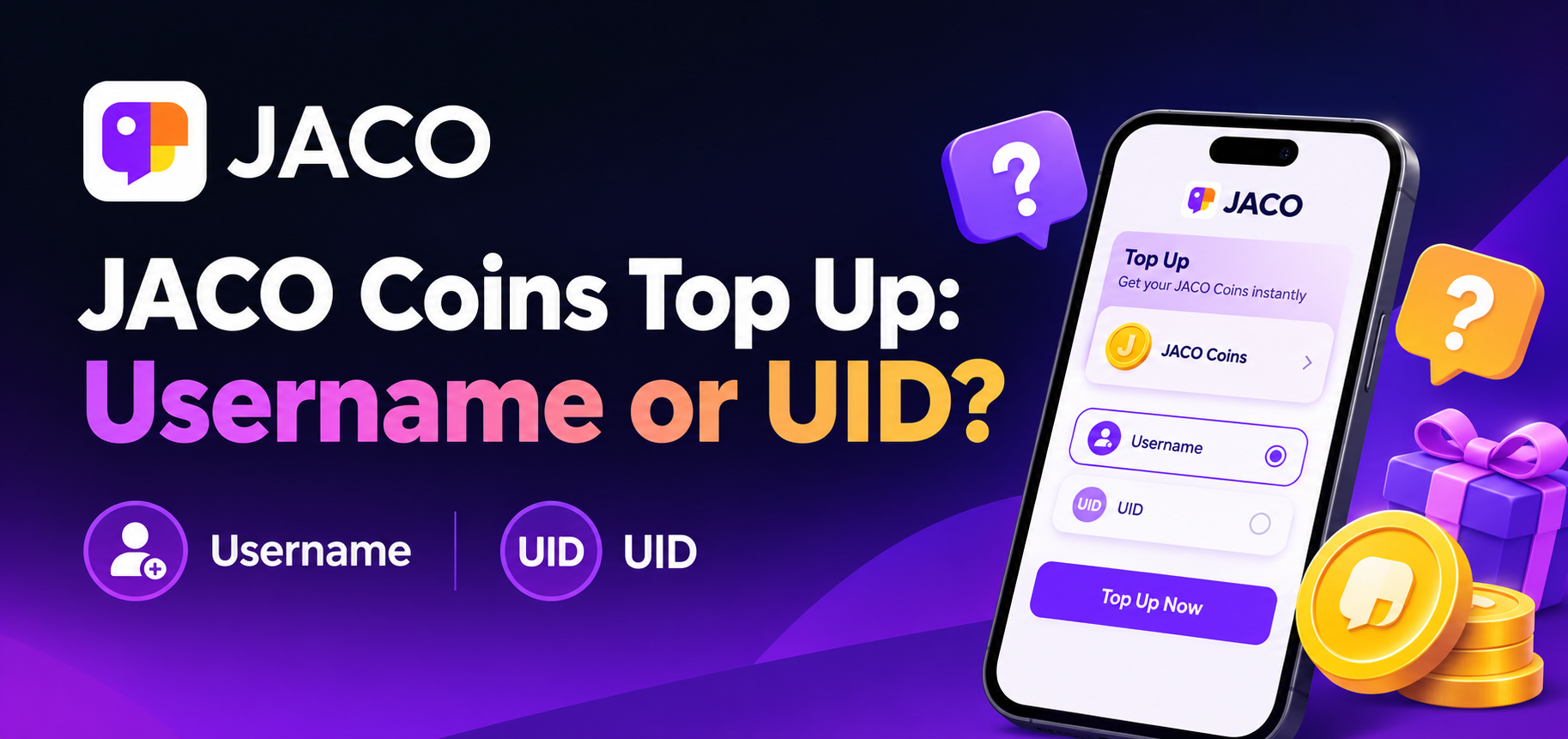
Here’s the short version: enter your JACO username, without the @ symbol. This guide explains why the confusion exists, exactly where to find both identifiers in the app, and the quick check that makes mistakes impossible.
In this article:
Why JACO top-up identifiers confuse everyone
Username vs UID — the difference
Which one to enter (and how)
What happens if you enter the wrong one
Coins paid but not arriving?
FAQ
Why JACO Top-Up Identifiers Confuse Everyone
JACO is a social live streaming platform from Jaco Arabia, covering sports, gaming, music, entertainment (including PK challenges), business and education. It has passed 10 million installs on its Google Play listing, and coins are what viewers spend on virtual gifts, PK support, VIP levels and room entry effects.
The identifier confusion comes from the recharge layer rather than the app itself:
Recharge services resolve accounts differently. Some are built to look up JACO accounts by username; others are built around a numeric ID. That’s why instructions you find online can contradict each other.
JACO leans username-first. Unlike many live apps that standardise on a numeric ID, JACO is identified by username on the recharge services that support it — which is why a username is the safer thing to have ready.
The failure mode is silent. Entering the wrong value doesn’t always trigger an error. It can simply deliver your coins to whichever account matches what you typed.
Username vs UID — What’s the Difference?
Both identifiers sit in the same place inside the app, but they look completely different:
Username | UID | |
|---|---|---|
Looks like |
|
|
Format | Letters, numbers, underscores | Digits only |
Where to find it | Profile → under your nickname | Profile → near your username |
Enter it as | Without the | Exactly as shown |
Used for | Identifying your account on username-based recharge | Identifying your account on numeric-ID recharge |
How to find both: open JACO → tap Profile (bottom-right) → look under your avatar. Your username is displayed with an @ prefix; the numeric ID appears nearby.
Which One to Enter (and How)
Enter your JACO username — without the @.
If your profile shows @jaco_user123, you type jaco_user123. The @ is only a display prefix; including it is one of the most common reasons a recharge fails to match your account.
Step-by-step:
Open JACO and tap Profile (bottom-right).
Find your username under your nickname — confirm you’re on your own account.
Copy it directly from the app. Don’t type it from memory.
Paste it into the username field at checkout, with no
@symbol.Compare it character-by-character against the app before you pay.
The three-second rule that prevents every mistake:
Read the live field label on the page you’re actually paying on. Don’t assume from memory or from an old screenshot.
Match the format — text with no
@for username fields, digits only if a field genuinely asks for a numeric ID.Paste, then verify before confirming payment.
On Topuplist, the JACO recharge field asks for your username (without @) — so you only need the one identifier, and the required format is shown before you reach payment.
 JACO
JACO
What Happens If You Enter the Wrong One
Delivery is instant and final. Coins are pushed server-side to whichever account matches the value you submitted, often within seconds.
It can’t be undone. Coins can’t be transferred between JACO accounts after delivery, and there’s no reversal on the recharge itself.
Refunds generally don’t apply to a wrong-identifier top-up, because it counts as a completed delivery to the account you specified.
What IS refundable: orders that were never delivered, and duplicate payments (accidentally paying twice for the same order). Raise those with support, proof attached.
Prevention beats appeal. Copy rather than type, verify twice, and if it’s your first time on a service, run the smallest denomination as a test before committing a larger amount.
Coins Paid but Not Arriving? Troubleshooting
What to check | Why it matters | Next step |
|---|---|---|
Payment status | “Pending” isn’t “paid” — coins wait on the charge clearing | Confirm the payment actually settled |
Identifier format | An | Re-check against your Profile |
Delivery window | Processing is usually fast, but allow several minutes before acting | Wait out the stated window |
App display | A stale balance is the most common false alarm | Close and reopen JACO, or refresh Profile |
Account status | Restricted or inactive accounts can’t receive top-ups | Verify your account is in good standing |
Beyond that | Normal processing has been exceeded | Contact support with order number + username + payment proof |
Genuinely undelivered orders are typically refunded in full and reversed within a few business days. Keep your receipt — even for successful orders — until the balance is confirmed.
FAQ — Quick Answers JACO Users Search For
Q: Do I enter my JACO username or UID for top up?
A: Your username, without the @ symbol. On Topuplist, the JACO field is a username field — that’s the only identifier you need.
Q: How do I find my JACO username?
A: Open JACO → Profile (bottom-right). It’s shown with @ under your nickname; enter it without the @.
Q: What is a JACO UID, and do I need it?
A: It’s the numeric ID shown near your username on your Profile. You don’t need it for a username-based recharge, but it’s useful to know where it lives.
Q: Why did my JACO coins go to the wrong account?
A: The identifier entered belonged to another user. Delivery is instant and irreversible, so the coins can’t be recovered.
Q: Can I get a refund if I entered the wrong username?
A: Usually not — it counts as a completed delivery. Undelivered orders and duplicate payments are refundable.
Q: How long do JACO coins take to arrive?
A: Typically within minutes of payment confirmation; allow a little longer during busy periods before contacting support.
Q: Do JACO coins expire?
A: As of 2026, coins don’t expire while your account remains active — confirm against JACO’s official virtual items policy on jaco.live.
Stay Safe While Topping Up
A legitimate JACO recharge needs only your username — never your password, phone number, or a login code. Look for services that process payments under recognised security standards such as PCI DSS, publish a real delivery window, and offer support for failed orders. Walk away from anything promising free coins or asking you to log in.
Updated for 2026. Identifier formats and delivery times can change — always confirm the live field label on the checkout page before you pay.
