


How to Use HeeSay: Beginner Guide for New LGBTQ+ Users
Introduction
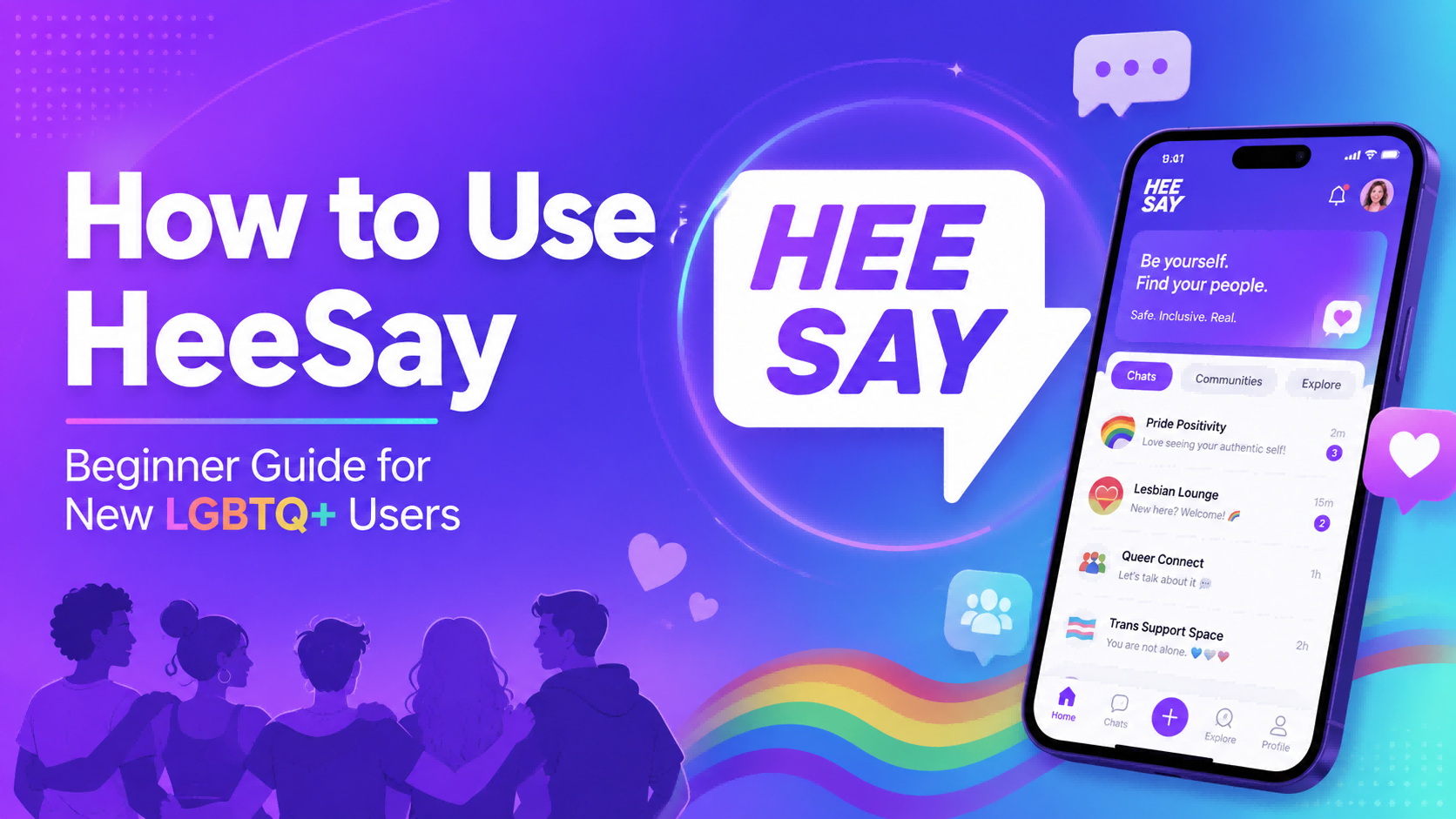
HeeSay is an LGBTQ+ social and community app where users can meet new people, chat, post moments, join live streams, enter voice rooms, and build connections with others around the world. For new users, the app may feel like a mix of dating, social media, livestreaming, and community discovery all in one place.
This beginner guide explains how to use HeeSay step by step: how to download the app, create a profile, find people, start conversations, use live features, manage privacy settings, avoid common mistakes, and stay safe as an LGBTQ+ user online.
Sponsored note: If you already use HeeSay’s gift, live room, or Beans-related features, you can check Topuplist HeeSay Beans Top Up for a fast digital top-up option. Always confirm your HeeSay ID carefully before placing an order, and never share your account password with any third-party site.
What Is HeeSay?
HeeSay is an online LGBTQ+ community platform designed for social connection, livestreaming, and interactive communication. On official app store pages, HeeSay is presented as a space where LGBTQ+ users can chat, share moments, go live, join conversations, and meet people nearby or globally.
Unlike a simple dating app, HeeSay includes multiple interaction styles. You can use it to make friends, follow creators, watch live streams, join voice rooms, send messages, share content, and explore LGBTQ+ community spaces.
For new users, the most important thing is to treat HeeSay as a social platform first. Build a clear profile, communicate respectfully, protect your privacy, and use safety tools whenever needed.
How to Download HeeSay Safely
The safest way to download HeeSay is through official app stores. You can check the app on Google Play or the Apple App Store, depending on your device and region.
Avoid downloading HeeSay from random APK websites, modified app stores, or unofficial download links. Unofficial app files may contain security risks, outdated versions, fake login pages, or malware.
Before signing up, you should also read the HeeSay Terms and HeeSay Privacy Policy. This is especially important because social and dating apps may involve sensitive information such as location, photos, messages, identity details, and payment activity.
HeeSay Quick Start: Beginner Setup Checklist
How to Create a HeeSay Account
After downloading the app, open HeeSay and follow the sign-up process shown on your screen. The exact options may vary by region and app version, but beginners usually need to complete a few basic steps:
Open the HeeSay app.
Choose a login or registration method.
Verify your account if the app asks you to.
Set your nickname, profile photo, and basic profile details.
Add interests, tags, or a short bio.
Review privacy, notification, and location settings before you start browsing.
HeeSay is intended for adult users, so do not use the app if you do not meet the age requirement stated in the app’s terms. LGBTQ+ social apps can involve dating, private messages, location-based discovery, and livestream interaction, so age and safety rules matter.
How to Set Up a Good HeeSay Profile
A good HeeSay profile does not need to be complicated. It should help people understand who you are, what you like, and what kind of connection you are looking for.
Choose a Clear but Safe Profile Photo
A clear profile photo can help you get more genuine replies, but privacy should come first. Use a photo that represents you well, but avoid showing sensitive details in the background, such as your home address, workplace name, school ID, license plate, or private documents.
If you are not publicly out or you live in a place where LGBTQ+ identity may create personal risk, be more careful with face photos, linked social accounts, and location visibility.
Write a Short and Friendly Bio
Your bio should be simple, honest, and easy to respond to. Avoid writing only “hi” or leaving your profile blank.
Good beginner bio examples:
“New here. Into music, coffee, travel, and good conversations.”
“Looking for LGBTQ+ friends, chill chats, and local recommendations.”
“Here for live rooms, positive community vibes, and meeting kind people.”
“Love gaming, movies, fitness, and weekend food spots.”
Add Interests and Tags
Interests make it easier for other users to start a conversation with you. If HeeSay lets you add tags or profile interests, choose topics that genuinely fit you.
How to Find People on HeeSay
HeeSay can help you discover LGBTQ+ users nearby and in other regions. For beginners, it is better to browse slowly instead of messaging everyone immediately.
When checking a profile, look at the person’s photo, bio, interests, recent activity, and communication style. A complete profile is not a guarantee of safety, but it usually gives you more context than a blank one.
If you use nearby discovery, be careful with location information. Do not reveal your exact address, daily routine, workplace, school, or private travel plans to someone you just met. The GLAAD LGBTQ Digital Safety Guide recommends reviewing privacy settings and reducing unnecessary exposure online, which is especially relevant for LGBTQ+ users who may face harassment, outing, or identity-based targeting.
How to Start a Conversation on HeeSay
The easiest way to start a good conversation is to mention something specific from the person’s profile. Generic openers are easy to ignore, while personalized messages show effort.
Good first-message examples:
“Hey, I saw you like travel too. What’s your favorite city so far?”
“Your profile says you’re into gaming. What are you playing lately?”
“Hi, I’m new to HeeSay. How has your experience been?”
“I noticed you like live rooms. Any good rooms you recommend?”
“You mentioned music in your bio. What’s your current favorite song?”
Try not to open with pressure, sexual comments, money talk, or private photo requests. Even on LGBTQ+ dating and social apps, respect is still the best way to get better conversations.
If someone does not reply, do not spam them. People may be busy, uninterested, or using the app for a different reason. Move on politely.
How to Use HeeSay Chat Features Safely
HeeSay supports social communication features such as text messages, voice interaction, media sharing, and other app-based messaging tools depending on your region and version. Chat is where many new users spend the most time, so it is important to set boundaries early.
Before sharing private photos, voice messages, social media accounts, or location details, ask yourself: would this information be safe if the person saved it, copied it, or showed it to someone else?
HeeSay’s official app listings mention privacy-oriented features such as private albums, disappearing messages, and anti-screenshot protection. These features can help, but they should not create a false sense of total security. Any online content can still be recorded, photographed with another device, or misused after sharing.
Use private sharing carefully, and only with people you trust.
How to Use HeeSay Live Streams and Voice Rooms
HeeSay is not only for one-on-one chat. Live streams and voice rooms are useful if you want a more community-driven experience.
For beginners, the best approach is to watch first. Spend time observing how people talk, what the room rules are, and what kind of content the host creates. Once you feel comfortable, you can join the conversation naturally.
Basic live room etiquette:
Say hello before jumping into a conversation.
Respect the host and other users.
Do not interrupt or dominate the room.
Do not share private personal information in public rooms.
Avoid harassment, hate speech, or sexual pressure.
Leave the room if the atmosphere feels unsafe.
HeeSay also has community and live-related rules. You can review the platform’s Community Guidelines to understand what behavior may be restricted or reported.
How to Post on HeeSay
Posting can help other users understand your personality beyond your profile. You can use posts to share interests, thoughts, lifestyle updates, hobbies, travel moments, community topics, or questions.
Good post ideas for new users:
“New here — what’s your favorite way to use HeeSay?”
“Looking for LGBTQ+ movie recommendations.”
“Anyone here into gaming or anime?”
“Best coffee spots for a weekend hangout?”
“What live rooms should beginners check out?”
Avoid posting your exact address, workplace, school, financial information, travel schedule, private documents, or anything that could expose you without consent.
Is HeeSay Free to Use?
HeeSay can usually be started for free, but some features may involve in-app purchases, premium access, gifts, coins, Beans, or paid interaction tools depending on your country, app version, and account status. Since pricing and features can change, always check the live price inside the app before buying anything.
If you use HeeSay Beans for gifts, live rooms, or creator interaction, you can compare options through Topuplist HeeSay Beans Top Up. Topuplist’s HeeSay page explains that users can top up by entering their HeeSay ID, selecting a Beans package, and completing payment. Make sure your HeeSay ID is correct before purchase, and avoid any service that asks for your HeeSay password.
A smart spending rule for beginners: use the free features first, understand how the app works, then decide whether premium features or Beans are actually useful for your experience.
Common Beginner Mistakes to Avoid on HeeSay
HeeSay Privacy Settings Beginners Should Check
Privacy is especially important for LGBTQ+ users because online exposure can affect personal safety, family relationships, work, school, and community life. Before you become active on HeeSay, check your privacy options carefully.
Start with these areas:
Profile visibility
Photo and album access
Location visibility
Message permissions
Notification previews
Linked social accounts
Blocking and reporting tools
Payment and account security
HeeSay’s Privacy Policy explains how the platform collects, uses, processes, and stores personal information. You do not need to memorize every line, but you should understand what data may be involved when using a social app.
If you are not publicly out, consider using a more cautious profile style. Avoid connecting HeeSay to public-facing social accounts, do not post identifying details, and think carefully before sharing face photos with strangers.
LGBTQ+ Safety Tips for Using HeeSay
Online LGBTQ+ spaces can be supportive, but they can also attract harassment, scams, impersonation, and privacy risks. Safety does not mean being afraid of everyone; it means controlling what you share and responding quickly to red flags.
The FBI romance scam guide warns users to be careful about what they post publicly and to stop contact with suspected scammers. The FTC’s online dating resources also highlight the risks of deception and fraud in dating-related platforms.
A major red flag is when someone quickly moves from flirting to money, investment advice, emergency requests, crypto trading, gift cards, or “verification fees.” If a person you met on HeeSay asks for money, financial information, or off-platform payments, treat it as suspicious.
How to Meet Someone from HeeSay Offline Safely
If you decide to meet someone in person, do not rush. A good online conversation does not always mean someone is safe offline.
Before meeting:
Choose a public place.
Tell a trusted friend where you are going.
Share your plan and expected return time with someone you trust.
Arrange your own transportation.
Avoid going directly to a private home or hotel.
Keep your phone charged.
Leave if the person pressures you or makes you uncomfortable.
For LGBTQ+ users, the safety of the meeting location matters. Choose places where you feel welcome, visible, and able to leave easily.
How to Get More Replies on HeeSay
If you are not getting many replies, your profile or message style may need small improvements. Start with your profile photo, bio, and first message.
A strong beginner profile usually has:
A clear photo
A short but specific bio
Real interests
Friendly tone
Clear intention
Safe but approachable details
A strong first message usually mentions something from the other person’s profile. Instead of saying “hi” to everyone, write one line that gives the other person an easy way to respond.
Example:
Weak message: “Hey.”
Better message: “Hey, I saw you’re into hiking. Do you have a favorite weekend trail?”
Weak message: “You’re cute.”
Better message: “Your profile has great energy. Are you more into live rooms or one-on-one chats here?”
Small personalization can make a big difference.
When Should You Use Topuplist for HeeSay Beans?
You may not need HeeSay Beans on your first day. Beginners should explore the app first, understand which features they actually use, and only spend money when they know what they want.
However, if you regularly send gifts, join live room interactions, or use Beans-based features, Topuplist’s HeeSay top-up page can be useful because it focuses on direct digital top-up. Before buying, check the package details, confirm the region, enter your HeeSay ID correctly, and keep your payment receipt.
Never share your HeeSay password with any top-up provider. A legitimate top-up flow should not require full access to your personal account.
HeeSay FAQ
Is HeeSay only for dating?
No. HeeSay can be used for dating, but it is also a social and community app. You can chat, post, watch live streams, join voice rooms, follow creators, and meet LGBTQ+ people with different intentions.
Is HeeSay safe for new LGBTQ+ users?
HeeSay includes privacy and safety-related features, but your own behavior still matters. Review privacy settings, control location visibility, avoid suspicious links, and block or report unsafe users.
Can I use HeeSay without showing my face?
This depends on the app’s current rules, verification requirements, and regional policies. If you are privacy-conscious, use a profile style that feels safe for your situation and avoid sharing identifying details too quickly.
How do I make my HeeSay profile better?
Use a clear photo, write a short bio, add real interests, and be honest about whether you want friends, dating, live room interaction, or casual conversation.
Should I link Instagram, X, or Facebook to HeeSay?
Only link public social accounts if you are comfortable connecting your HeeSay profile with your broader identity. If you are not publicly out, be careful with social linking.
What should I do if someone harasses me?
Stop replying, block the user, and report the account. Do not argue with someone who is already being abusive. Protect your time, privacy, and safety first.
What should I do if someone asks me for money?
Do not send money, gift cards, crypto, bank details, or verification payments to someone you only know online. Romance scams often begin with emotional trust and later turn into financial requests.
Is Topuplist required to use HeeSay?
No. Topuplist is not required to use HeeSay. It is only relevant if you want an external digital top-up option for HeeSay Beans. New users should test the app first before spending.
Conclusion
HeeSay can be a fun and useful LGBTQ+ community app if you use it with clear expectations and good safety habits. Start by downloading the official app, setting up a trustworthy profile, checking your privacy settings, and exploring chats, posts, live streams, and voice rooms at your own pace.
The best beginner strategy is simple: be honest, be respectful, protect your identity, avoid financial red flags, and use block or report tools whenever needed. Once you understand how the platform works, you can decide whether free features are enough or whether HeeSay Beans and premium interactions are worth using.
For users who already know they need Beans for gifts or live room features, Topuplist HeeSay Beans Top Up is one option to compare. Use it carefully, confirm your HeeSay ID before payment, and never share your account password.
HeeSay is easiest to enjoy when you treat it as a community first: connect slowly, stay safe, and build conversations that feel genuine.
