


How to Fix "Account in Danger" Recharge Error in MLBB
What is the "Account in Danger" Error in MLBB?
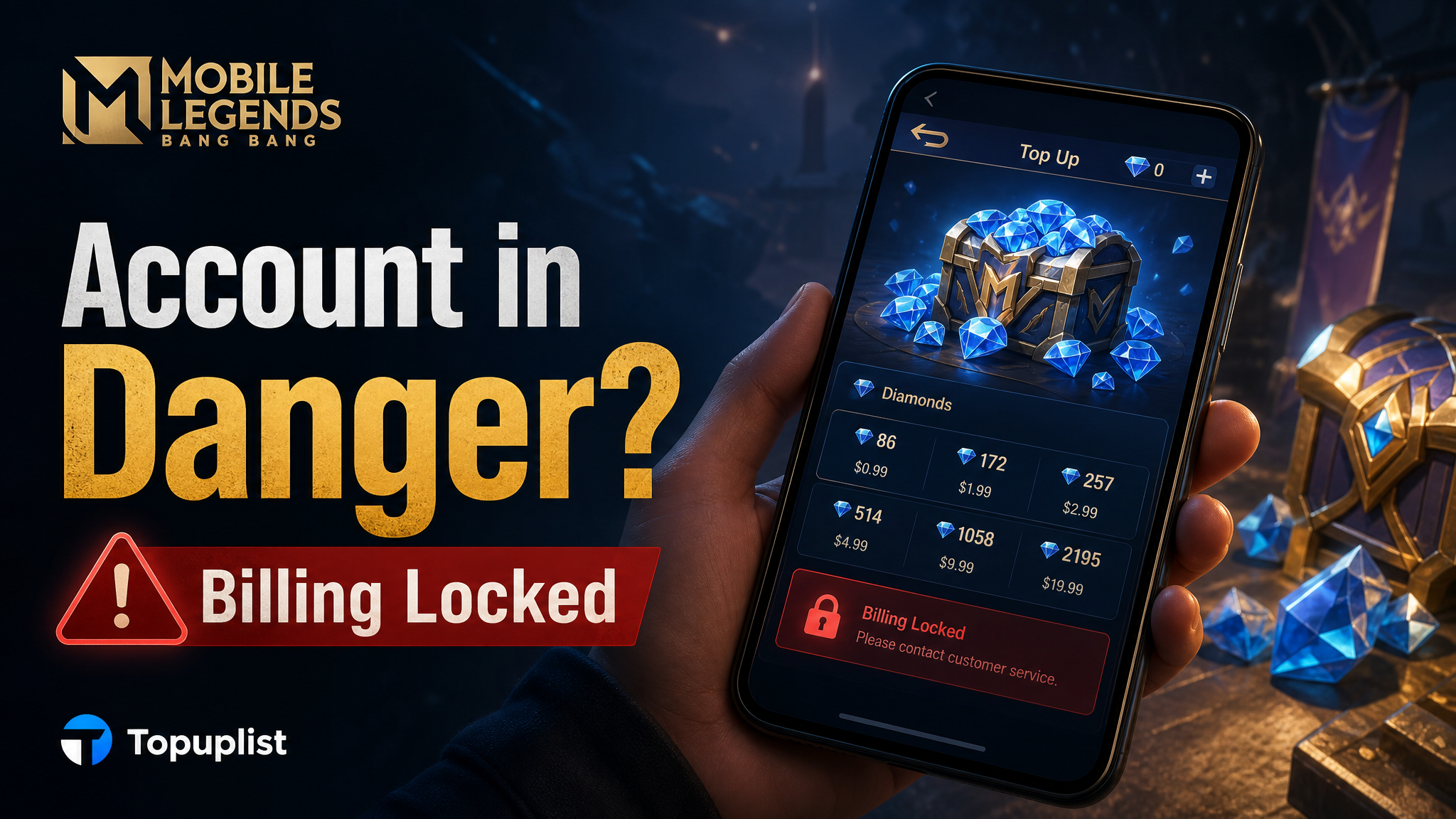
You are all set to buy diamonds for a limited-time skin event, you click the purchase button, and instead of a successful checkout, a frustrating red popup slams across your screen: "Because your account is in danger, you can't recharge now." First, take a deep breath. Your account hasn’t been banned, and you haven't lost your progression data. In Mobile Legends: Bang Bang (MLBB), this warning is a built-in anti-fraud security lock deployed by Moonton. It triggers automatically when the system detects behavior that looks like an unauthorized hacker trying to drain a player's credit card. While it protects your wallet, it can feel like a total nightmare when you are racing against an event countdown timer. Luckily, this security lock is entirely temporary and can be resolved using a few verified methods.
Why Did Moonton Flag Your Account as "In Danger"?
Moonton’s security algorithm tracks data points to ensure that the person tapping the "buy" button is the true owner of the profile. If your account habits suddenly deviate from your historical patterns, the anti-fraud protocol triggers a protective block on all in-app billing transactions.
Verified Ways to Lift the Security Lock Instantly
If your profile has been locked out by an overprotective algorithm, you can force the system to re-verify your identity using a few local client workarounds.
A. The Matchmaking Method (Highly Effective)
The most successful way to prove to Moonton's algorithm that you are the rightful owner is to simply play the game. Hackers who steal profiles don't stick around to play standard matches—they immediately jump to the store to burn resources.
The Fix: Go to the lobby and queue up for 5 to 10 classic or ranked matches on the restricted device. Playing through complete matches without being flagged for toxic behavior or idling helps re-verify your device footprint, automatically dissolving the "Account in Danger" flag.
B. Standardize Your Network Environment
If you are running custom DNS routing or a VPN to lower your ping, you might be accidentally locking yourself out of checkout. Disable all background proxies and connect your device to your standard home Wi-Fi or local mobile data network. Completely restart the MLBB client afterward.
C. Reset Your App Store Local Cache
Sometimes old transaction data files cause local processing errors inside your phone's payment framework. Following official billing management logic outlined in the Google Play Help Center, you can clear corrupt cache lines manually to refresh the system.
Bypassing Client Blocks via Safe External Web Top-Ups
If your local device framework remains locked on the night of an event deadline, there is an official workaround. Moonton’s "Account in Danger" restriction specifically locks down in-app purchases processed locally through Google Play or Apple billing. It does not block third-party web API deposits.
By taking your purchase outside of the restricted local client, you can credit diamonds to your wallet without touching the broken in-game checkout page.
🚀 Bypass the Device Lock—Get Instant MLBB Diamonds Safely on Topuplist!
Don't let an overprotective device block ruin your chance to secure limited event skins. Skip the buggy in-game checkout screens and load diamonds directly to your account using the industry's most reliable web platform.
⚡ Instant API Delivery: Your diamonds hit your profile vault within seconds via automated official delivery routes.
🔒 100% Secure UID-Only Orders: We value your privacy. We only require your Player UID and Server ID—we never ask for passwords or verification codes.
💰 Unbeatable Rates: Stretch your gaming budget with discounted regional bundle packages available 24/7.
👉 Top Up Your Mobile Legends Diamonds Instantly on Topuplist Now!
When using external web top-ups, make sure you understand the difference between official API channels and risky unauthorized marketplaces:
How to File a Moonton Ticket if the Lock Persists
If you have completed your matches and your billing page remains locked, you will need to flag a manual review with Moonton's security agents.
Open MLBB and locate the Customer Service Headset Icon in the top-left corner of the main menu (right next to your avatar).
Select Payment Issues from the automated directory tree.
Tap on Form for Recharge Issues / Account in Danger Notice.
Prepare your verification proof. To secure a fast release, make sure to attach your account creation date, your device model details, and a screenshot of an early digital invoice from a past transaction. You can check your historical orders using official resources like the Apple Support Dashboard to find your verified purchase history documents.
How to Correctly Find Your MLBB Identifiers
To ensure external web deliveries land safely in your in-game mailbox, double-check your ID credentials:
Launch MLBB and tap your profile avatar in the upper-left corner.
Under the "Profile" tab, locate your identification numbers on the right side.
Your format will read: ID: 12345678 (1234). The 8-digit string is your User ID, and the 4-digit number inside the parentheses is your Server ID. Copy both numbers exactly when executing an external web recharge to ensure a successful transaction.
