
How to Check Amazon Gift Card Balance: Step-by-Step Guide for Web, App and Email Codes
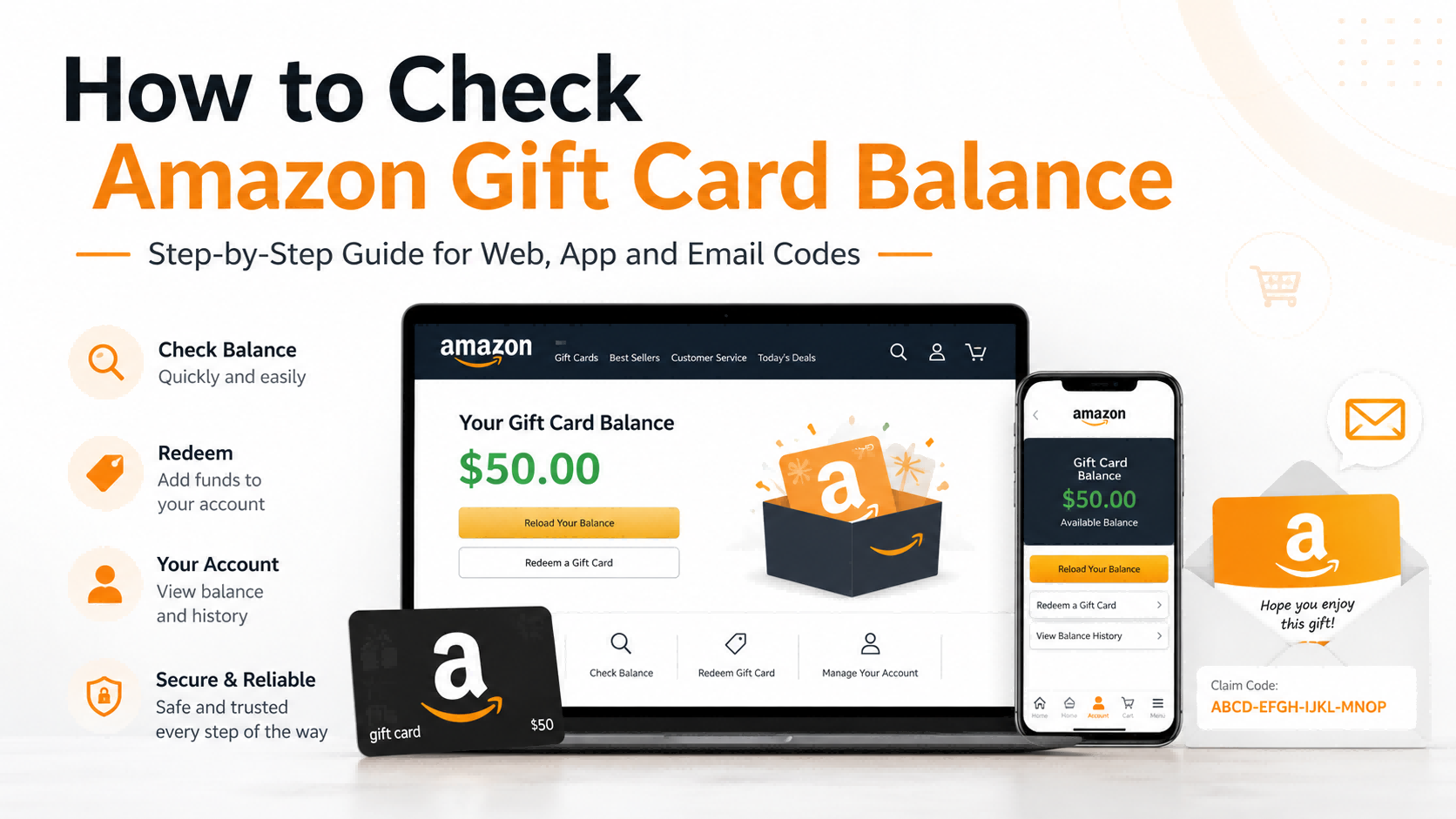
Checking your Amazon Gift Card Balance only takes a few minutes, but the correct method depends on whether your gift card has already been redeemed, whether you received an email code, and which Amazon account or region you are using.
This guide explains how to check your balance on the Amazon website, in the Amazon Shopping app, and from an Amazon email gift card. It also covers common problems such as missing balance, already redeemed codes, regional mismatches, and gift card scam warnings.
Buy Amazon Gift Cards Online Safely
Need a digital Amazon gift card before checking or redeeming one? You can buy an Amazon Gift Card digital code on Topuplist, where users can choose a region and denomination, complete payment, and receive a code through the order details page. Before buying, always confirm that the gift card region and currency match the Amazon marketplace you plan to use. Digital codes are usually non-refundable once issued, so check the product name, region, value, and order details carefully before payment.
Quick Answer: How Do You Check Amazon Gift Card Balance?
The easiest way to check your Amazon Gift Card Balance is to sign in to your Amazon account and open the Gift Cards section. On desktop, go to Accounts & Lists → Gift Cards. On the Amazon app, tap the account/profile icon and look for Gift Card Balance or Manage Gift Card Balance.
If you have an unused email gift card code, the balance may not appear in your account until you redeem the claim code. Always redeem or check gift card information only through Amazon’s official website or app, not through third-party “balance checker” pages.
What Is an Amazon Gift Card Balance?
Your Amazon Gift Card Balance is the stored value in your Amazon account after you redeem one or more Amazon Gift Cards. It is not the same as a credit card balance, refund credit, coupon, or temporary promotional credit.
Once a gift card is redeemed, the value is usually attached to the Amazon account that redeemed the claim code. This is why you should always confirm that you are signed in to the correct Amazon account before entering a code.
A gift card can be in several different states:
Unredeemed: The claim code has not been added to any Amazon account.
Redeemed but unused: The value has been added to an Amazon account but has not yet been spent.
Partially used: Some of the balance has been applied to past purchases.
Fully used: The balance has already been spent.
Already redeemed elsewhere: The claim code was applied to another Amazon account.
To manage balance, redemption, and usage rules, Amazon directs users to official gift card pages such as Amazon Gift Card Balance, Redeem an Amazon Gift Card, and Amazon Gift Card Terms and Conditions.
How to Check Amazon Gift Card Balance on the Amazon Website
The Amazon website is the most reliable method if you want to view your current balance, redeem a new code, or check gift card activity.
Step 1: Sign in to the Correct Amazon Account
Go to Amazon’s official website and sign in. Make sure you are using the account where you previously redeemed the gift card.
This matters because many users have more than one Amazon account. For example, you may have one account connected to an old email address and another account used for current shopping. If you redeem a claim code on the wrong account, the balance may not appear where you expect it.
Step 2: Open “Accounts & Lists”
After signing in, move to the top-right area of the page and open Accounts & Lists. Depending on your browser, region, or interface version, Amazon may show slightly different wording, but the account menu is the correct starting point.
From there, choose Account or go directly to the Gift Cards section if it appears in the menu.
Step 3: Select “Gift Cards”
On the account page, find and select Gift Cards. This page usually shows your current Amazon Gift Card Balance near the top.
You may also see options such as:
Redeem a Gift Card
Reload Your Balance
View balance activity
Set up auto-reload
Review gift card transactions
If you are checking whether a previous gift card was added successfully, this is the most important page to review.
Step 4: Review Your Balance and Activity
Your balance is the total amount of gift card value currently available in that Amazon account. It may include multiple redeemed gift cards, not just one card.
If the balance is lower than expected, check the transaction or activity section. Your gift card balance may have been applied automatically to a previous eligible order. Reviewing recent activity can help you see when the balance was added and when it was spent.
Step 5: Redeem a New Gift Card If Needed
If your gift card has not been redeemed yet, select Redeem a Gift Card and enter the claim code. Physical Amazon Gift Cards usually have a hidden claim code under a protective layer. Email gift cards usually display a claim code or a redeem button.
Enter the code carefully and confirm that the balance is added to your account.
How to Check Amazon Gift Card Balance in the Amazon App
The Amazon Shopping app is convenient if you want to check balance from a phone or redeem a digital code quickly.
Step 1: Open the Amazon Shopping App
Open the official Amazon Shopping app on your iPhone or Android device. Make sure the app is updated and that you are signed in to the correct Amazon account.
If the app interface looks different from the steps below, update the app or use the Amazon website instead.
Step 2: Tap the Account/Profile Icon
Tap the account or profile icon. It usually looks like a person icon and appears near the bottom navigation area in many versions of the app.
Scroll through the account options until you find gift card-related settings.
Step 3: Find “Gift Card Balance”
Look for wording such as Gift Card Balance, Manage Gift Card Balance, Your Balance, or Gift Cards. The exact label may vary depending on region and app version.
Tap that section to view the balance connected to your current Amazon account.
Step 4: View Current Balance
The amount shown is your available Amazon Gift Card Balance. If you have redeemed multiple cards, Amazon normally combines them into one account balance.
This means you usually cannot separate the balance by individual card after multiple gift cards have been redeemed. To understand where the balance came from or where it went, check the balance activity section.
Step 5: Redeem or Scan a Claim Code
The app may let you manually enter a claim code or scan a code from a physical card. This is useful if you bought a printed card or received a card as a gift.
Only enter claim codes inside Amazon’s official app or website. Do not type your Amazon Gift Card claim code into third-party balance checker tools, social media messages, or suspicious forms.
How to Check an Amazon Email Gift Card Code
An Amazon eGift Card or email gift card is delivered digitally. It usually includes a gift amount, sender information, and a claim code or redeem button.
Step 1: Find the Amazon Email Gift Card
Search your inbox for terms such as:
Amazon Gift Card
Amazon eGift Card
Amazon.com Gift Card
Claim code
Gift card delivery
If you cannot find it, check your spam folder, promotions tab, archived mail, deleted mail, or any alternate email address you may have used.
Step 2: Verify the Email Looks Legitimate
Before clicking any button, confirm that the email is actually related to Amazon or a trusted gift card provider. Be cautious with emails that pressure you to act quickly, ask for your Amazon password, or send you to a strange website.
Amazon also has an official Amazon Gift Card Scams page explaining common scams, including fake customer service calls, fake job offers, and requests for gift card claim codes.
Step 3: Find the Claim Code or Redeem Button
A real Amazon email gift card may include a claim code, a Redeem button, or both. The claim code is the key to the gift card value, so do not share it publicly or send it to anyone you do not trust.
If you purchased the code through Topuplist Amazon Gift Card, check your Topuplist order details page for the digital code. Topuplist also notes that Amazon gift cards are region-specific, so the code should be redeemed on the matching Amazon marketplace.
Step 4: Redeem the Code on Amazon
Sign in to the Amazon account where you want the balance to appear. Then use Amazon’s official Redeem a Gift Card page or the gift card section in the Amazon app.
After entering the claim code, Amazon should apply the value to your Gift Card Balance.
Step 5: Confirm the Balance Was Added
Return to the Gift Cards page or app balance section. The new balance should reflect the redeemed amount.
If it does not appear, check the following:
You may have entered the code incorrectly.
The code may already have been redeemed.
You may be signed into the wrong Amazon account.
The card may belong to a different Amazon region.
The gift card may not have been activated properly at purchase.
Can You Check an Amazon Gift Card Balance Without Redeeming It?
For a gift card that has already been redeemed, checking the balance is easy: sign in to your Amazon account and open the Gift Cards page.
For an unused claim code, the situation is different. In many cases, Amazon does not show a gift card’s value in your account until the claim code is redeemed or applied. If you only want to verify whether a code is valid before using it, the safest option is to use Amazon’s official redeem flow or contact Amazon Customer Service.
Do not use websites that claim they can check an Amazon Gift Card Balance without redeeming it. A claim code is sensitive. If someone else gets the code, they may be able to redeem the value before you do.
How to Check Amazon Gift Card Balance at Checkout
You can also check whether gift card balance applies during checkout.
This is useful if you are already placing an order and want to confirm whether your Amazon Gift Card Balance will reduce the total.
Steps to Apply a Gift Card at Checkout
Add eligible items to your Amazon cart.
Go to checkout.
Look for the gift card, promotional code, or voucher field.
Enter your Amazon Gift Card claim code if it has not been redeemed yet.
Apply the code.
Confirm that the order total changes before placing the order.
If your existing gift card balance is already in your account, Amazon may apply it automatically to eligible purchases. If the balance does not cover the full order total, Amazon may ask for another payment method.
Always review the final payment breakdown before placing the order.
Amazon Gift Card Balance vs Promotional Credit
Many users confuse Amazon Gift Card Balance with promotional credit. They are not always the same.
For official usage rules, users should review Amazon Gift Card Terms and Conditions, especially if they are using a non-U.S. Amazon marketplace.
Common Reasons Your Amazon Gift Card Balance Looks Wrong
If your Amazon Gift Card Balance is missing, lower than expected, or not applying at checkout, the issue usually falls into one of the categories below.
You Redeemed the Code to a Different Account
This is one of the most common causes of missing balance. If you have multiple Amazon accounts, check each one before assuming the balance disappeared.
The Balance Was Used Automatically
Amazon may apply your available Gift Card Balance to eligible purchases. If you recently placed an order, check the payment details to see whether the gift card balance was used.
The Gift Card Region Does Not Match
Amazon gift cards are often marketplace-specific. A U.S. Amazon Gift Card is intended for Amazon.com, while other regions may require their own local Amazon marketplace. If you buy from a platform such as Topuplist Gift Cards, confirm the region and currency before checkout.
The Code Was Entered Incorrectly
Claim codes can be easy to mistype. Watch for mistakes such as:
O and 0
I and 1
Extra spaces
Missing characters
Damaged scratch-off areas
Copy-and-paste errors
What to Do If Your Amazon Gift Card Code Is Not Working
If your code does not work, follow these steps before contacting support:
Re-enter the claim code carefully.
Confirm that you are on the official Amazon website or app.
Check whether the code has already been redeemed.
Make sure you are signed in to the correct Amazon account.
Confirm that the gift card matches the correct Amazon region.
Check whether a physical card was activated at the store.
Review the email or order details if it was a digital gift card.
Contact Amazon Customer Service with the order number, receipt, serial number, or card details if needed.
If you purchased the Amazon Gift Card from Topuplist, review your Topuplist Amazon Gift Card order details and confirm that the selected region, value, and currency match the Amazon account you are trying to use.
Is It Safe to Check Amazon Gift Card Balance Online?
It is safe to check your balance online only when you use Amazon’s official website or app. It is not safe to enter your claim code into unknown balance checker websites.
Gift card scams are common because claim codes can be used quickly once stolen. Amazon Pay’s official Internet scams and phishing guidance warns users not to provide Amazon.com Gift Card claim codes by phone, text, or email as a form of payment to third-party merchants. The FTC also warns that no real business or government agency will tell you to buy a gift card and give them the numbers from the back of the card; see the FTC’s guide on avoiding and reporting gift card scams.
Can Amazon Gift Card Balance Expire?
Standard Amazon.com Gift Cards generally do not expire and do not carry service fees, but users should always check the terms for their specific country or marketplace. Promotional credits are different and may have expiration dates or usage limits.
This distinction is important. A standard Amazon Gift Card Balance and a temporary promotional credit may behave differently at checkout.
Can You Transfer Amazon Gift Card Balance to Another Account?
In general, once an Amazon Gift Card is redeemed, the balance is tied to the Amazon account that redeemed it. You usually cannot move the redeemed balance to another account, transfer it to PayPal, withdraw it to a bank account, or convert it to cash except where required by law.
If you want someone else to use a gift card, the best time to give it to them is before redemption. Once the claim code is applied to your account, your options are much more limited.
If you redeemed a gift card to the wrong account, contact Amazon Customer Service, but do not assume that a transfer will be available.
Can You Convert Amazon Gift Card Balance to Cash?
Amazon Gift Cards are intended for eligible purchases on Amazon and certain affiliated services. They are generally not designed to be cashed out.
Avoid unofficial cash-out services, balance exchange groups, or social media buyers. These can be scams, and they may also violate gift card terms.
Safer options include:
Use the balance for planned Amazon purchases.
Save the balance for future orders.
Buy essentials you already need.
Gift an item directly to someone using your account.
Keep an unredeemed gift card code for the intended recipient instead of redeeming it first.
Where to Buy Amazon Gift Cards Safely
The safest place to buy an Amazon Gift Card is through Amazon’s official gift card pages or trusted digital gift card providers that clearly show region, currency, delivery method, and refund rules.
If you want a digital code, you can use Topuplist Amazon Gift Card to choose available denominations and receive a code through the order details page. For broader digital products, the Topuplist Gift Cards category also includes shopping, payment, gaming, and entertainment gift cards.
Before buying any Amazon Gift Card, check:
Region: US, JP, MX, TR, or other marketplace
Currency: USD, JPY, MXN, TRY, etc.
Denomination: Make sure the value is correct.
Delivery method: Email, order details, or physical card.
Refund rules: Digital codes are often non-refundable after issuance.
Account compatibility: The Amazon marketplace should match the card region.
Best Practices Before Redeeming an Amazon Gift Card
Before you enter a claim code, take a moment to avoid common mistakes.
Confirm you are signed in to the correct Amazon account.
Check the gift card region and Amazon marketplace.
Keep the email, receipt, or order confirmation.
Do not share the claim code.
Avoid redeeming on public or shared devices.
Check the balance immediately after redeeming.
Review checkout totals before placing an order.
Save proof of purchase until the balance is confirmed.
These steps are especially important for digital gift cards because once a code is issued or redeemed, it may be difficult to cancel, refund, or move.
Amazon Gift Card Balance FAQ
How do I check my Amazon Gift Card Balance?
Sign in to your Amazon account, open Accounts & Lists, select Gift Cards, and view your current balance. On the Amazon app, tap the account/profile icon and look for Gift Card Balance or Manage Gift Card Balance.
Can I check an Amazon Gift Card Balance without redeeming it?
You can check the balance already attached to your Amazon account. For an unused claim code, the balance generally will not appear in your account until the code is redeemed or applied. Do not use third-party balance checker websites.
Where is the claim code on an Amazon Gift Card?
On a physical Amazon Gift Card, the claim code is usually under a protective scratch-off area. On an email gift card, it may appear in the email body or behind a redeem button.
Why is my Amazon Gift Card Balance not showing?
The most common reasons are wrong account, unredeemed code, already redeemed code, previous automatic use at checkout, activation issue, or region mismatch.
Can I use an Amazon Gift Card at checkout?
Yes. You can redeem a gift card before shopping or apply an unused claim code during checkout. Always confirm that the order total changes before placing the order.
Can Amazon Gift Card Balance expire?
Standard Amazon.com Gift Cards generally do not expire, but promotional credits may have expiration dates or special rules. Always review the terms for your specific marketplace.
Can I transfer Amazon Gift Card Balance to another account?
Usually no. Once redeemed, the balance is generally tied to the Amazon account that redeemed the claim code.
What should I do if my Amazon email gift card never arrived?
Check spam, promotions, archived mail, deleted mail, and alternate email accounts. Also confirm the recipient email address and order status. If the gift card still does not appear, contact the seller or Amazon Customer Service.
Is it safe to check Amazon Gift Card Balance on third-party websites?
No. You should not enter Amazon Gift Card claim codes into third-party balance checker websites. Use Amazon’s official website or app.
Can I get cash back from Amazon Gift Card Balance?
In most cases, no. Amazon Gift Cards are intended for eligible Amazon purchases and are generally not redeemable for cash except where required by law.
Conclusion
The safest way to check your Amazon Gift Card Balance is through Amazon’s official website or mobile app. If the gift card has already been redeemed, your balance should appear in the Gift Cards section of your account. If you received an email gift card or digital code, redeem the claim code only through Amazon’s official platform and make sure you are signed in to the correct account first.
If your balance is missing or your code does not work, check for account mismatch, region mismatch, previous automatic use, activation issues, and typing errors. Keep receipts and email confirmations until the balance is confirmed.
For users who need a new digital code, Topuplist Amazon Gift Card provides an option to buy Amazon Gift Cards by region and denomination, but always verify the marketplace, currency, and refund rules before purchasing. A few seconds of checking before redemption can prevent most balance problems later.
