

Douyin CN Diamonds vs DOU+: Which Recharge Do You Need?
Buying a gift in someone’s livestream and paying to promote your own video are two different Douyin purchases. For live gifts, you need the viewer’s virtual gift balance, described as Diamonds in Douyin’s service agreement. For paid content promotion, you need DOU+. Recharging one is not the same as ordering the other.
This distinction is especially useful when a Douyin CN listing offers both Diamonds and DOU+ options. Start with what you want to do: support a creator, or buy promotion for eligible content. This guide covers the Chinese Douyin app, including people using that app from overseas; it does not cover TikTok Coins or TikTok Promote.
Diamonds or DOU+: Match the Purchase to the Task
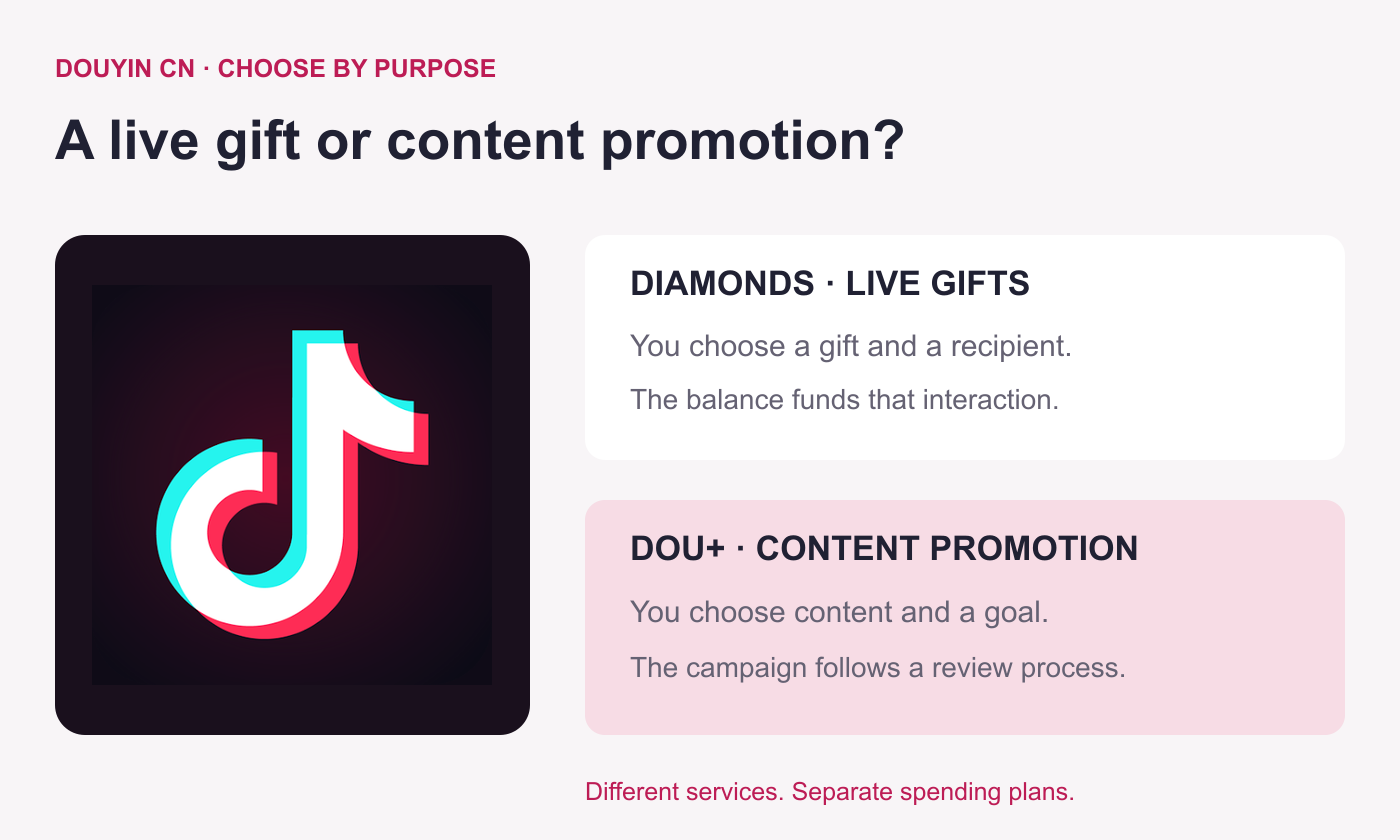
Douyin’s Diamonds Service Agreement explicitly includes triggering virtual gifts during livestreams. The official DOU+ website, meanwhile, describes DOU+ as a content-boosting and marketing product for videos and livestreams. One pays for a viewer interaction; the other pays for content promotion.
Your goal | Relevant purchase | Action after purchase |
|---|---|---|
Send a virtual gift to a livestream creator | Diamonds / live-gift balance | Select the gift and recipient in the livestream. |
Promote an eligible video | DOU+ promotion | Select the content, objective and campaign settings; submit for review. |
Promote a livestream | DOU+ live-promotion offering | Use the promotion options available for that account and livestream. |
Both support creators and promote your own content | Two separate spending plans | Allocate the gift budget and promotion budget separately. |
For example, sending a gift to a host does not create a DOU+ campaign for your own account. Buying promotion does not send that host a gift. Even when both actions happen around a livestream, the purchase has a different purpose and a different result.
What Do Douyin Diamonds Actually Buy?
Diamonds are a virtual tool for obtaining eligible services inside Douyin. For livestream gifting, you choose a gift, spend the required balance and send it to the intended creator. Adding balance is only the funding step: it does not automatically choose or send a gift.
The public Douyin recharge page uses the name Douyin coins, while the agreement linked from that page uses Diamonds. Follow the description of the actual service you are buying. Those names do not turn the purchase into cash, a general shopping balance or an advertising-performance guarantee.
The agreement says this virtual balance cannot be exchanged for cash, traded between users or transferred between different Douyin accounts. A creator’s earnings from receiving gifts are also distinct from the viewer’s spending balance. If you want to support a creator, decide on the gift budget rather than treating the purchase as an investment or a transferable wallet.
What Does DOU+ Pay For?
DOU+ pays for promoting selected content. Its official website lists account growth, customer acquisition, product traffic and livestream promotion among its capabilities. For account growth, it describes promoting videos to people interested in the content or account, with objectives involving interactions, followers and profile visits.
The useful starting point is a specific content goal. A creator promoting a new video may care about relevant engagement; a business using an available lead-generation option may care about enquiries. These are different objectives, so the right campaign setup follows the goal rather than the size of a recharge package.
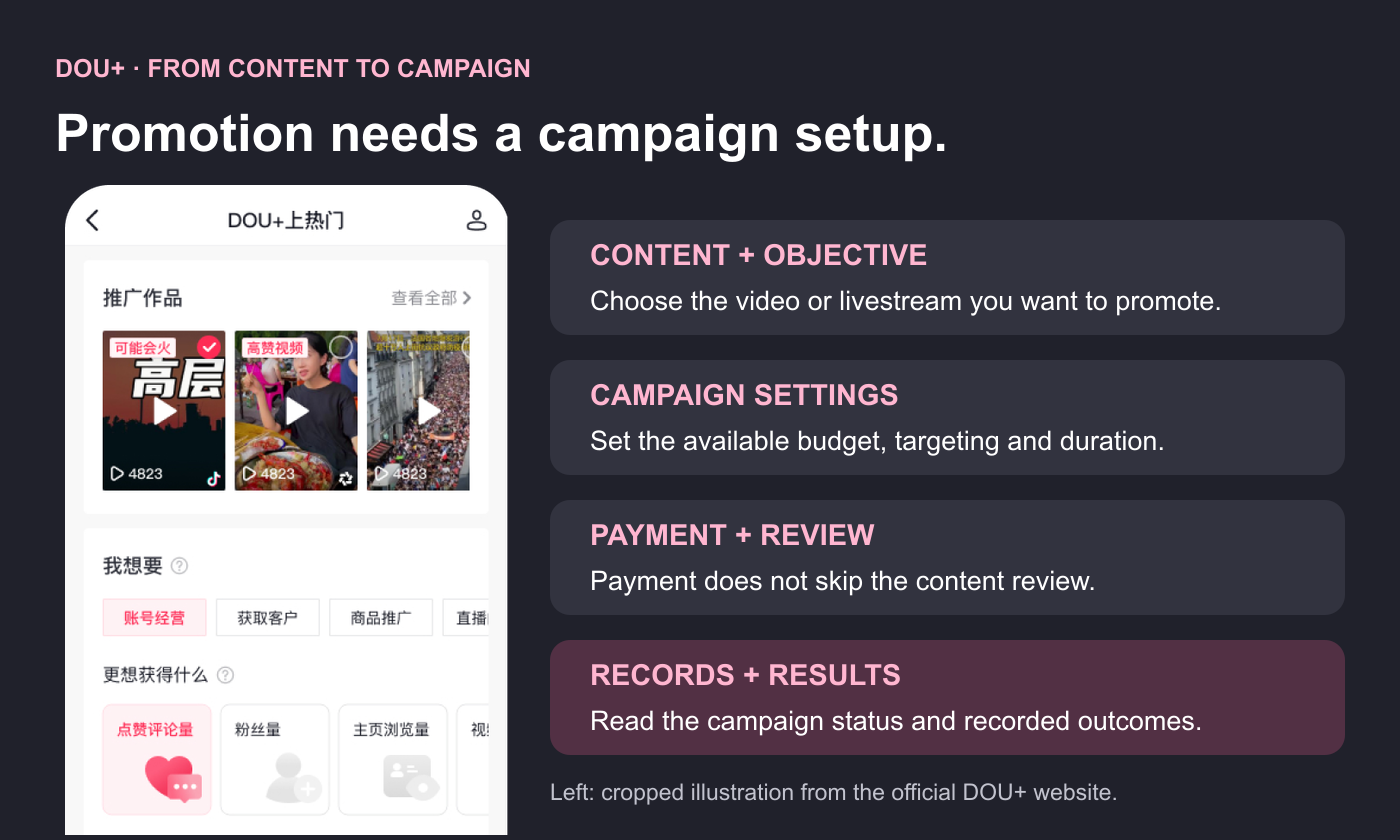
The official workflow includes content selection, campaign settings, payment and review. Paying does not bypass review or mean the campaign has already started delivering. Judge a campaign by its recorded status and results, not by the fact that money left your payment account. Buying promotion is not a promise of a fixed number of followers, sales or viral views.
How to Choose and Use the Correct Recharge
For livestream gifts
Choose the Diamonds or live-gift option, identify the receiving Douyin account and review the quantity before payment. The official web recharge page labels its account field Douyin ID. After credit arrives, return to the intended livestream and complete the gift selection there. Keep the recharge receipt until the balance is confirmed.
For content promotion
Choose the content and objective. Decide which eligible video or livestream you want to promote and what outcome matters.
Open DOU+. The official mobile guide starts from a video’s Share button and the DOU+ promotion option. Its web route begins on the official DOU+ website.
Set up the campaign. Use the available objective, duration, targeting and budget controls. The web guide also describes selecting the video and promotion method.
Pay and follow the review. Submit the configured campaign and wait for its review result before judging delivery.
Read the campaign record. The official web guide points to My Orders for campaign records and results. Separate the amount you funded from the amount and outcome recorded for each campaign.
On Topuplist’s Chinese-user Douyin CN listing, select the specification that matches this purpose: Diamonds and DOU+ are separate options. Read the selected item’s delivery description and required account details. A recharge listing does not itself choose your promotional content or campaign settings, and its presence does not establish official authorization. Douyin’s agreement requires designated official purchasing channels.
Compare the Cost Within the Same Purpose
For gifts, compare the final charge for the same quantity of usable gift balance, then relate that quantity to the gifts you actually plan to send. For promotion, compare the amount available for the relevant DOU+ purchase and the campaign’s objective and settings. A large number beside one option is not evidence that it provides more of the other service.
For overseas payments, the Diamonds agreement explains that channel service fees, exchange rates, local taxes and app-store price tiers can affect the amount charged. Apply that explanation to the Diamonds purchase it covers; do not automatically reuse its pricing rules for every DOU+ offer. There is no single exchange ratio that makes a Diamond quantity equivalent to a promotion result.
Choose Diamonds when your next action is sending a live gift. Choose DOU+ when your next action is setting up a promotion. If you do both, keep separate budgets and records: the clearest purchase is the one that funds the task you already intended to complete.