

Chamet Diamonds Recharge: How to Buy for Calls and Gifts
Chamet Diamonds are the balance you may need when a call or a gift asks for payment inside Chamet. Buying them makes sense when you know the feature you want to use and what it costs. It does not mean every conversation, live stream or visit to a party room must be paid for.
The practical question is therefore not “What is the biggest pack?” It is how much usable balance your next interaction requires, which account receives it, and whether you are buying a one-off recharge or a subscription. Here is how those choices fit together.
What Is Chamet, and Where Do Diamonds Fit In?
Chamet combines one-to-one video chat, live streaming, party rooms and social features. Its official website describes free-to-start access and explains that longer calls and some optional activities may use Diamonds. Some users say “coins,” but check the actual product label and in-app balance rather than assuming every currency name means a different product.
For a paid call, inspect the price shown before you connect or continue. For a gift, open the gift panel and read the Diamond requirement for the exact item. Those are different spending actions: having enough for a gift does not automatically tell you how long a call will last.
How Much Does a Chamet Recharge Cost?
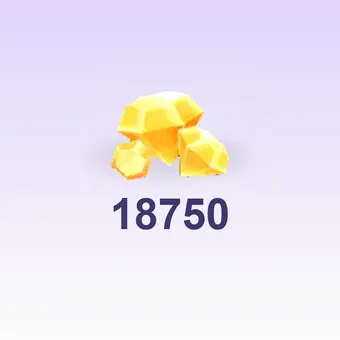
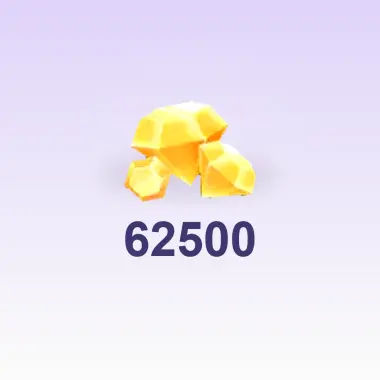
There is no single worldwide amount that describes every buyer’s recharge. The payment route, displayed currency, product and any applicable charge affect the final total. Start by noting the number of Diamonds delivered and the amount payable, then compare equivalent products. A headline discount is less useful when the credited quantities differ.
Do not calculate call time from a generic internet exchange rate. The call screen’s current requirement is what matters, and a host or feature may have its own conditions. For gifting, add up the actual items you intend to send before choosing a recharge. Leave room in the budget only if you genuinely plan to use it.
 Chamet
Ways to Buy Chamet Diamonds
Recharge through the app or official web account
Open your Chamet wallet and inspect the available recharge products. The official payment help directs users to the Wallet and also links to Chamet’s web portal. Use the link from Chamet’s own site to reach that service, then sign in to the same account you use for calls or gifts.
Choose the product, review the charge and follow the payment instructions offered to your account. App and web checkout options can differ. If the payment method you prefer is not listed, do not assume that selecting another country or using a different account will produce a compatible purchase.
Use an ID-based recharge service where available
A Chamet ID top-up sends the purchased Diamonds to the identifier on the order. This differs from signing in to Chamet’s official wallet: you submit the recipient ID to the seller’s checkout instead. Check that the product is Chamet Diamonds and read the current account and purchase requirements before paying.
Topuplist’s Chamet product uses the Chamet ID for a direct recharge. Enter the intended recipient, choose the Diamond product and check the order details. A direct ID order does not require handing over your Chamet password or a one-time login code. Save the order number so any delivery question can be traced to that purchase.
How to Find Your Chamet ID Before Ordering
Open Chamet and confirm that you are logged in to the account you want to fund.
Go to your profile or account area; the layout can vary by app version.
Open My Profile and locate the Chamet ID in your account details.
Copy the complete ID into the recharge form and compare it with your profile.
Use the identifier the purchase page requests. A nickname, phone number, chat-room ID or host-agency number is not automatically the right replacement. If you are buying for someone else, ask that person for their Chamet ID and fund that account; do not enter your own ID because you are making the payment.
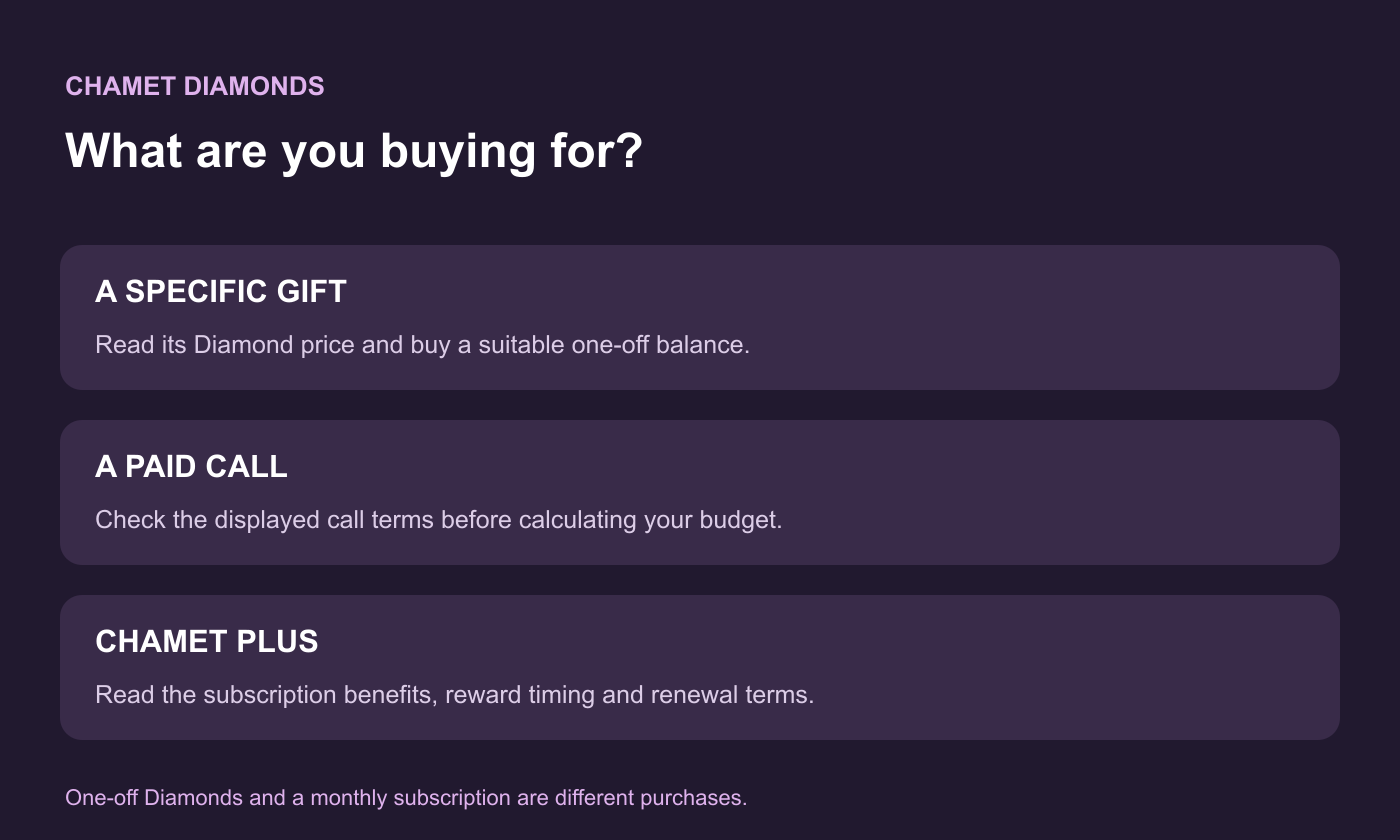
One-Off Diamonds vs Chamet Plus
Chamet’s Plus help page identifies Chamet Plus as a monthly subscription with its own benefits. That is a different purchase from adding a one-off Diamond balance. Read the subscription duration, reward schedule and renewal terms shown in the actual offer before choosing it.
Your situation | What to inspect first |
|---|---|
You want to send a specific gift today | The gift’s Diamond cost and a matching one-off recharge |
You want to make paid calls | The rate and terms shown for the intended call |
You are considering Plus | The subscription benefits, timing and renewal terms |
You switch between app and web | That both sessions use the same Chamet account |
After Payment: Confirm the Balance Before Spending
Return to the intended Chamet account and check the Diamond balance once the order shows delivery. Chamet’s device help says credits are synced between phone and PC. That assumes you are using the same account; it does not mean unrelated accounts share a wallet.
If the order is still processing, keep the receipt and ask the original seller or payment channel about that order. If it is completed but the balance is missing, compare the submitted Chamet ID and account details, then send support the order reference and purchase time. Making a second payment does not resolve an unidentified first transaction.
Can You Get Free Chamet Diamonds Instead?
Chamet advertises free-to-start features and may show account-specific rewards. Use the offers visible in the official app and read their conditions. Free access to part of the service does not mean unlimited paid calls, every gift, or a guaranteed daily Diamond income.
Avoid “Diamond generator” pages that ask for credentials, modified apps or a payment to unlock a supposed free balance. For an occasional conversation, try the official free experience first. For a specific paid gift or call, buy to the displayed requirement rather than chasing an unsupported promise of free currency.
Buy for the Interaction You Actually Want
Choose the call or gift first, read its Diamond cost, and then select the purchase route that supports your account. Keeping one-off Diamonds separate from Plus and checking the recipient ID before payment gives you a clearer budget and a simpler recharge.