


Arknights: Endfield iOS vs Android vs PC Top Up 2026: Price Differences & Best Recharge Method
As Arknights: Endfield attracts more global players in 2026, one practical question is coming up more often: should you top up on iPhone, Android, or PC? At first glance, buying in-game currency should feel simple. But in reality, the platform you choose can affect the final price, supported payment methods, checkout experience, and even how easy it is to solve payment problems if something goes wrong.
Players often notice that the same bundle may not feel equally priced or equally convenient across different devices. Some users prefer official mobile in-app billing because it feels more direct. Others move to PC because they want browser checkout, more payment options, or a better way to compare final prices. Some players also explore third-party recharge platforms when they need region-friendly payment methods or more flexible checkout routes.
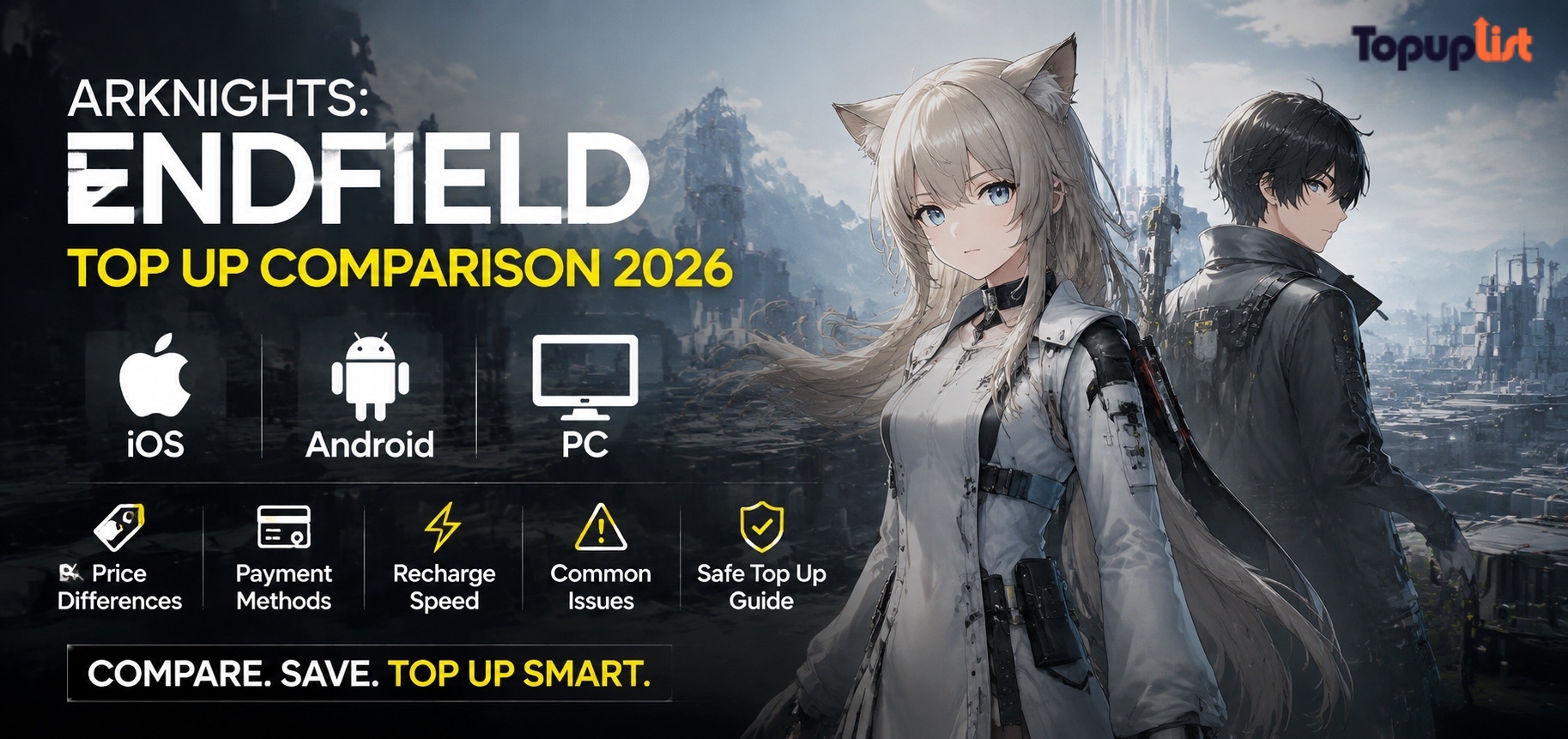
This guide compares Arknights: Endfield top up on iOS, Android, and PC in 2026. It explains why prices may differ, what payment methods are commonly available, which platform usually offers the smoothest recharge experience, what top-up problems happen most often on each platform, and how to decide the best recharge method for your own situation.
To strengthen trust and provide reference points for billing and payment rules, this article also links to sources such as Apple Support Billing, Google Play Help, PayPal Security Center, and Visa Security. These resources are useful when checking digital billing issues, refunds, payment verification, and account safety.
Is Arknights: Endfield Cheaper on iOS, Android, or PC?
One of the most common user questions is simple: which platform is cheaper? The answer is not always the same for every player or every country, because several factors influence the final cost.
Why the Same Bundle Can Cost Differently Across Platforms
The displayed package may look similar, but the real amount you pay can vary because of:
platform commissions
local tax rules
app-store pricing structures
exchange rates
regional pricing adjustments
payment gateway fees
wallet or bank conversion costs
That means a player paying on iPhone in one country may see a different effective price than a player using Android or PC in another region.
App Store and Google Play Pricing Effects
On iOS, purchases usually go through Apple’s billing system. On Android, they often go through Google Play. Even when the game package is the same, the pricing environment may not be identical.
Possible reasons include:
Apple and Google use different regional pricing tiers
tax handling may differ by region
supported payment methods vary
promotional billing behavior can differ between stores
This is why players sometimes search for things like:
Arknights Endfield iOS vs Android top up pricewhy is Arknights Endfield more expensive on iPhoneArknights Endfield App Store vs Google Play price
Why PC Can Feel Cheaper for Some Players
PC top up can sometimes look cheaper or at least more flexible because it may involve:
browser-based checkout
more direct access to payment gateways
fewer app-store limitations
easier comparison of final checkout totals
support for a wider range of payment methods in some regions
However, “cheaper” on PC does not always mean universally lower. Some users save money through better payment options, while others see little difference after taxes or currency conversion are added.
Final Price vs Displayed Price
The first listed price is not always the true final cost. Players should also think about:
taxes added at checkout
foreign transaction fees
exchange-rate markup
wallet service charges
region-based pricing differences
This is why experienced players often compare final checkout totals rather than the initial bundle screen.
Platform Price Comparison Overview
The Cheapest Platform May Depend on Country
A platform that is cheaper in one market may not be cheaper in another. For example:
local Android wallet support may reduce payment friction
Apple billing may bundle taxes differently
PC browser checkout may support country-specific payment routes
third-party recharge platforms may offer more flexible pricing in selected markets
That is why players should compare based on their own region, not just assume one platform is always best.
What Payment Methods Are Available on iOS, Android, and PC?
Price is only part of the decision. A platform may look attractive, but if your preferred payment method is not supported, it becomes much less practical.
iOS Payment Methods
On iPhone and iPad, users usually rely on Apple’s billing environment. Common options may include:
Apple ID linked cards
Apple account balance
Apple-supported local methods
sometimes Apple Pay, depending on region and setup
Strengths of iOS payments include:
familiar billing interface
secure payment environment
clear purchase history
Limitations may include:
strict store-region rules
fewer workaround options if a payment method is rejected
dependency on Apple-supported billing structures
Android Payment Methods
Android users often pay through Google Play, which may support:
credit cards
debit cards
Google Play balance
local e-wallets
carrier billing in some countries
Advantages include:
broader payment flexibility in many markets
strong support for local methods in some regions
easy access to Google Play order history
Common issues include:
payment profile mismatch
verification delays
wallet compatibility differences by country
PC Payment Methods
PC top up often gives the widest appearance of flexibility, especially if checkout happens through a web payment page. Common options may include:
credit/debit cards
PayPal
browser-based wallet options
local payment gateways
region-specific methods depending on merchant support
Benefits include:
easier to compare options
often more transparent checkout flow
fewer mobile-store restrictions
better visibility of taxes and final totals
But PC also has its own risks, especially if players use unofficial pages or unsupported browser environments.
Payment Method Availability Table
Which Methods Are Easiest to Trace?
If something goes wrong, the best payment methods are usually the ones with strong records and visible transaction history.
Easier to trace:
Apple purchase history
Google Play order history
PayPal transaction logs
bank card statements
trusted recharge-platform order pages
Harder to manage:
unsupported unofficial sellers
vague third-party transfers
payment routes with weak receipt systems
For broader online payment safety guidance, PayPal Security Center and Visa Security are useful starting points.
Which Platform Has the Smoothest Recharge Experience?
The cheapest method is not always the best one. A slightly higher price may still be worth it if the recharge flow is faster, safer, and easier to troubleshoot.
Why Some Users Prefer Mobile In-App Recharge
Many players prefer mobile recharge because it is familiar and direct. They already play on the device, so paying inside the game feels convenient.
Reasons users like mobile recharge:
no need to switch platforms
purchase tied directly to app-store account
clear purchase history
fast access to billing support
This is especially appealing for casual users who prioritize convenience over trying to optimize every payment detail.
Why Some Users Prefer PC Checkout
PC users often prefer browser-based top up because it can provide:
clearer checkout pages
more visible payment options
easier typing and order review
less app-store restriction
better visibility of currency conversion and final totals
For some players, PC simply feels easier to control when making larger purchases.
Common Recharge Experience Differences by Platform
iOS
strong billing protection
simple in-app flow
good record visibility
but sometimes stricter region limitations
Android
generally flexible in countries with strong Google Play support
often better local-wallet integration
but payment profile issues can be confusing
PC
often best for comparing options
may support more payment routes
but browser errors, page timeouts, or site-trust issues can become a problem
Structured External Recharge Option
For players who want a dedicated recharge page outside standard app-store flows, Topuplist offers a specific Arknights: Endfield recharge page:
Topuplist Arknights: Endfield Top Up
Potential advantages include:
structured product page
multiple payment method support
easier order visibility
useful comparison point against store-based purchases
This can be especially useful for users who want more flexibility than mobile app-store billing alone.
Platform Experience Comparison
Common Top Up Problems by Platform and How to Fix Them
Each platform has its own common recharge issues. Understanding these patterns helps players fix problems faster.
iOS Problems
Common iPhone recharge issues include:
Apple billing declined
App Store region mismatch
family sharing or account restrictions
purchase confirmation delay
payment pending too long
What to do:
check Apple billing settings
confirm App Store region
verify linked payment method
review purchase history in Apple account
wait before retrying if the status is pending
Apple-related billing guidance can be checked via Apple Support Billing.
Android Problems
Common Android recharge issues include:
Google Play payment profile problems
wallet verification delay
unsupported local method
Google Play order pending
payment confirmation not syncing to the game
What to do:
review Google Play payment profile
check if the order is pending or completed
confirm Google account region
restart the game and relog
avoid duplicate payment attempts
For billing-specific troubleshooting, Google Play Help is useful.
PC Problems
Common PC recharge problems include:
browser checkout timeout
unsupported payment gateway in your country
currency conversion surprises
login-account mismatch
unofficial or low-trust payment page risk
What to do:
refresh only carefully, not repeatedly
confirm the site is official or trusted
check final checkout currency
verify account and server before payment
save order details immediately after purchase
Missing Currency or Items on Any Platform
No matter the platform, if you paid but did not receive the currency:
wait briefly
restart the game
relog the correct account
confirm the correct server
check transaction status
collect screenshots before contacting support
Common Platform Problem Table
What Is the Best Recharge Method for Arknights: Endfield in 2026?
The best recharge method depends on what matters most to you: price, convenience, payment support, or troubleshooting reliability.
Best for Convenience
If your main goal is a simple and familiar process:
iOSis strong for Apple usersAndroidis strong for Google Play users
These official methods are usually the easiest to understand and support.
Best for Payment Flexibility
If you need more payment choices, especially local methods or browser checkout:
PCoften gives more flexibilitytrusted recharge platforms can also help in markets where app-store methods are limited
Best for Comparing Final Cost
If you want to optimize value, look at:
final checkout total
taxes
payment fees
exchange-rate effects
possible local-wallet promotions
The best method is not always the one with the lowest first listed price.
Best for Safety
The safest options are usually:
official App Store billing
official Google Play billing
trusted recharge pages with secure checkout and visible support
For users looking for a structured external option, Topuplist Arknights: Endfield Top Up can serve as a practical reference point.
How to Choose the Right Recharge Method
Use this logic:
choose
iOSif you want the smoothest Apple-linked billingchoose
Androidif Google Play and local wallets work well in your countrychoose
PCif you want to compare payment methods and final checkout costs more carefullychoose a
trusted recharge platformif you need alternative payment options with transparent order handling
FAQ: Arknights: Endfield Top Up on iOS, Android, and PC
Is PC cheaper than mobile for Arknights: Endfield?
Sometimes yes, but not always. PC can feel cheaper because it may offer more payment options and easier price comparison. However, taxes, exchange rates, and payment fees still matter.
Why did my iPhone recharge fail?
Common reasons include Apple billing issues, store-region mismatch, rejected payment method, or temporary purchase verification delay.
Can I use the same account across devices?
This depends on the game’s account-linking system and platform login setup. Always verify the correct account before paying, especially when switching between mobile and PC.
What is the safest recharge method?
The safest methods are usually official in-app billing through Apple or Google Play, or a trusted recharge platform with secure checkout and clear support.
Why do prices differ between App Store and Google Play?
Different platform pricing structures, taxes, supported methods, and regional billing rules can all affect the final price.
Is it safe to use a third-party recharge site?
It can be safe if the site is reputable, secure, and transparent. Always check for HTTPS, visible support, clear pricing, and order tracking. A structured option players can review is Topuplist Arknights: Endfield Top Up.
Which platform is best for local payment methods?
In many markets, Android may provide better local-wallet integration. In some regions, PC browser checkout may offer the widest payment range.
What should I check before topping up on any platform?
Check the correct game account, platform login, server, selected package, final price, currency, and payment method.
What if I was charged but received nothing?
Check whether the payment is pending or completed, restart the game, relog, verify the correct account, and contact the appropriate support channel with screenshots and transaction details.
Conclusion
Choosing the best Arknights: Endfield top-up platform in 2026 is not only about price. iOS, Android, and PC each have their own strengths, payment options, and possible problems.
The key takeaways are:
prices can differ because of store fees, taxes, exchange rates, and regional payment structures
iOS is often best for convenience and official billing simplicity
Android can be strong where Google Play and local wallets are well supported
PC is often best for payment flexibility and comparing final checkout cost
the best recharge method depends on your country, preferred payment method, and support needs
players should always verify account, server, final cost, and payment page trust before buying
For users who want a more structured external checkout option, Topuplist Arknights: Endfield Top Up is one practical route to compare alongside mobile and PC store-based payments.
