

Arena Breakout Mobile Top Up: Bonds, Passes or Case Privileges?
Arena Breakout Mobile top-ups are not all currency purchases. A Bonds pack adds the named currency, while a battle-pass activation or case-privilege product supplies a different benefit. Before comparing prices, decide whether you want spending balance or a specific entitlement.
This matters in a game built around what you carry into a raid and successfully extract. The official Arena Breakout website presents trading, loadout preparation, looting and extraction as distinct parts of the experience. A useful purchase should fit your own play routine, rather than simply being the largest item on a recharge page.
What Can You Buy on the Mobile Top-Up Page?
Start by reading the product name. Bonds, pass activations and case privileges appear as separate items on the mobile recharge page. They should not be added together as though every listing delivers a pile of Bonds.
Product type | What you are selecting | Most useful comparison |
|---|---|---|
Bonds pack | A specified amount of Bonds. | Credited amount against final checkout cost. |
Battle-pass activation | The named pass or pass bundle. | Pass tier, applicable period and rewards you can claim. |
Case privileges | The case entitlement in the selected listing. | The specified case type, benefits and duration. |
 Arena Breakout Mobile

Bonds Are Not a Promise of a Particular Raid Result
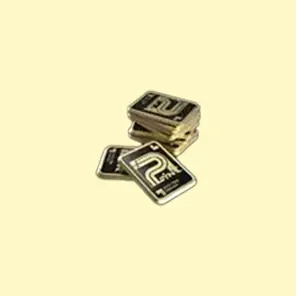
If you want to choose your purchase later, a Bonds pack gives you a currency budget for eligible offers. Look at the item you actually want in the game and identify its price and payment currency. A shop item priced in Bonds and an item listed in Koen are not automatically the same purchase.
The word “top-up” alone does not establish a conversion into Koen, a particular equipment bundle or an automatic shop redemption. Those would need to be stated by the selected offer. Keep the credited currency separate from what you later decide to buy with it.
Your raid budget also remains a gameplay decision. Expensive equipment can still be lost in a failed run. For regular play, decide what you are comfortable spending on the game overall, rather than treating each unsuccessful raid as a reason for another paid order.
When a Pass or Case Product Makes More Sense
A pass is worth examining when you already play enough to use its reward track. Compare the named tier and the progress you expect to make during its applicable period. A higher tier is not automatically better value if the extra rewards do not matter to you or you will not play enough to collect them.
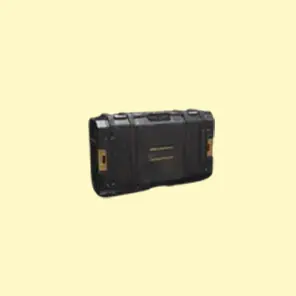
For case privileges, start with the exact case described by the listing and its current in-game benefit screen. Check whether the product is temporary and how it fits your existing entitlement. Do not assume that differently named case products have identical capacity, duration or stacking rules.
A direct activation can be a simpler purchase when you already know the entitlement you want. A Bonds pack offers flexibility when you have not chosen a specific offer. Compare the route that solves your actual need instead of assuming that buying currency and buying an entitlement are interchangeable.
Use the Mobile Account, Not an Infinite Account
Arena Breakout Mobile and Arena Breakout: Infinite are different product selections. The mobile game’s official site links to a separate PC website. A matching franchise name is not evidence that a recharge works across both games, so confirm the title before submitting a Player ID.
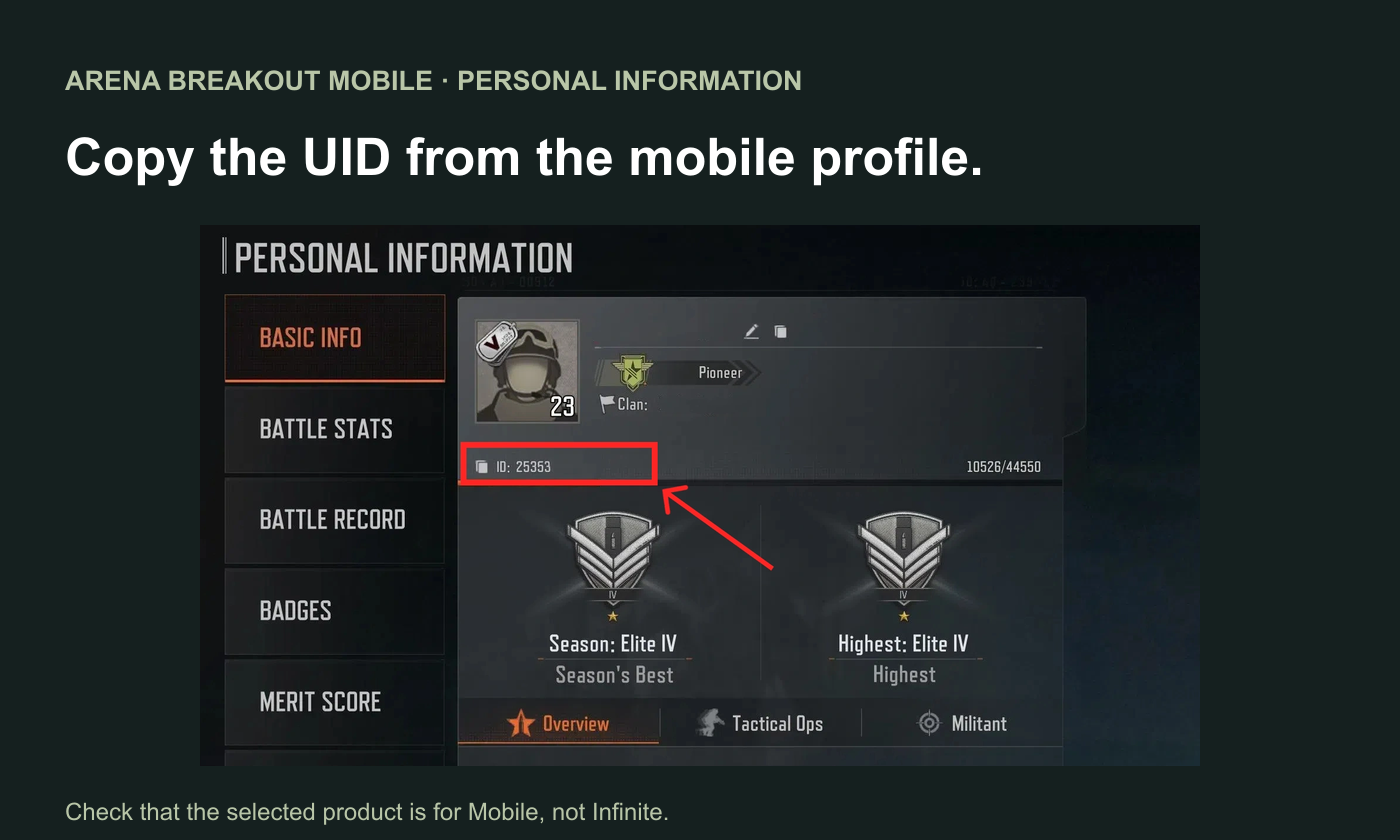
For the mobile account, open the profile through the avatar and copy the UID from the personal-information screen. Use the intended recipient’s profile, particularly when buying for a friend. Follow the order form’s own account fields and any region or server selection it presents.
How to Buy and Confirm the Right Product
Open Topuplist’s Arena Breakout Mobile page and choose the named Bonds pack, pass activation or case product. Read its description before entering the mobile account details. Review the recipient, product and final checkout total together, then retain the order number after payment.
Verify delivery where the benefit belongs. For Bonds, inspect the currency balance. For a pass, inspect the relevant pass screen. For case privileges, inspect the case entitlement. Looking only at one currency counter can make a delivered activation appear to be missing.
If the result does not match the order, contact the seller with the receipt, UID and exact product name. Explain which balance or entitlement you checked. That is more useful than reporting only “the top-up failed,” and helps support investigate the original purchase without creating another order.